

PhoneVitals
Contact us about Snaps and IoT ›
Install latest/stable of PhoneVitals
Ubuntu 16.04 or later?
Make sure snap support is enabled in your Desktop store.
Install using the command line
sudo snap install phonevitalsDon't have snapd? Get set up for snaps.
Details for PhoneVitals
Package name
- phonevitals
License
- Apache-2.0
Last updated
- 11 October 2026 - latest/stable
- 11 October 2026 - latest/edge
Source code
Report a bug
External link warning
You are about to open
Do you wish to proceed?
Report a Snap Store violation
Report PhoneVitals for a Snap Store violation
Snap Store Violation Report submitted successfully
Thank you for your report. Information you provided will help us investigate further.
Error submitting report
There was an error while sending your report. Please try again later.
Share this snap
Generate an embeddable card to be shared on external websites.
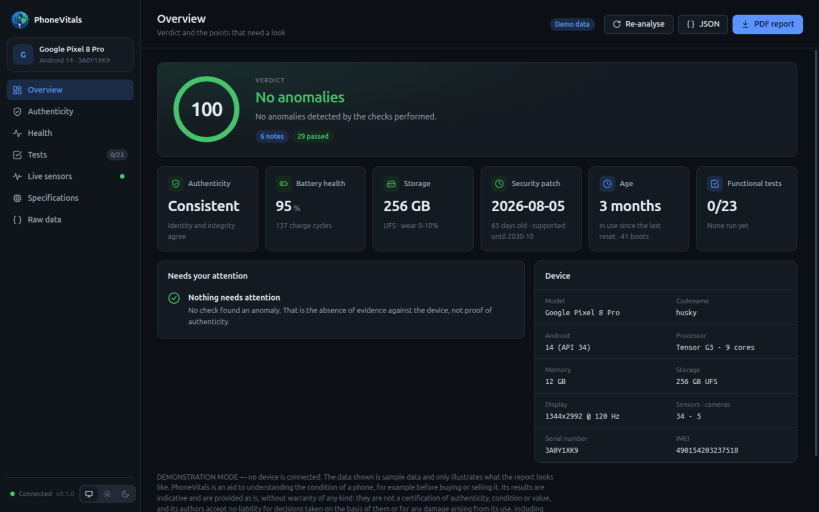
Forensic analysis and diagnostics of Android devices over USB
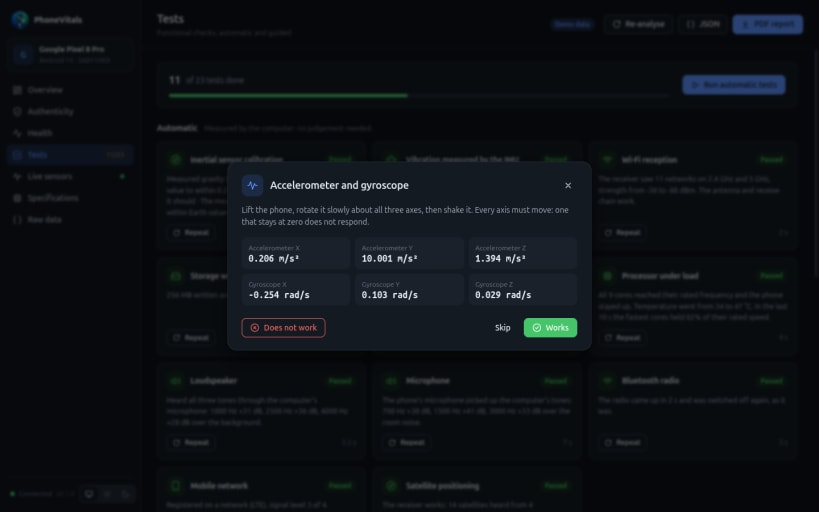
Plug in an Android phone with USB debugging enabled and PhoneVitals collects its specifications, checks that the device is consistent with itself, and measures the condition of its components.
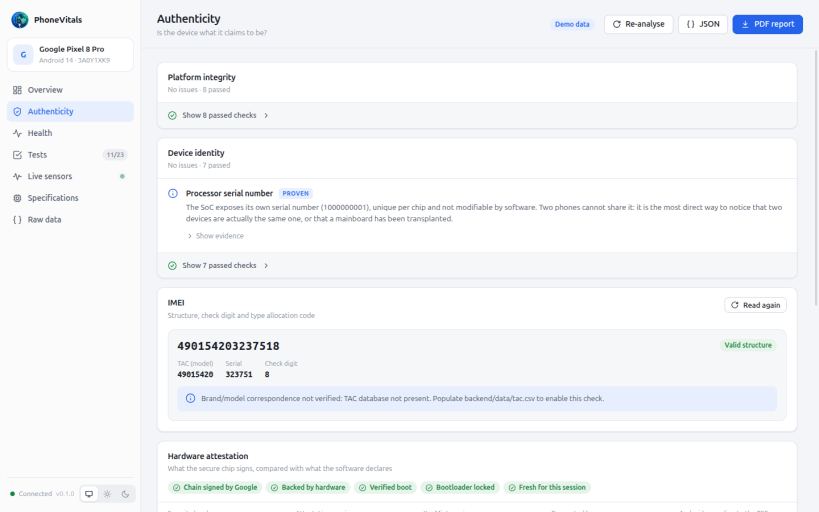
- Authenticity: IMEI check digits, agreement between the identities the Android partitions declare, Verified Boot and bootloader state, Samsung Knox fuse, and hardware key attestation from the secure environment.
- Health: battery cycles and remaining capacity, internal storage wear, real CPU, RAM, storage and display figures read from the kernel.
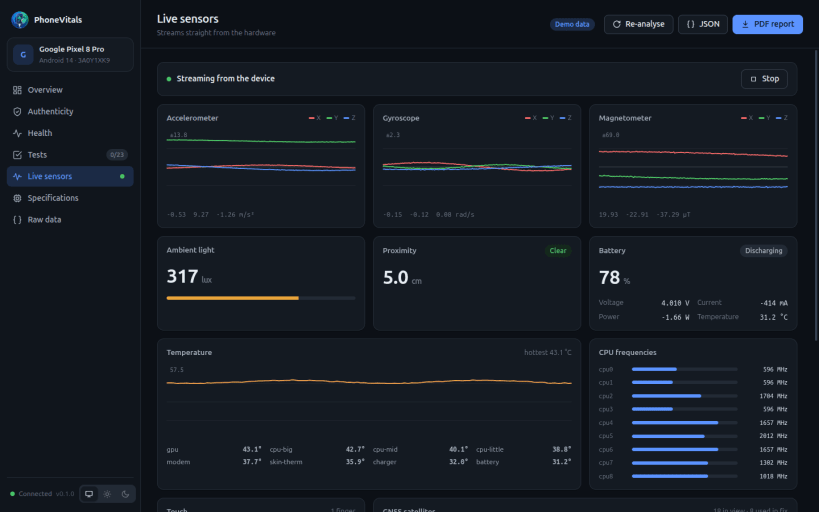
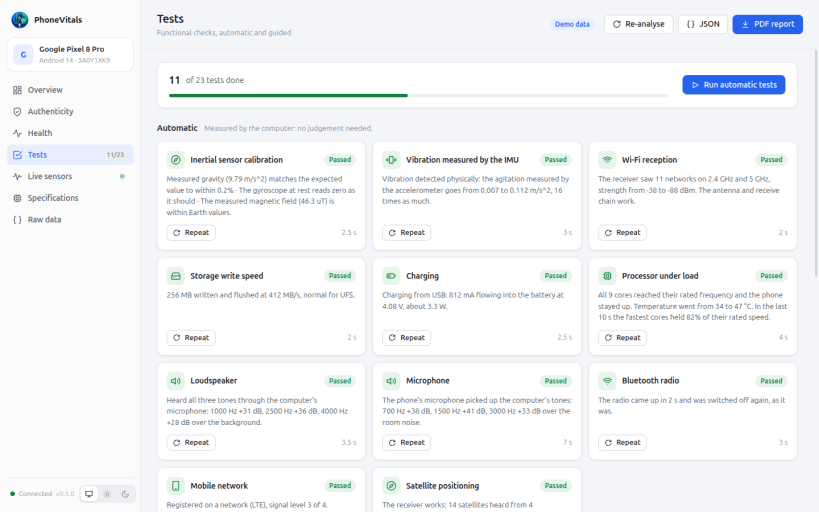
- Functional tests and live sensor charts: accelerometer, gyroscope, magnetometer, light, proximity, barometer, GNSS satellites, touch.
No root is required and nothing is installed on the phone: a small helper runs from a temporary folder and is removed at the end of the session.
PhoneVitals is an aid to understanding a phone's condition, for example before buying or selling it. Its results are indicative and provided as is, without warranty of any kind; they are not a certification, and the authors accept no liability for decisions based on them or for any damage arising from its use.
USB access needs the adb-support interface, which is not connected automatically:
sudo snap connect phonevitals:adb-support
The automatic loudspeaker test listens through the computer's microphone, which needs:
sudo snap connect phonevitals:audio-record
| Revision | Channel | Version | Build | Commit | Download SBOM |
|---|
The build and commit information is derived from build infrastructure records.
Install PhoneVitals on your Linux distribution
Choose your Linux distribution to get detailed installation instructions. If yours is not shown, get more details on the installing snapd documentation.












