

PhotoCraft

Install latest/stable of PhotoCraft
Ubuntu 16.04 or later?
Make sure snap support is enabled in your Desktop store.
Details for PhotoCraft
Package name
- photocraft
License
- Apache-2.0 OR MIT
Last updated
- 31 October 2026 - latest/stable
- 3 November 2026 - latest/candidate
Report a Snap Store violation
Report PhotoCraft for a Snap Store violation
Snap Store Violation Report submitted successfully
Thank you for your report. Information you provided will help us investigate further.
Error submitting report
There was an error while sending your report. Please try again later.
Share this snap
Generate an embeddable card to be shared on external websites.
Image editor for photos and layered PSD files
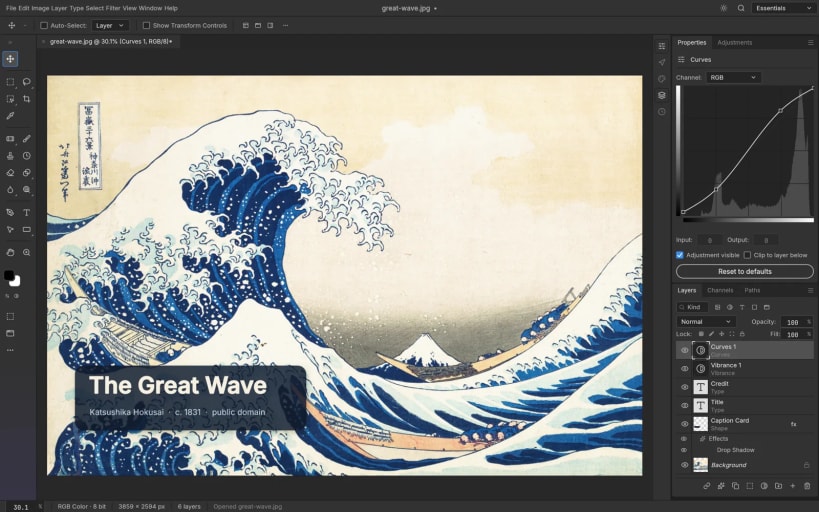
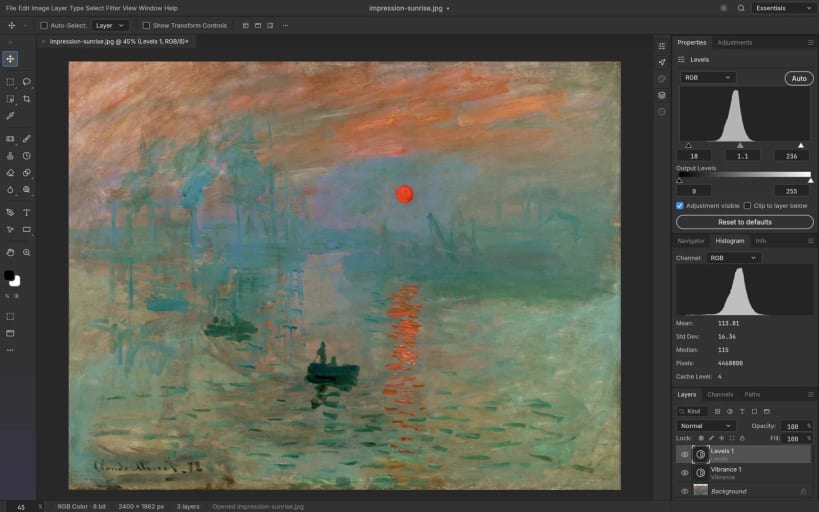
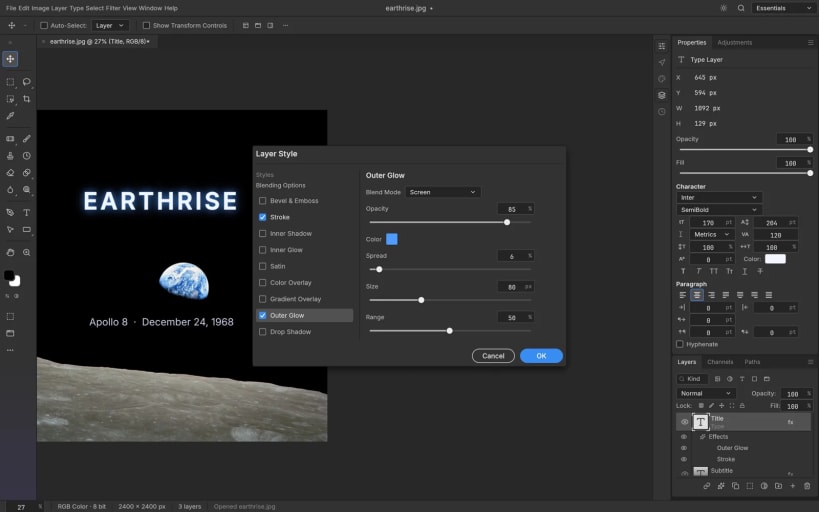
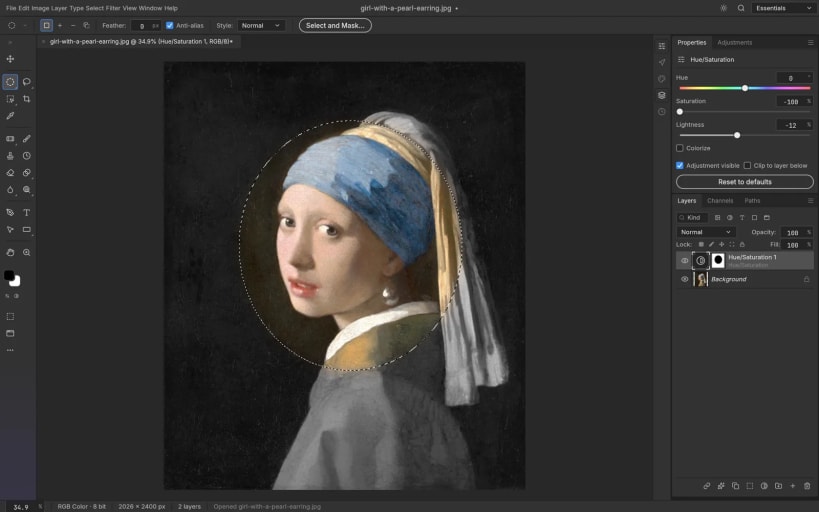
PhotoCraft is an open-source, native image editor that works the way Photoshop users expect: layers, masks, adjustment layers, layer styles, type and brushes, with GPU compositing and support for layered PSD/PSB files.
PhotoCraft is part of the open-source ArtCraft "Crafting Apps": a native Rust application that runs locally on your own files and can be driven from a CLI, a JSON control channel or an MCP server.
This snap repackages the official upstream Linux release. The headless command line tool is available as photocraft.cli.
| Revision | Channel | Version | Build | Commit | Download SBOM |
|---|
The build and commit information is derived from build infrastructure records.
Install PhotoCraft on your Linux distribution
Choose your Linux distribution to get detailed installation instructions. If yours is not shown, get more details on the installing snapd documentation.












