

Pixform
Install latest/stable of Pixform
Ubuntu 16.04 or later?
Make sure snap support is enabled in your Desktop store.
Details for Pixform
Package name
- pixform
License
- GPL-2.0-only
Last updated
- Yesterday - latest/stable
- Yesterday - latest/beta
Websites
Contact
Report a bug
External link warning
You are about to open
Do you wish to proceed?
Report a Snap Store violation
Report Pixform for a Snap Store violation
Snap Store Violation Report submitted successfully
Thank you for your report. Information you provided will help us investigate further.
Error submitting report
There was an error while sending your report. Please try again later.
Share this snap
Generate an embeddable card to be shared on external websites.
Resize and convert photos in batches
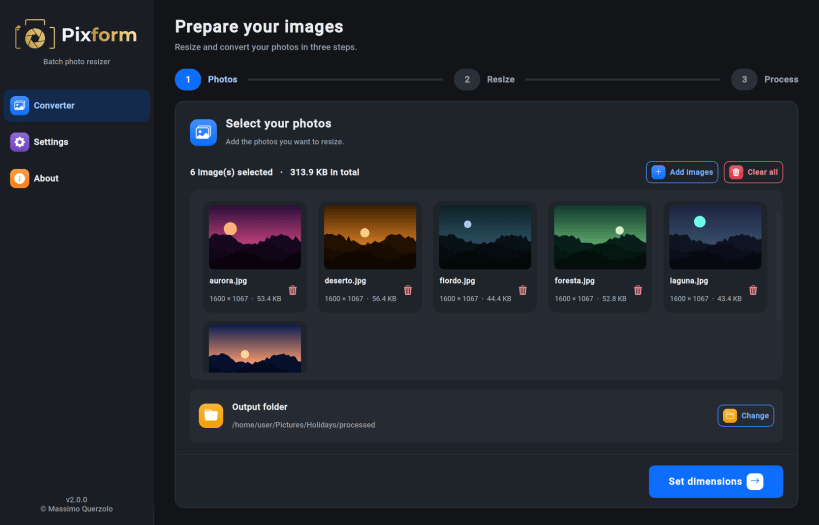
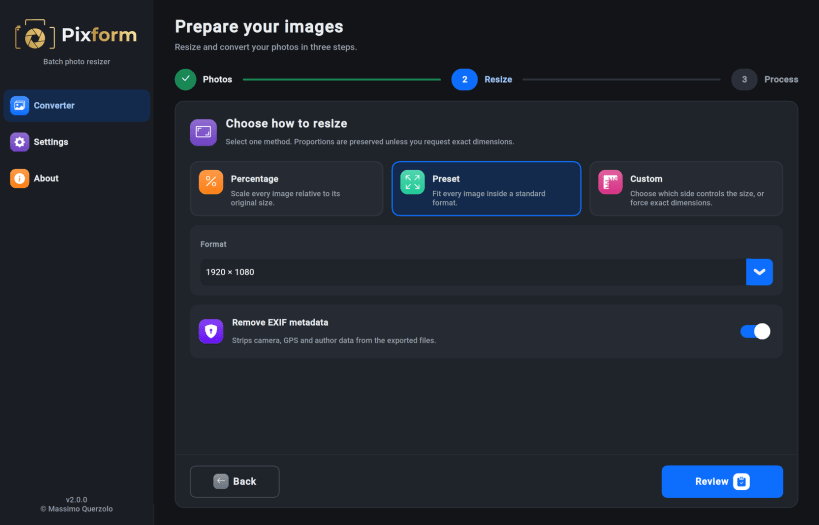
Pixform resizes and converts photos to high-quality JPEG files in batches, in three simple steps: choose the photos, pick the size, process.
- Resize by percentage, to a preset format, by one side or to exact dimensions
- Fixes photo orientation automatically
- Optionally removes EXIF metadata (camera, GPS, author) before sharing
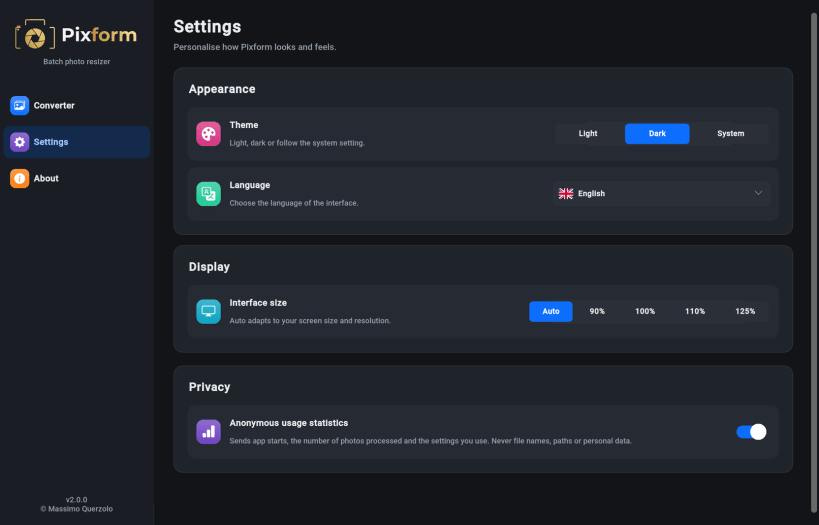
- Drag and drop, light and dark themes, English and Italian interface
| Revision | Channel | Version | Build | Commit | Download SBOM |
|---|
The build and commit information is derived from build infrastructure records.
Install Pixform on your Linux distribution
Choose your Linux distribution to get detailed installation instructions. If yours is not shown, get more details on the installing snapd documentation.











