

Pocket Planner
Install latest/stable of Pocket Planner
Ubuntu 16.04 or later?
Make sure snap support is enabled in your Desktop store.
Install using the command line
sudo snap install pocket-plannerDon't have snapd? Get set up for snaps.
Details for Pocket Planner
Package name
- pocket-planner
License
- unset
Last updated
- 4 June 2026 - latest/stable
- 13 July 2026 - latest/edge
Report a Snap Store violation
Report Pocket Planner for a Snap Store violation
Snap Store Violation Report submitted successfully
Thank you for your report. Information you provided will help us investigate further.
Error submitting report
There was an error while sending your report. Please try again later.
Share this snap
Generate an embeddable card to be shared on external websites.
Pocket Planner
Pocket Planner
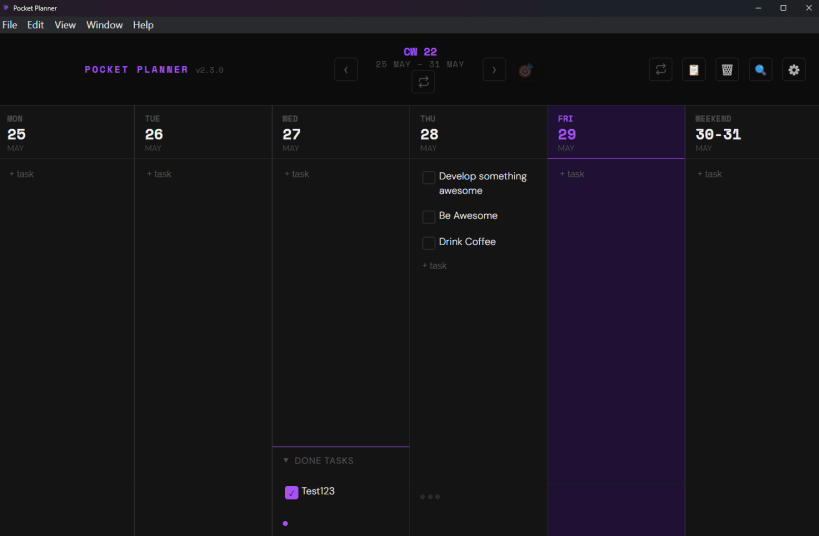
A minimal, distraction-free desktop application for weekly task planning and daily execution.
Designed to keep you focused, Pocket Planner sits in your system tray and helps you structure your week, track your daily progress, and capture tasks instantly without cluttering your desktop.
Pocket Planner is a lightweight, local-first task planner. It requires no accounts, no cloud databases, and no internet access _ all your plans are stored 100% privately and securely on your local machine.
Key Features:
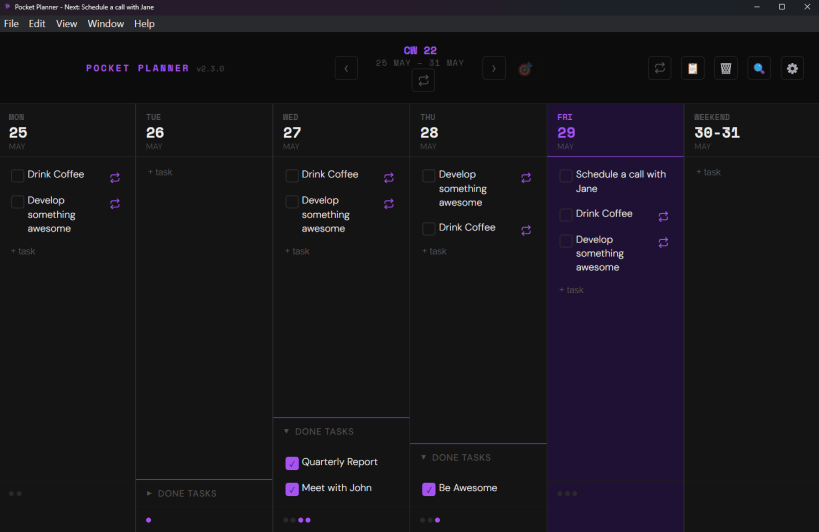
- Weekly Planner Grid: Visualize your entire work week and track daily progress at a glance.
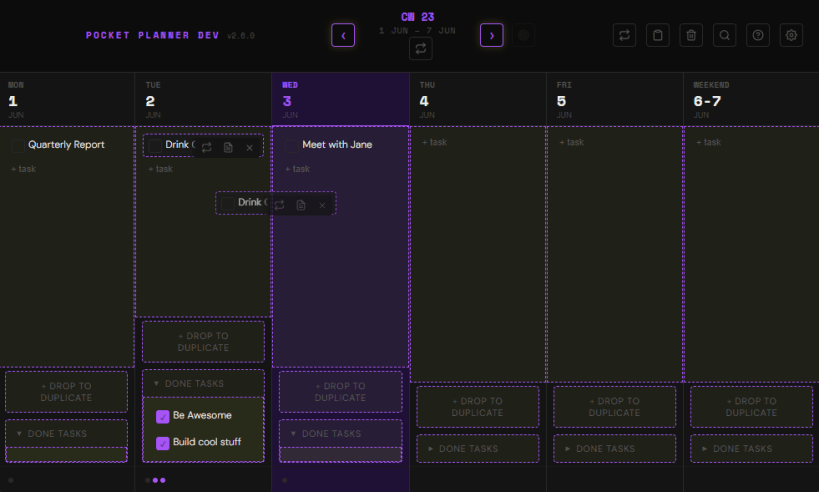
- Drag-and-Drop Layout: Move tasks within a day or drag them to reschedule across the week.
- Task Notes & Checklists: Add rich notes, links, and detailed checklists to any task.
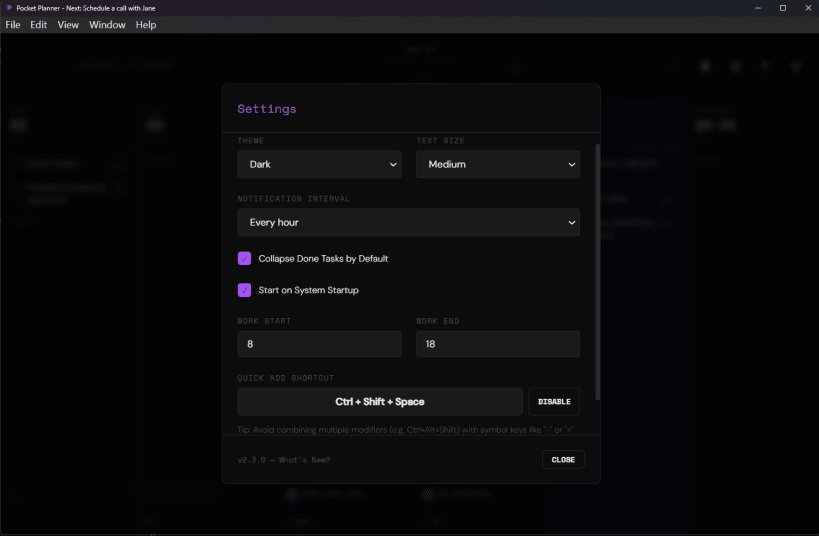
- Global Quick Add: Instantly summon a quick task-entry panel from anywhere in your OS using a customizable global keyboard shortcut.
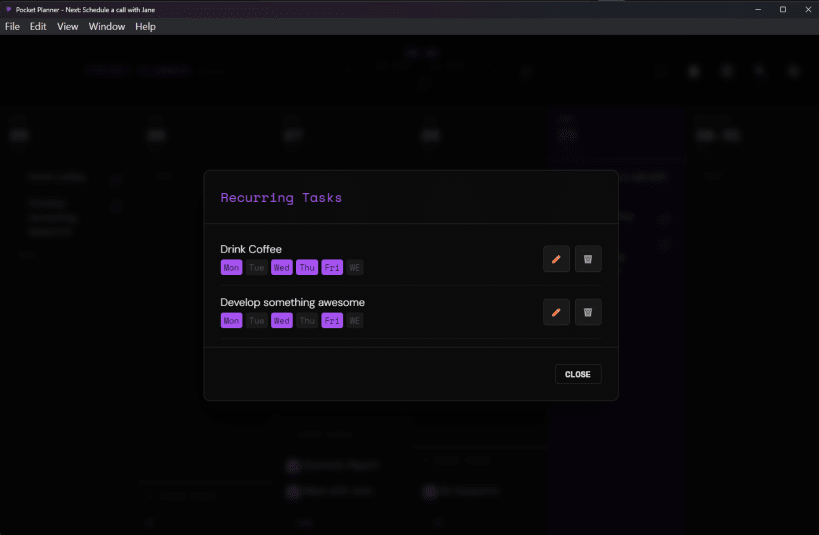
- Recurring Tasks: Automate your schedule by defining templates for daily or weekly tasks.
- Workday-Aware Reminders: Configure focus notifications that respect your working hours.
- Personalized Themes: Choose from 26 beautiful color palettes (including Dracula, Nord, Cyberpunk, and Forest) in both dark and light modes.
- Local-First & Private: No sign-ups or servers. Your data is stored locally on your machine.
Snap Integration & Notes:
- Auto-Updates: Updates are managed silently in the background by the system's
snapdservice. - System Tray Support: Lives in your system panel. GNOME users: Ensure the
AppIndicator and KStatusNotifierItem Supportextension is active to view the tray icon. - Data Location: Your data is persisted safely under: ~/snap/pocket-planner/common/pocket-planner/
| Revision | Channel | Version | Build | Commit | Download SBOM |
|---|
The build and commit information is derived from build infrastructure records.
Install Pocket Planner on your Linux distribution
Choose your Linux distribution to get detailed installation instructions. If yours is not shown, get more details on the installing snapd documentation.











