

PodFlow
Install latest/stable of PodFlow
Ubuntu 16.04 or later?
Make sure snap support is enabled in your Desktop store.


Details for PodFlow
Package name
- podflow
License
- GPL-3.0-or-later
Last updated
- Today - latest/stable
- 23 October 2026 - latest/edge
Websites
Contact
Source code
Report a bug
External link warning
You are about to open
Do you wish to proceed?
Report a Snap Store violation
Report PodFlow for a Snap Store violation
Snap Store Violation Report submitted successfully
Thank you for your report. Information you provided will help us investigate further.
Error submitting report
There was an error while sending your report. Please try again later.
Share this snap
Generate an embeddable card to be shared on external websites.
Listen to podcasts with charts from Brazil
PodFlow is a native GNOME podcast player with the curation of Brazil's top charts and new releases, designed with GTK 4 and Libadwaita.
Features
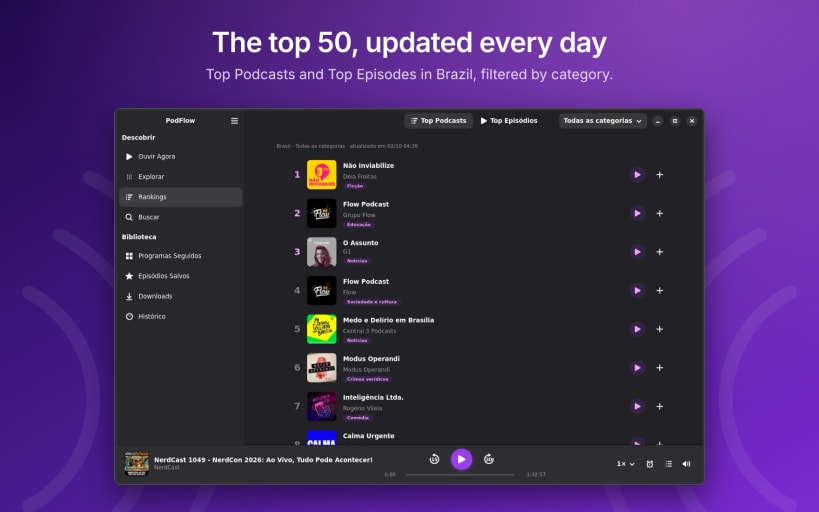
- Charts: Top Podcasts and Top Episodes in Brazil, with category filters
- Explore: featured shows, trending podcasts and genre shelves
- Listen Now: Up Next queue, continue listening and per-episode progress
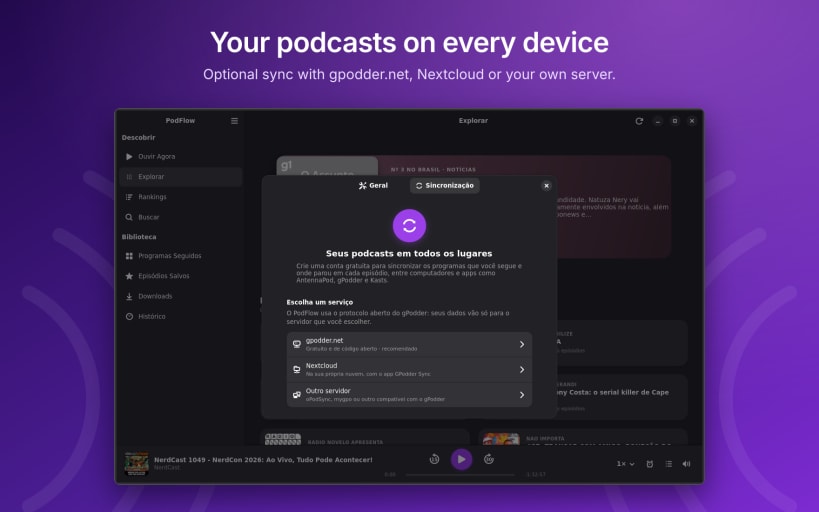
- Sync: optional sync of shows and progress with gpodder.net, Nextcloud or any gPodder-compatible server
- Full player: speed from 0.5× to 2.5× without changing the pitch, sleep timer and −15 s / +30 s
- Offline: episode downloads, listening history and a pre-installed catalog of Brazilian podcasts
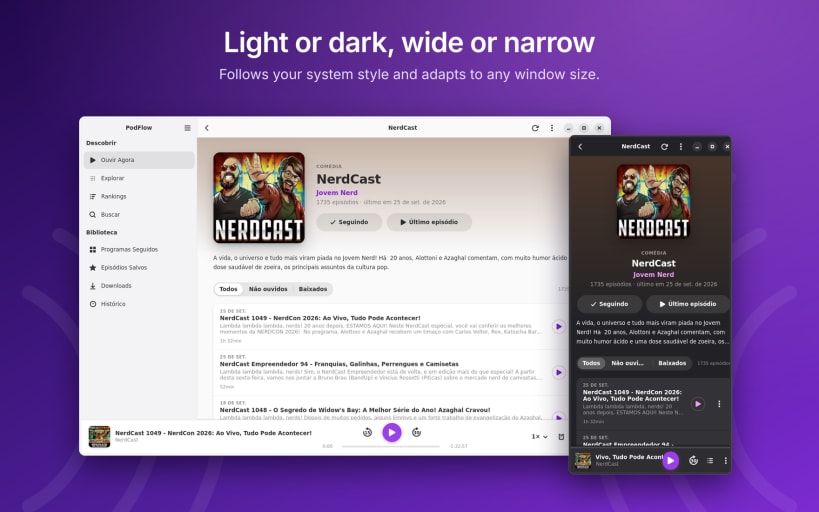
- Integrated: GNOME Shell media controls, multimedia keys (MPRIS), light and dark style, adaptive layout
Sync password
To keep your sync password in the GNOME keyring, connect the interface once:
sudo snap connect podflow:password-manager-service
Free and open source (GPL-3.0-or-later). No ads and no tracking. PodFlow is not affiliated with Apple Inc.
| Revision | Channel | Version | Build | Commit | Download SBOM |
|---|
The build and commit information is derived from build infrastructure records.
Install PodFlow on your Linux distribution
Choose your Linux distribution to get detailed installation instructions. If yours is not shown, get more details on the installing snapd documentation.












