

Portable Tab Explorer
Install latest/stable of Portable Tab Explorer
Ubuntu 16.04 or later?
Make sure snap support is enabled in your Desktop store.
Install using the command line
sudo snap install portable-tab-explorerDon't have snapd? Get set up for snaps.
Details for Portable Tab Explorer
Package name
- portable-tab-explorer
License
- MIT
Last updated
- Today - latest/stable
Websites
Contact
External link warning
You are about to open
Do you wish to proceed?
Report a Snap Store violation
Report Portable Tab Explorer for a Snap Store violation
Snap Store Violation Report submitted successfully
Thank you for your report. Information you provided will help us investigate further.
Error submitting report
There was an error while sending your report. Please try again later.
Share this snap
Generate an embeddable card to be shared on external websites.
Multi-tab file explorer with inline folder sizes, splitter & portable JSON
A fast, portable multi-tab file explorer for Linux, serving as an independent open-source Linux alternative to classic tabbed Windows file explorers such as Explorer++. Not affiliated with, sponsored by, or endorsed by David Erceg.
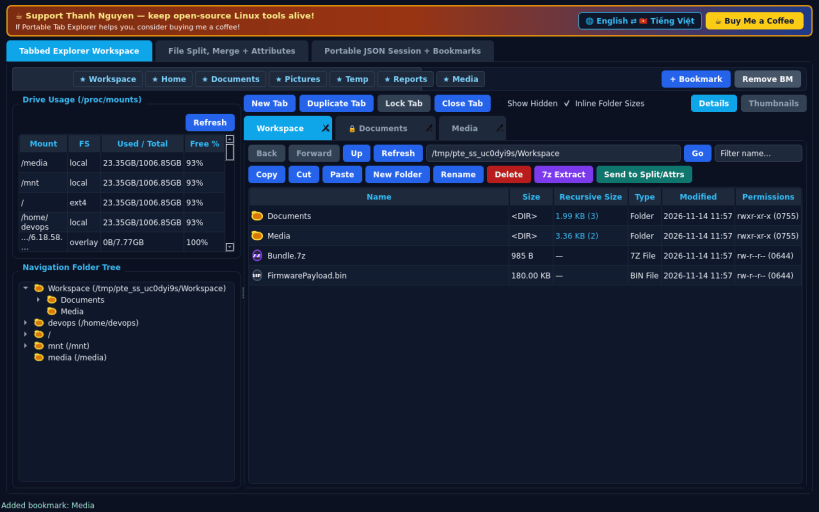
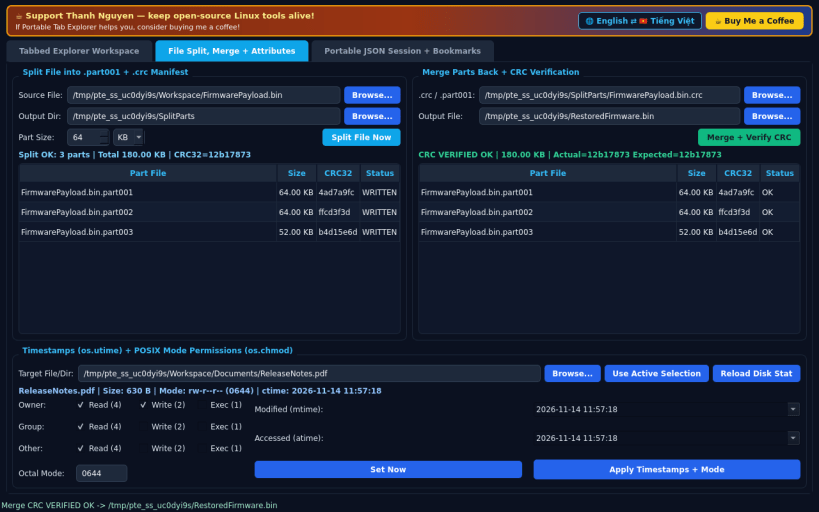
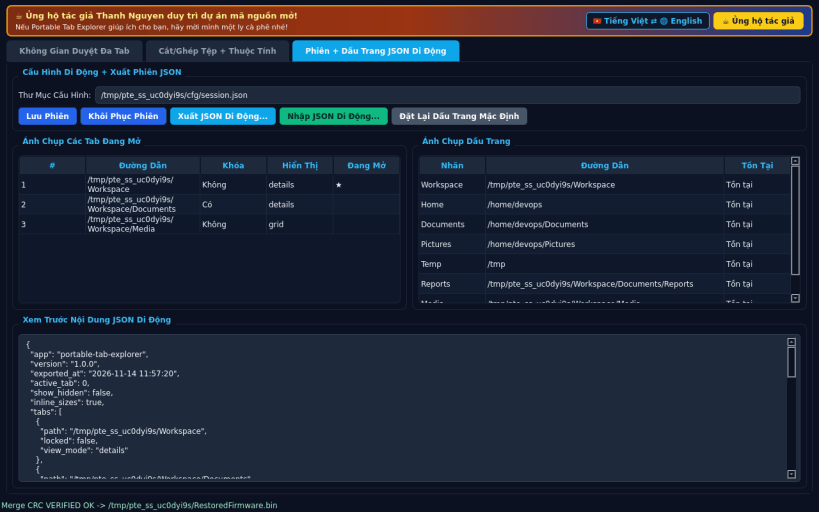
FEATURES • Tabbed Explorer Workspace: Bookmarks bar, lazy-loading folder navigation tree, real /proc/mounts drive usage meter, multi-tab browser (New Tab, Duplicate Tab, Lock Tab to prevent accidental close or navigation away, Back/Forward/Up), Details vs Large Thumbnail Grid toggle, real inline recursive folder size calculation, and Copy/Cut/Paste/New Folder/Delete/ 7z Extract actions. • File Split, Merge & Attributes Editor: Split large files into numbered .part001/.part002 volumes with a .crc manifest, merge parts back with full CRC32 and SHA-256 verification, and edit real file timestamps (atime/mtime) and POSIX permissions (rwxr-xr-x / octal mode). • Portable JSON Session & Bookmarks: Export and import complete open tabs, lock states, view modes, and bookmarks as portable JSON files, with full English and Vietnamese interface switching.
SUPPORT & DONATE • Created by Thanh Nguyen — https://buymeacoffee.com/thanhnv128b
| Revision | Channel | Version | Build | Commit | Download SBOM |
|---|
The build and commit information is derived from build infrastructure records.
Install Portable Tab Explorer on your Linux distribution
Choose your Linux distribution to get detailed installation instructions. If yours is not shown, get more details on the installing snapd documentation.


