

Potion Scroll Depths
Install latest/stable of Potion Scroll Depths
Ubuntu 16.04 or later?
Make sure snap support is enabled in your Desktop store.
Install using the command line
sudo snap install potion-scroll-depthsDon't have snapd? Get set up for snaps.
Details for Potion Scroll Depths
Package name
- potion-scroll-depths
License
- MIT
Last updated
- Today - latest/stable
Websites
Contact
External link warning
You are about to open
Do you wish to proceed?
Report a Snap Store violation
Report Potion Scroll Depths for a Snap Store violation
Snap Store Violation Report submitted successfully
Thank you for your report. Information you provided will help us investigate further.
Error submitting report
There was an error while sending your report. Please try again later.
Share this snap
Generate an embeddable card to be shared on external websites.
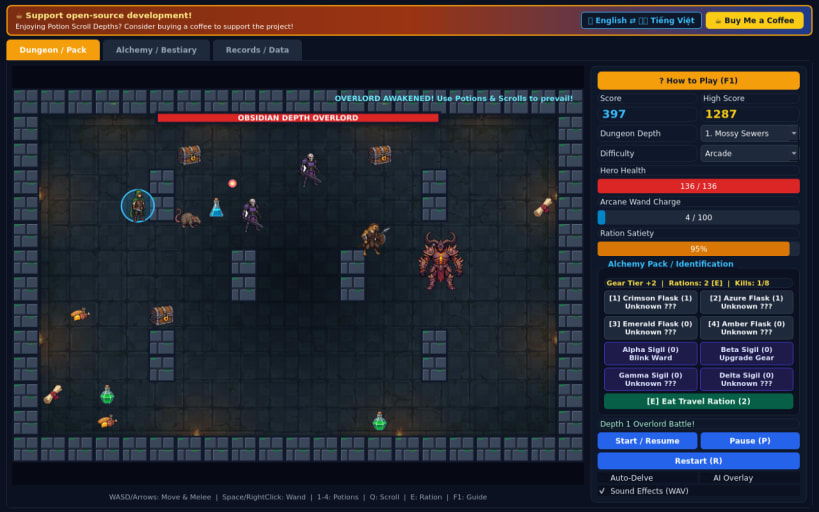
Delve stone depths, identify potions and scrolls, manage rations, slay bosses
Potion Scroll Depths is a 60 FPS roguelike dungeon crawler set across three subterranean stone depths filled with traps, chests, and patrolling monsters.
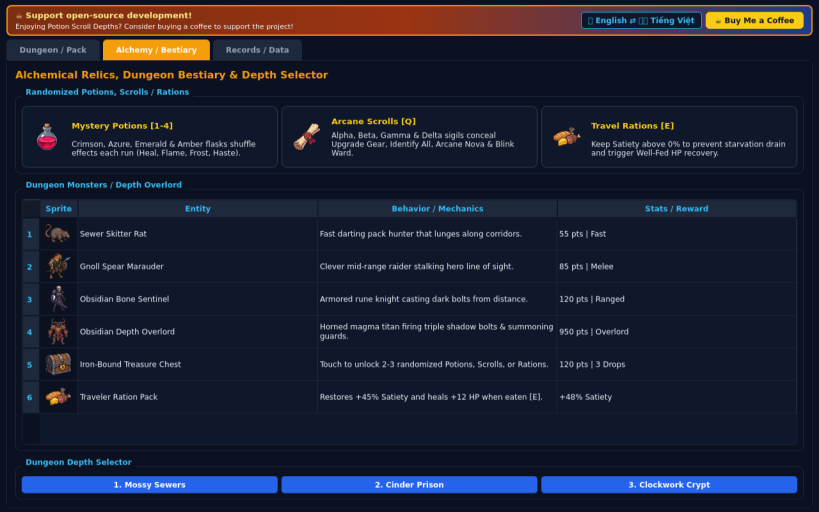
Explore procedurally carved chambers, fight Sewer Rats, Gnoll Marauders, and armored Bone Sentinels, and unravel the mystery of randomized Alchemical Potions and Arcane Scrolls each run. Keep your Satiety up with travel rations, upgrade your blade and armor with Upgrade Scrolls, and defeat each Depth Demon Overlord.
Features:
- 60 FPS smooth grid dungeon exploration, melee strikes, and arcane wand bolts
- Randomized per-run Potion color and Scroll sigil identification puzzle
- Travel Ration hunger management and chest treasure hunting
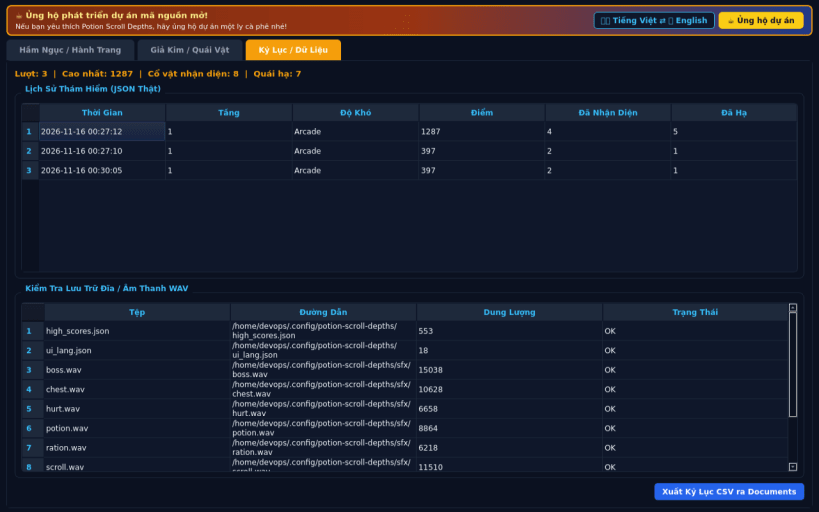
- 3 dungeon depths, 3 difficulties (Casual, Arcade, Turbo), EN/VI UI, WAV SFX
Disclaimer: This project is an independent open-source game and is not affiliated with, sponsored by, or endorsed by any commercial title.
| Revision | Channel | Version | Build | Commit | Download SBOM |
|---|
The build and commit information is derived from build infrastructure records.
Install Potion Scroll Depths on your Linux distribution
Choose your Linux distribution to get detailed installation instructions. If yours is not shown, get more details on the installing snapd documentation.


