

Power Draw HUD
Install latest/stable of Power Draw HUD
Ubuntu 16.04 or later?
Make sure snap support is enabled in your Desktop store.
Install using the command line
sudo snap install power-draw-hudDon't have snapd? Get set up for snaps.
Details for Power Draw HUD
Package name
- power-draw-hud
License
- MIT
Last updated
- Today - latest/stable
Report a Snap Store violation
Report Power Draw HUD for a Snap Store violation
Snap Store Violation Report submitted successfully
Thank you for your report. Information you provided will help us investigate further.
Error submitting report
There was an error while sending your report. Please try again later.
Share this snap
Generate an embeddable card to be shared on external websites.
Power Draw HUD - Live Power, CPU Load and Wake-up Consumers Monitor
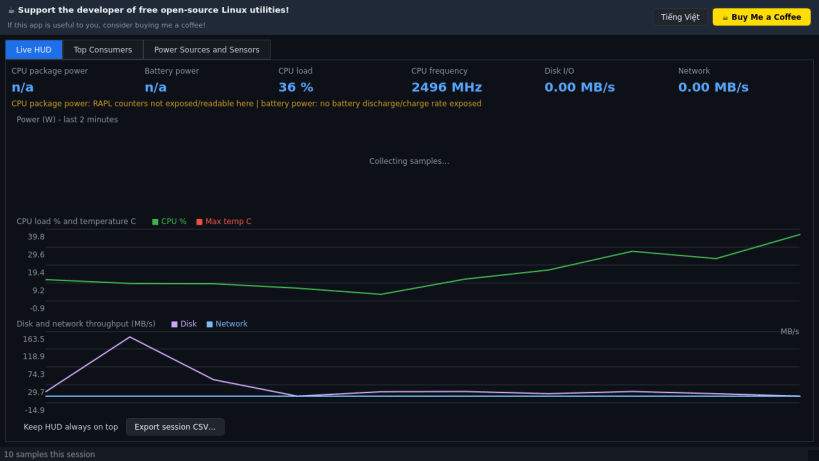
Power Draw HUD is a live heads-up display of where your machine's power goes. A lightweight Linux alternative to BatteryBar-style battery meters for watching real power draw.
Features:
- Live readouts from sysfs and /proc: battery charge/discharge watts, CPU package watts (RAPL, when the kernel exposes it), CPU load, CPU frequency, disk and network throughput.
- Rolling 2-minute charts for power, load/temperature and I/O.
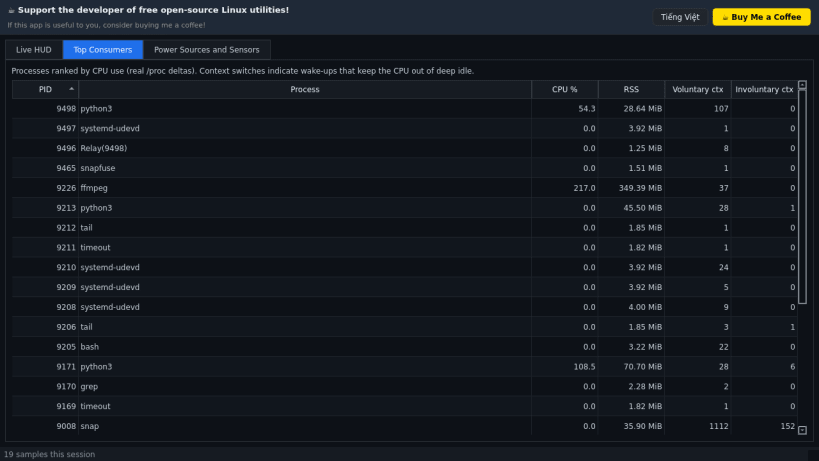
- Top Consumers: processes ranked by real CPU use with context-switch (wake-up) counts.
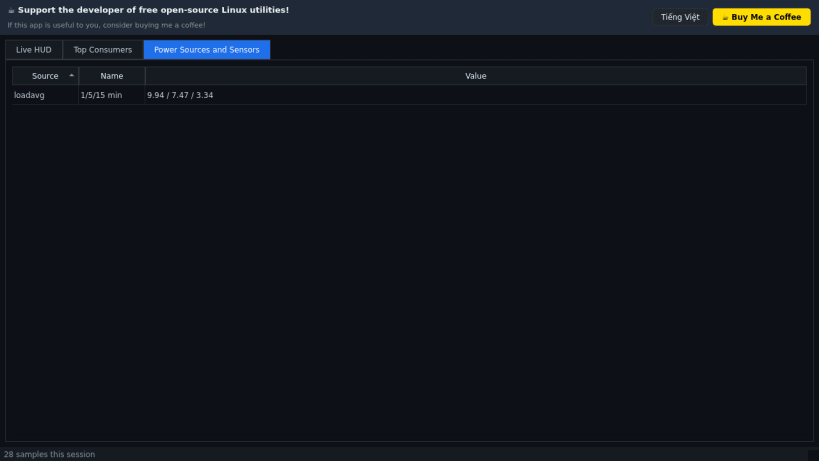
- Sensors tab: power supplies, RAPL domains and thermal zones.
- Optional always-on-top mode and CSV export of the session. Sources that the hardware or kernel do not expose are shown as n/a, never invented.
Disclaimer: This project is an independent open-source tool and is not affiliated with, sponsored by, or endorsed by the authors or owners of BatteryBar.
| Revision | Channel | Version | Build | Commit | Download SBOM |
|---|
The build and commit information is derived from build infrastructure records.
Install Power Draw HUD on your Linux distribution
Choose your Linux distribution to get detailed installation instructions. If yours is not shown, get more details on the installing snapd documentation.


