

Put.io Sync (putio-sync)
Install latest/edge of Put.io Sync
Ubuntu 16.04 or later?
Make sure snap support is enabled in your Desktop store.
Install using the command line
sudo snap install putio-sync --edgeDon't have snapd? Get set up for snaps.

Details for Put.io Sync
Package name
- putio-sync
License
- MIT
Last updated
- Today - latest/edge
Report a Snap Store violation
Report Put.io Sync for a Snap Store violation
Snap Store Violation Report submitted successfully
Thank you for your report. Information you provided will help us investigate further.
Error submitting report
There was an error while sending your report. Please try again later.
Share this snap
Generate an embeddable card to be shared on external websites.
Sync Put.io to your NAS or server, with a daemon and web UI
putio-sync downloads your Put.io files to a NAS, server or desktop and keeps them in sync, so new transfers land on local storage without you lifting a finger.
It is a single native binary written in Rust and very light on resources: on a home NAS the daemon idles at about 11 MB of memory and well under 1% of one CPU core.
Features:
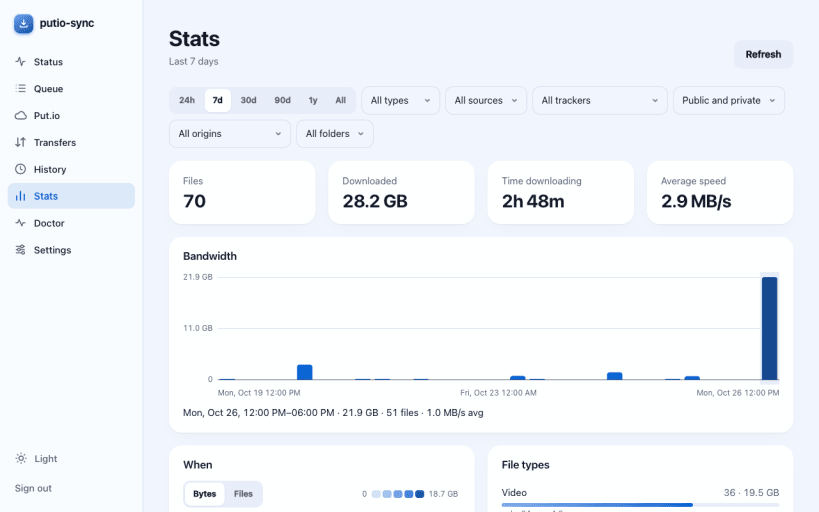
- Background daemon with a web UI (port 15432) that works on desktop and phone, in light or dark mode
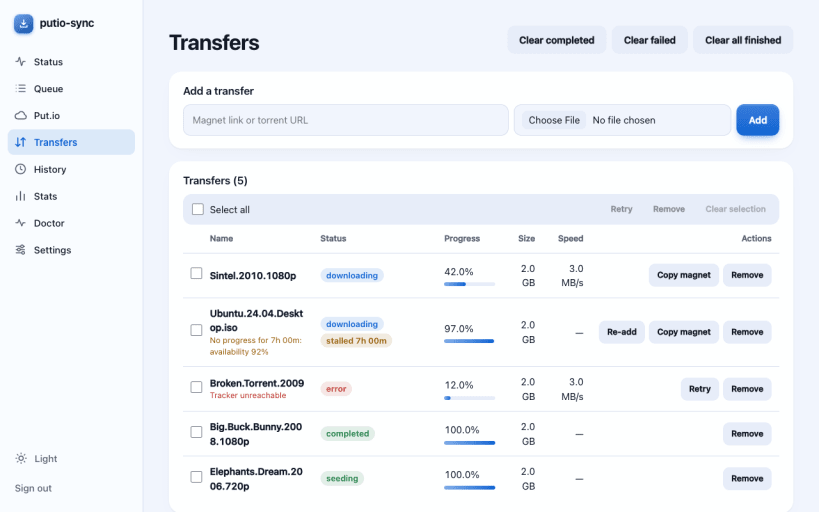
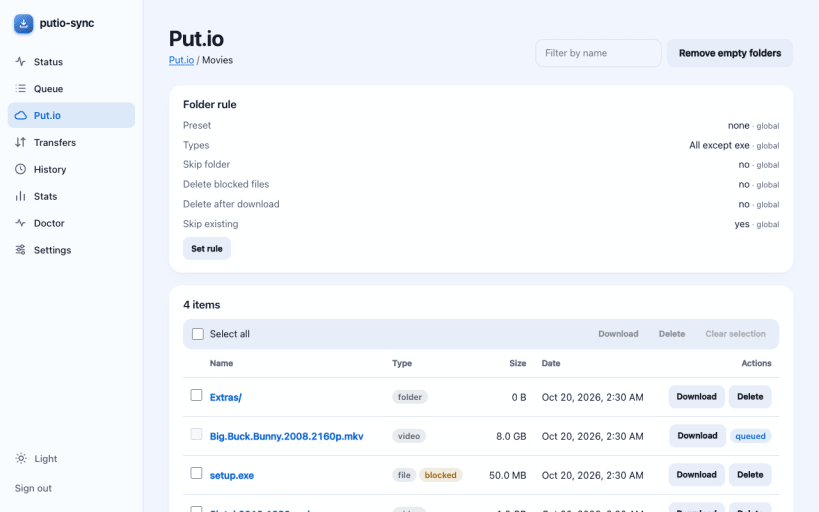
- Status, download queue, Put.io file browser, transfers, history and stats pages
- Concurrent, resumable downloads with per-folder rules: video, audio or ebook presets, blocked file types, skip or delete after download
- Add magnet links and .torrent files from the web UI, or drop them into a watch folder
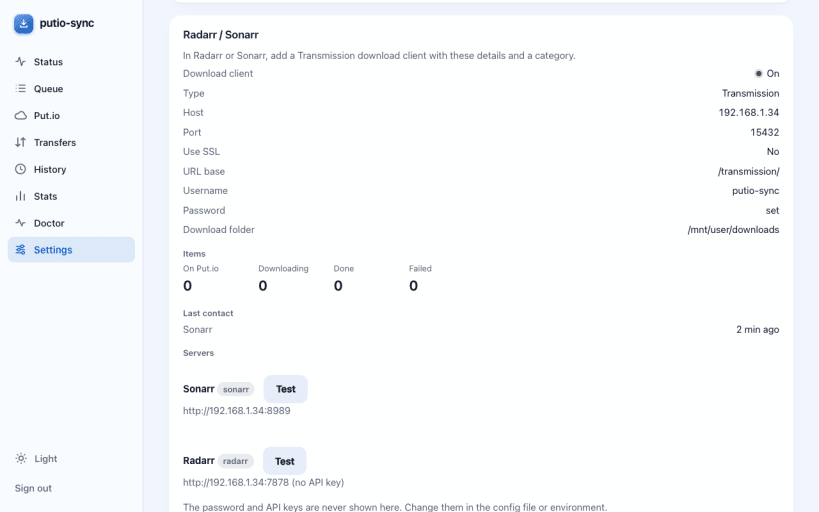
- Radarr and Sonarr can use putio-sync as a download client
- Doctor page that finds stalled or failed transfers, duplicates, leftover .torrent files and a full Put.io account, with one-click fixes
- Empty-folder cleanup and stalled-transfer detection
- Prometheus metrics (port 9742) with a ready-made Grafana dashboard
Getting started:
sudo putio-sync login sudo snap set putio-sync api-token="$(openssl rand -hex 24)" sudo snap start --enable putio-sync.daemon
Then open http://<host>:15432/ and sign in with the api-token. Settings live in /var/snap/putio-sync/common/config.toml, and downloads go to /var/snap/putio-sync/common/downloads unless you change target_directory. To download to /media or /mnt, run:
sudo snap connect putio-sync:removable-media
putio-sync is not affiliated with Put.io.
| Revision | Channel | Version | Build | Commit | Download SBOM |
|---|
The build and commit information is derived from build infrastructure records.
Install Put.io Sync on your Linux distribution
Choose your Linux distribution to get detailed installation instructions. If yours is not shown, get more details on the installing snapd documentation.











