
Install latest/stable of QBZ — Native Qobuz Client for Linux
Ubuntu 16.04 or later?
Make sure snap support is enabled in your Desktop store.


You are about to open
Do you wish to proceed?
Thank you for your report. Information you provided will help us investigate further.
There was an error while sending your report. Please try again later.
Generate an embeddable card to be shared on external websites.
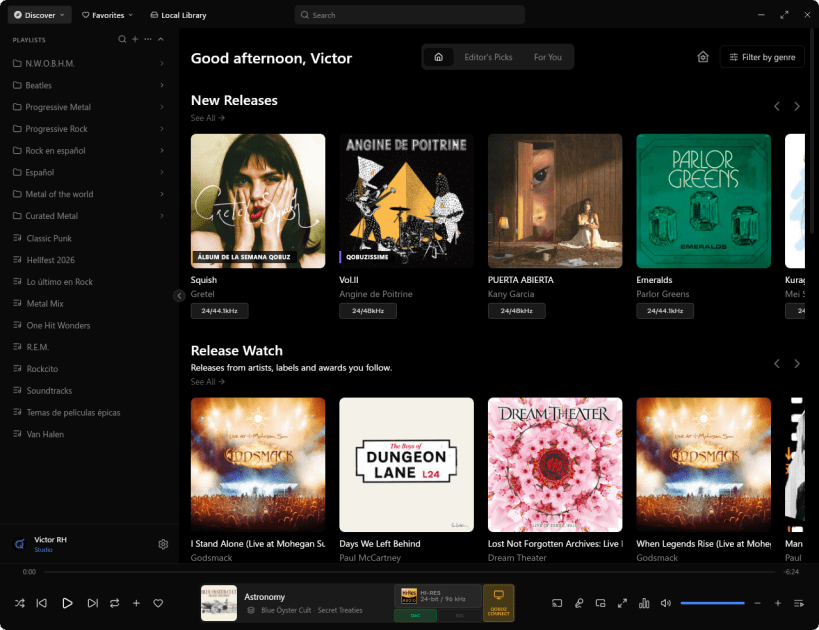
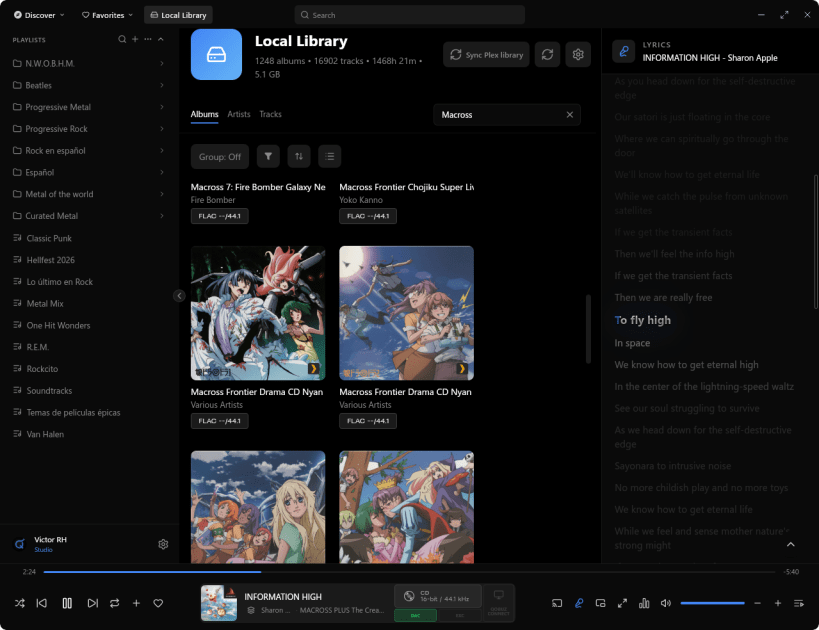
QBZ is a native Linux desktop client for Qobuz™, designed for high-fidelity playback.
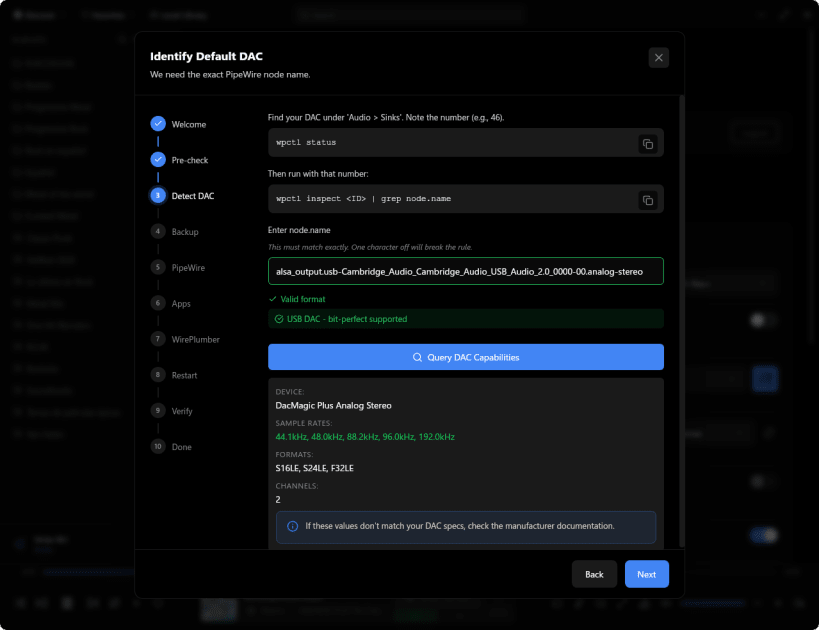
Unlike browser-based players or web wrappers, QBZ uses a native audio pipeline with direct ALSA and PipeWire integration, allowing bit-perfect playback, exclusive device access, and proper per-track sample-rate switching for external DACs.
Browsers are limited by system mixers and WebAudio, often resampling audio to 48 kHz. QBZ bypasses these limitations to deliver true high-resolution audio up to 24-bit / 192 kHz on Linux.
Features:
QBZ is built for Linux users and audiophiles who care about how audio actually reaches their hardware.
Note: When using ALSA exclusive mode or DAC passthrough, QBZ may block other applications from recording or playing sound while audio is active. This is expected behavior for bit-perfect playback and can be disabled in settings.
Legal: QBZ uses the Qobuz™ API but is not affiliated with, endorsed by, or certified by Qobuz.
| Revision | Channel | Version | Build | Commit |
|---|
The build and commit information is derived from build infrastructure records.
Choose your Linux distribution to get detailed installation instructions. If yours is not shown, get more details on the installing snapd documentation.













