

Quasar Accounting & POS (quasar)
Install latest/stable of Quasar Accounting & POS
Ubuntu 16.04 or later?
Make sure snap support is enabled in your Desktop store.
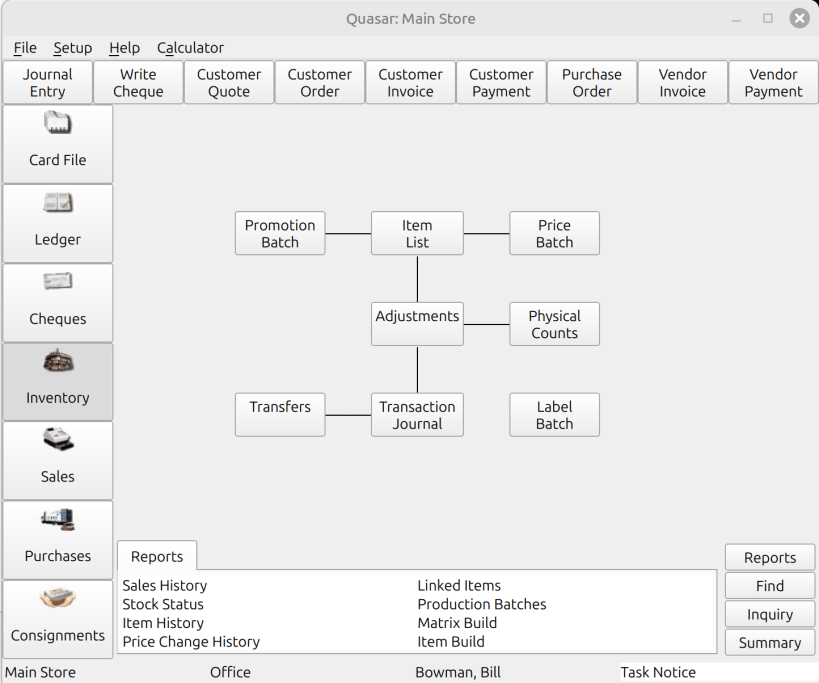
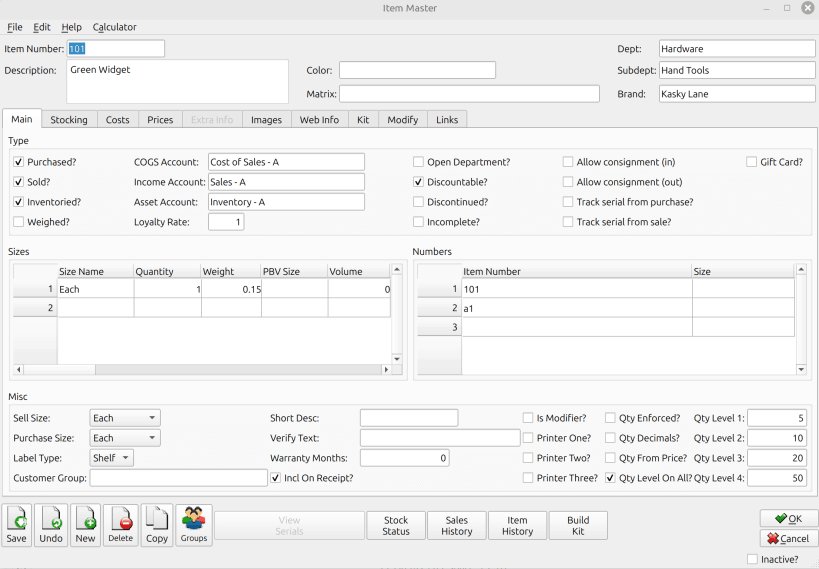
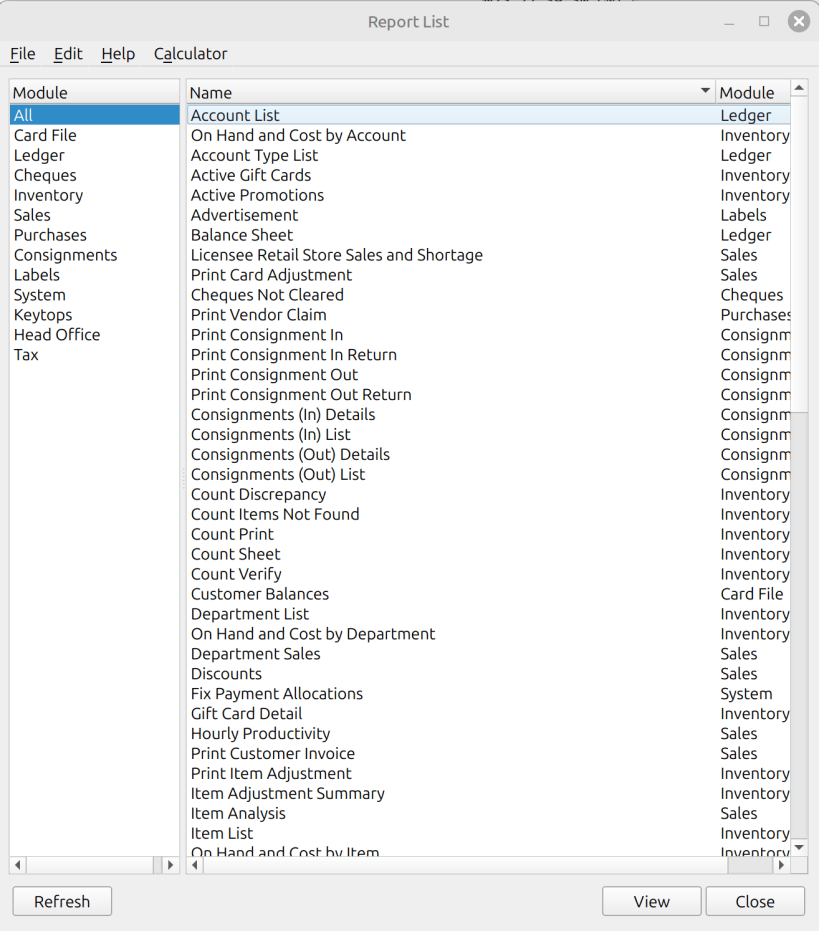
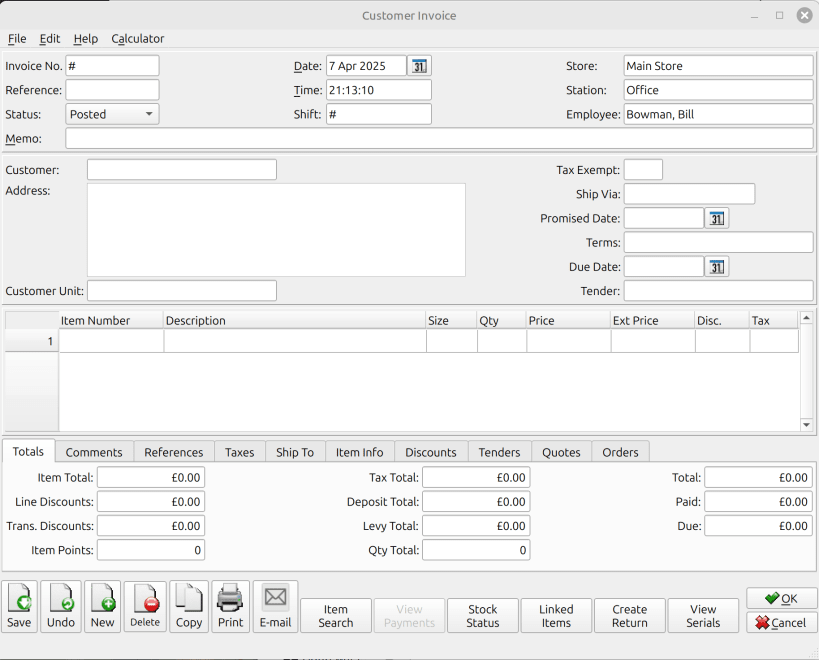
Details for Quasar Accounting & POS
Package name
- quasar
License
- Proprietary
Last updated
- 21 May 2025 - latest/stable
- 2 November 2025 - latest/beta
Websites
External link warning
You are about to open
Do you wish to proceed?
Report a Snap Store violation
Report Quasar Accounting & POS for a Snap Store violation
Snap Store Violation Report submitted successfully
Thank you for your report. Information you provided will help us investigate further.
Error submitting report
There was an error while sending your report. Please try again later.
Share this snap
Generate an embeddable card to be shared on external websites.
Quasar Accounts & POS is a business package for Linux
Quasar Accounts & POS is a comprehensive, Linux-based software solution tailored for businesses of all sizes. It combines robust accounting and point-of-sale (POS) functionalities, enabling seamless management of inventory, sales, and financial operations. With its intuitive interface, Quasar helps businesses streamline workflows and focus on growth.
Simple Step to connect to the sample company:
- Select START (Start menu) search and open Quasar Accounting.
- Select "Open Existing Company"
- Leave blank on the server screen, select next.
- Select Company, enter admin as the username followed by "Admin"
- Continue with the company login, using "F9 to lookup"
TIP: For any issues, please check the help section from the menu of the software.
To Setup a new company from scratch:
Please follow the steps from the tutorial:
Setup the POS with the Sample Company (Optional)
- Select START (Start menu) search and open Quasar POS
- Agree to the License terms
- Set the following: Server ID: 127.0.0.1 Server Port: 3599 Company: Sample Company.xml
(Note: If you set up a company called "Company" then enter "Company.xml"
- Other settings:
Username: admin Password: admin Store#: 1 Station#: 1
Note: You setup the stations, stores, users within the Quasar Accounting software
- Select OK
Pricing
- FREE for Single Station: Quasar runs locally on your machine at no cost for single-station use.
- Multi-Station Support: Additional charges apply for multi-station setups, POS features, and Quasar handheld functionalities.
| Revision | Channel | Version | Build | Commit | Download SBOM |
|---|
The build and commit information is derived from build infrastructure records.
Install Quasar Accounting & POS on your Linux distribution
Choose your Linux distribution to get detailed installation instructions. If yours is not shown, get more details on the installing snapd documentation.












