

Radiance Music
Install latest/stable of Radiance Music
Ubuntu 16.04 or later?
Make sure snap support is enabled in your Desktop store.
Install using the command line
sudo snap install radiance-musicDon't have snapd? Get set up for snaps.
Details for Radiance Music
Package name
- radiance-music
License
- GPL-3.0-or-later
Last updated
- Today - latest/stable
Websites
Contact
Source code
Report a bug
External link warning
You are about to open
Do you wish to proceed?
Report a Snap Store violation
Report Radiance Music for a Snap Store violation
Snap Store Violation Report submitted successfully
Thank you for your report. Information you provided will help us investigate further.
Error submitting report
There was an error while sending your report. Please try again later.
Share this snap
Generate an embeddable card to be shared on external websites.
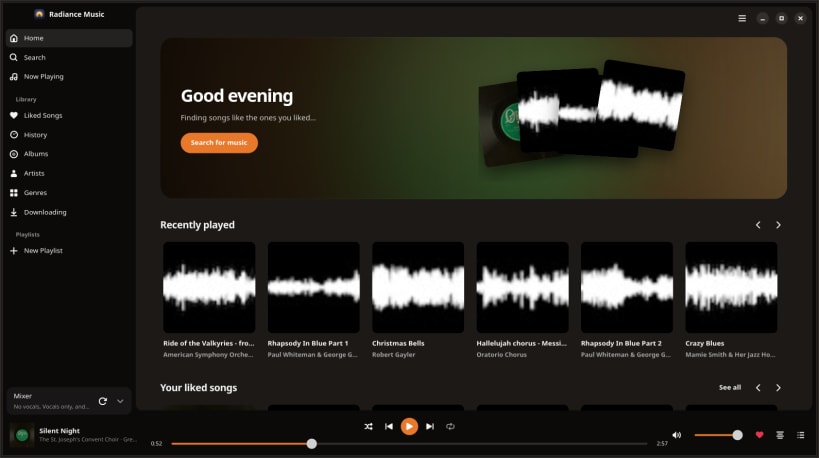
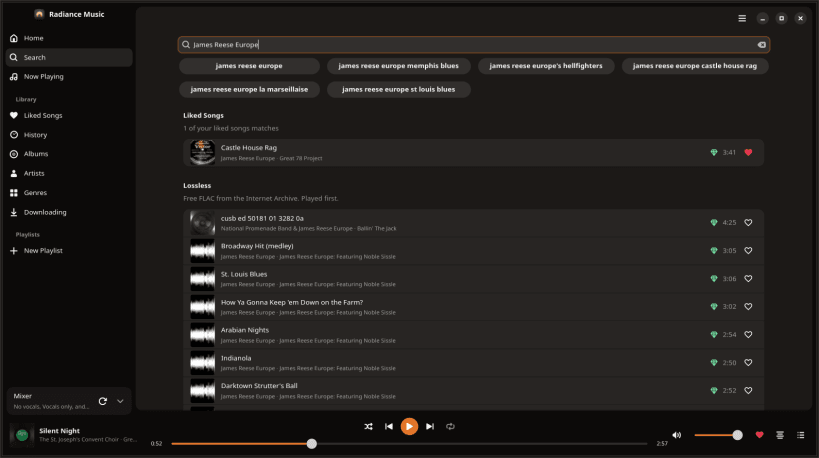
Search any song and play it, lossless first, with lyrics and its parts
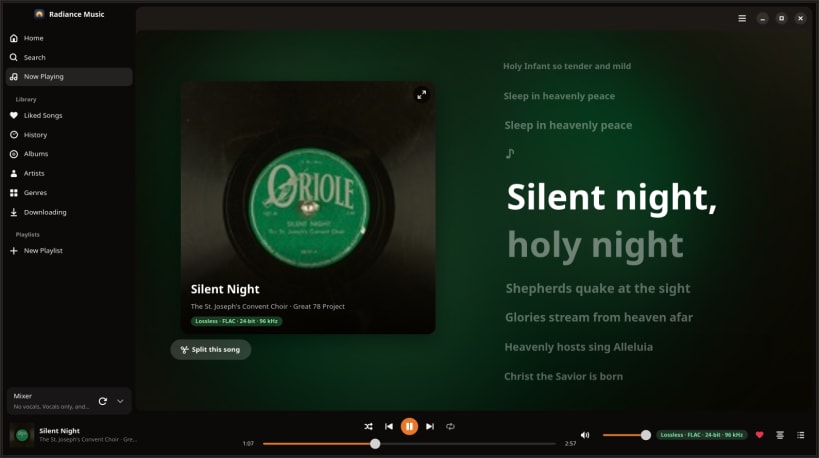
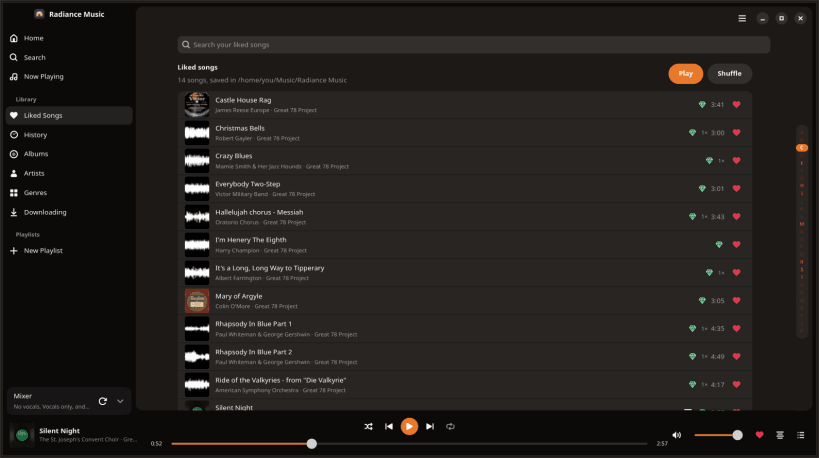
Radiance Music plays any song you search for: lossless from free libraries first, YouTube Music as the fallback. Liked songs are saved on your computer, with synced lyrics (word by word), album art and the music video.
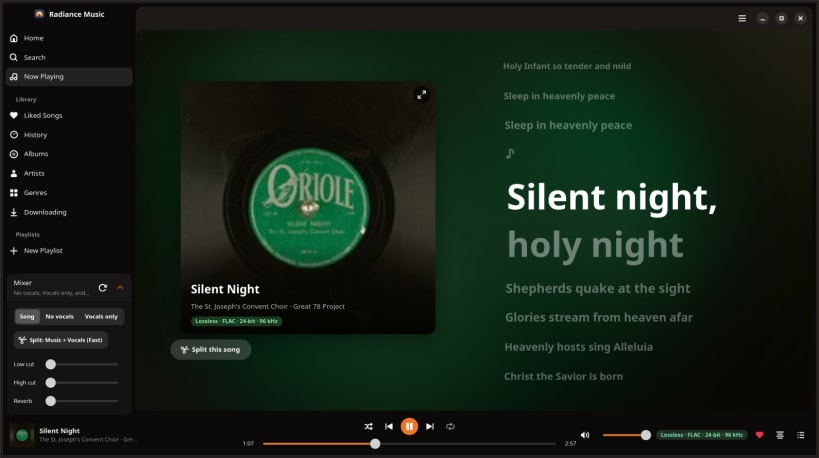
Split any song into its parts (vocals, drums, bass and the rest) right on your computer, and mix them in the Mixer: sing along without the voice, or hear just the bass line. Nothing leaves your computer.
- Lyrics that light word by word, and an editor to fix them
- Made for you mixes, song radio, autoplay and crossfades
- Low cut, high cut and reverb for every song
- Share a song as a story card or video
- Listening parties with friends on a Radiance Music Server
An open beta: tell us what breaks with Menu → Report a Problem…
| Revision | Channel | Version | Build | Commit | Download SBOM |
|---|
The build and commit information is derived from build infrastructure records.
Install Radiance Music on your Linux distribution
Choose your Linux distribution to get detailed installation instructions. If yours is not shown, get more details on the installing snapd documentation.


