

Rage Blade Duelist
Install latest/stable of Rage Blade Duelist
Ubuntu 16.04 or later?
Make sure snap support is enabled in your Desktop store.
Install using the command line
sudo snap install rage-blade-duelistDon't have snapd? Get set up for snaps.
Details for Rage Blade Duelist
Package name
- rage-blade-duelist
License
- MIT
Last updated
- Today - latest/stable
Websites
Contact
External link warning
You are about to open
Do you wish to proceed?
Report a Snap Store violation
Report Rage Blade Duelist for a Snap Store violation
Snap Store Violation Report submitted successfully
Thank you for your report. Information you provided will help us investigate further.
Error submitting report
There was an error while sending your report. Please try again later.
Share this snap
Generate an embeddable card to be shared on external websites.
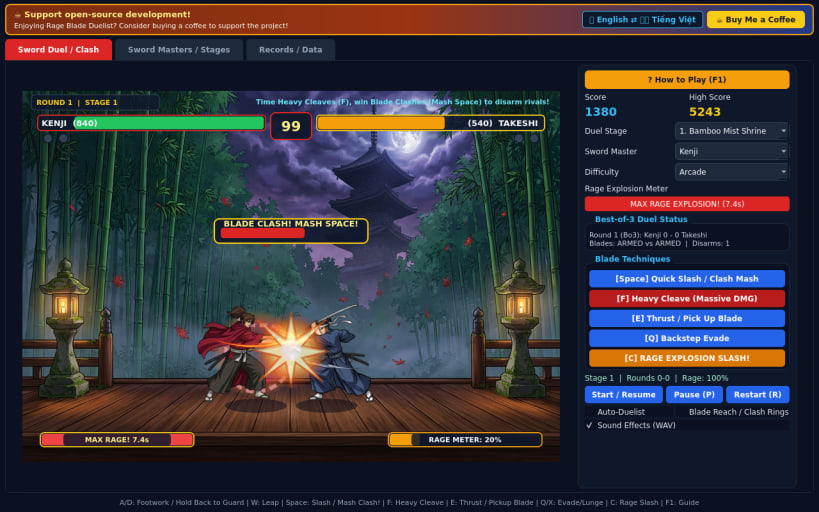
High-tension sword duel with heavy slashes, blade clashes, and Rage strikes
Rage Blade Duelist is an intense 60 FPS 2D weapon-based sword duel where a single heavy cleave can turn the tide and locked blades knock weapons loose.
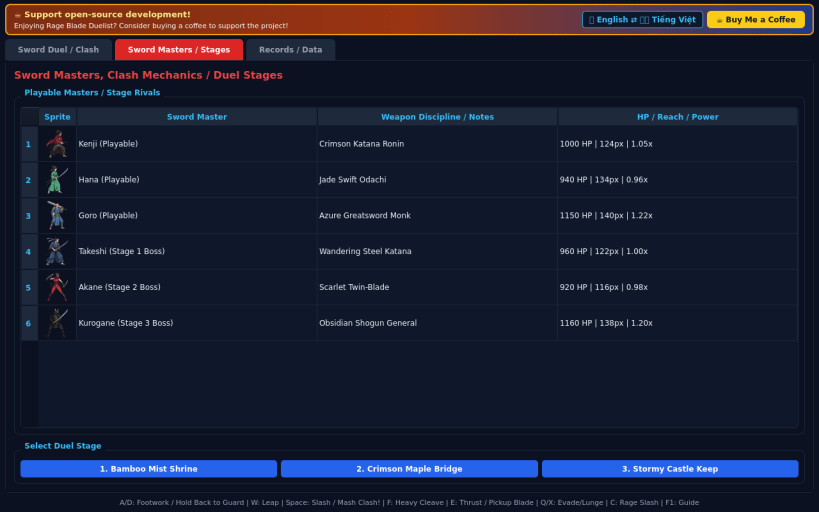
Face rival sword masters across Bamboo Mist Shrine, Crimson Maple Bridge, and Stormy Castle Keep. Read spacing for devastating Heavy Slashes, clash blades in rapid tug-of-war locks that disarm your rival, sprint to recover dropped weapons, and unleash full-meter Rage Explosion strikes.
Features:
- High-stakes 1v1 Best-of-3 sword duels with lethal Heavy Slash trades
- Real-time Blade Clash lock minigame with visible dropped-weapon disarms
- Fiery Rage Meter granting attack boost and cinematic Rage Explosion finisher
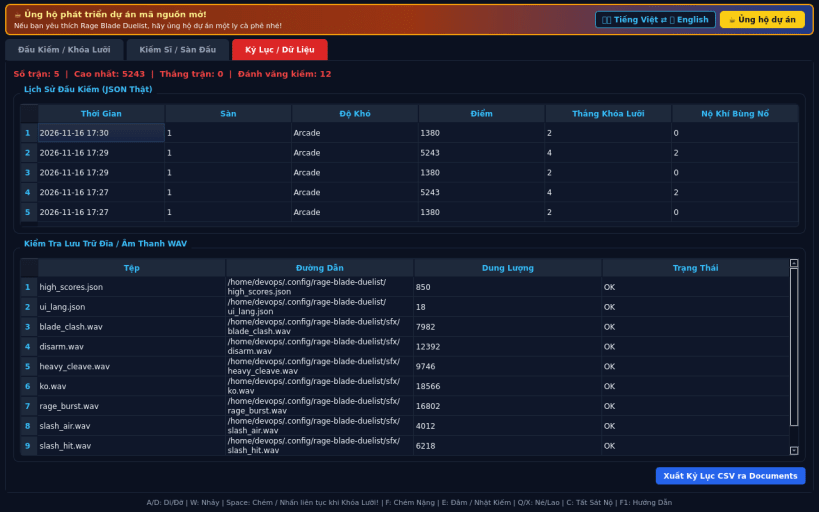
- 3 atmospheric stages, 3 difficulty levels (Casual, Arcade, Turbo), EN/VI UI
Disclaimer: This project is an independent open-source game and is not affiliated with, sponsored by, or endorsed by any commercial title.
| Revision | Channel | Version | Build | Commit | Download SBOM |
|---|
The build and commit information is derived from build infrastructure records.
Install Rage Blade Duelist on your Linux distribution
Choose your Linux distribution to get detailed installation instructions. If yours is not shown, get more details on the installing snapd documentation.


