

RAR Offline Reader
Install latest/stable of RAR Offline Reader
Ubuntu 16.04 or later?
Make sure snap support is enabled in your Desktop store.
Install using the command line
sudo snap install rar-offline-readerDon't have snapd? Get set up for snaps.


Details for RAR Offline Reader
Package name
- rar-offline-reader
License
- Proprietary
Last updated
- 17 October 2026 - latest/stable
- 14 October 2026 - latest/edge
Websites
Contact
External link warning
You are about to open
Do you wish to proceed?
Report a Snap Store violation
Report RAR Offline Reader for a Snap Store violation
Snap Store Violation Report submitted successfully
Thank you for your report. Information you provided will help us investigate further.
Error submitting report
There was an error while sending your report. Please try again later.
Share this snap
Generate an embeddable card to be shared on external websites.
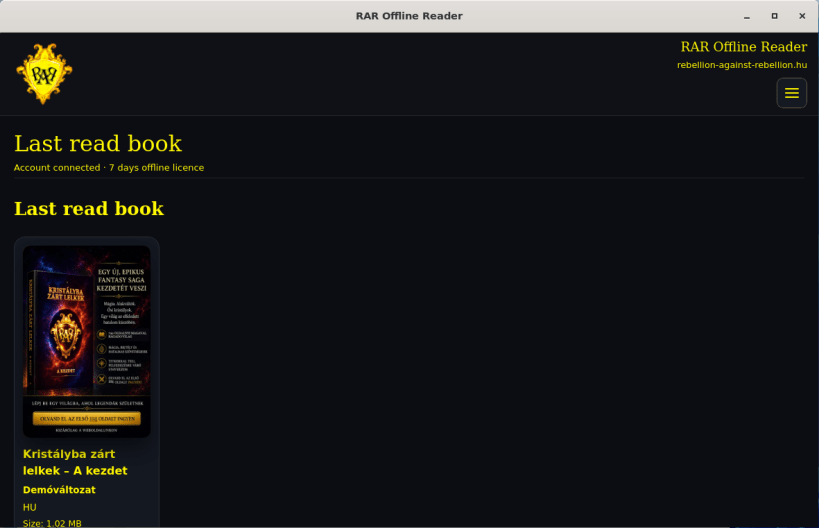
Read your licensed RAR books online and offline
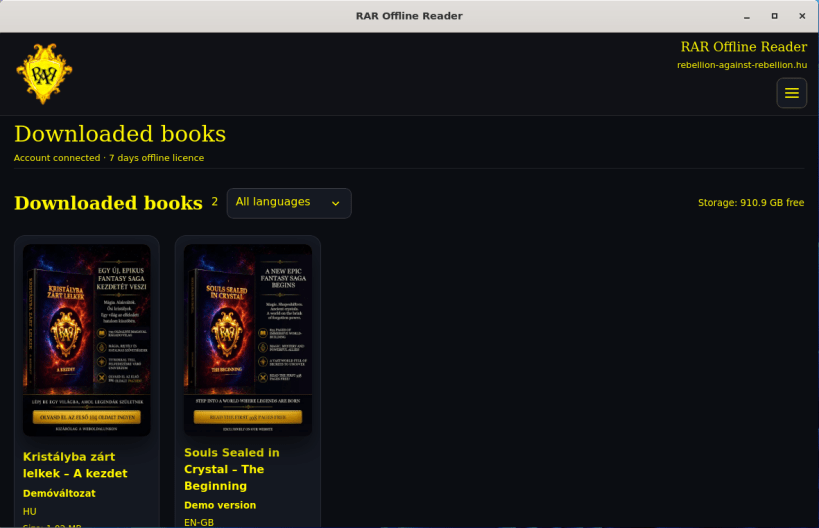
RAR Offline Reader lets you sign in to your existing RAR account, synchronise your library, download books you are entitled to use, and read them from encrypted local packages during the permitted offline period.
Key features
- Local library for downloaded and downloadable books.
- Resumable downloads with clear download status.
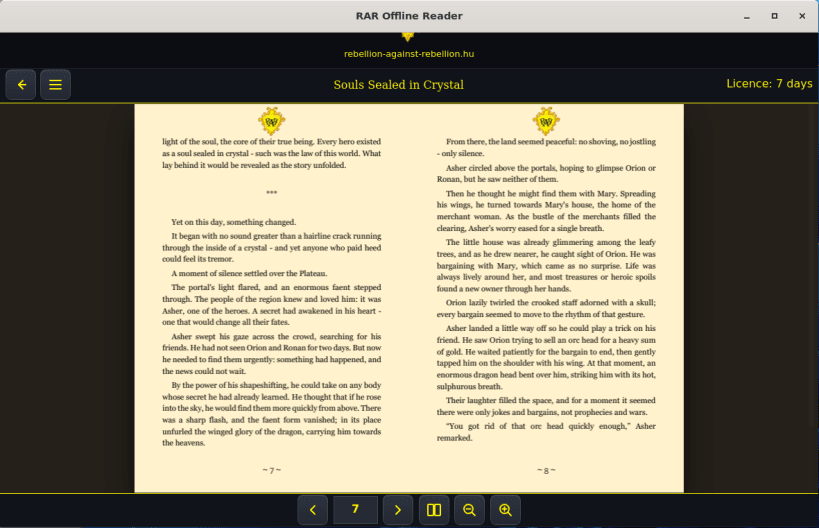
- Single-page and two-page reading, page navigation and zoom controls.
- Reading-position persistence.
- 22 supported interface and book languages.
- Device-bound offline licence valid for up to seven days.
- Book-package verification and in-memory decryption for rendering.
Internet access is required for sign-in, library synchronisation, downloads and licence renewal. Purchases and account management take place on the RAR website, not inside the app.
| Revision | Channel | Version | Build | Commit | Download SBOM |
|---|
The build and commit information is derived from build infrastructure records.
Install RAR Offline Reader on your Linux distribution
Choose your Linux distribution to get detailed installation instructions. If yours is not shown, get more details on the installing snapd documentation.











