

Rho MD - Markdown Viewer & Editor (rho-md)
Install latest/stable of Rho MD - Markdown Viewer & Editor
Ubuntu 16.04 or later?
Make sure snap support is enabled in your Desktop store.

Details for Rho MD - Markdown Viewer & Editor
Package name
- rho-md
License
- Proprietary
Last updated
- 19 October 2026 - latest/stable
Websites
Contact
Report a bug
External link warning
You are about to open
Do you wish to proceed?
Report a Snap Store violation
Report Rho MD - Markdown Viewer & Editor for a Snap Store violation
Snap Store Violation Report submitted successfully
Thank you for your report. Information you provided will help us investigate further.
Error submitting report
There was an error while sending your report. Please try again later.
Share this snap
Generate an embeddable card to be shared on external websites.
Interactive Markdown viewer, editor and notebook
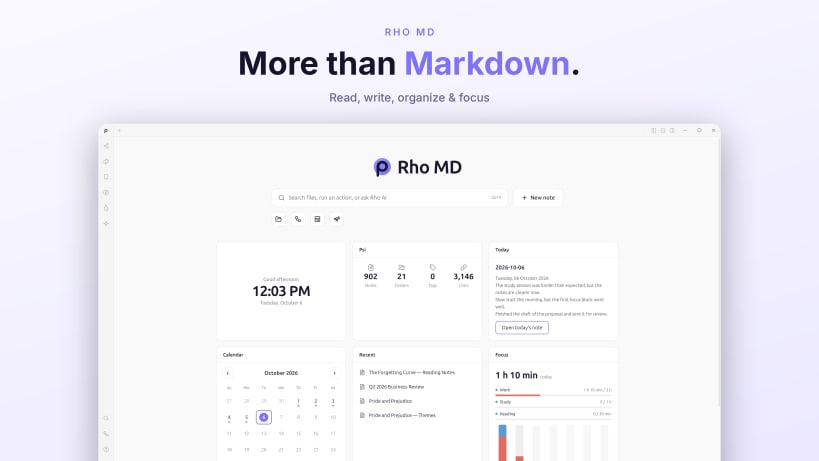
Rho MD turns Markdown files into rich interactive documents, especially the ones ChatGPT, Claude and other AI tools produce every day: charts, diagrams, formulas, quizzes and live controls, rendered from plain .md text.
Open a .md file and everything just works:
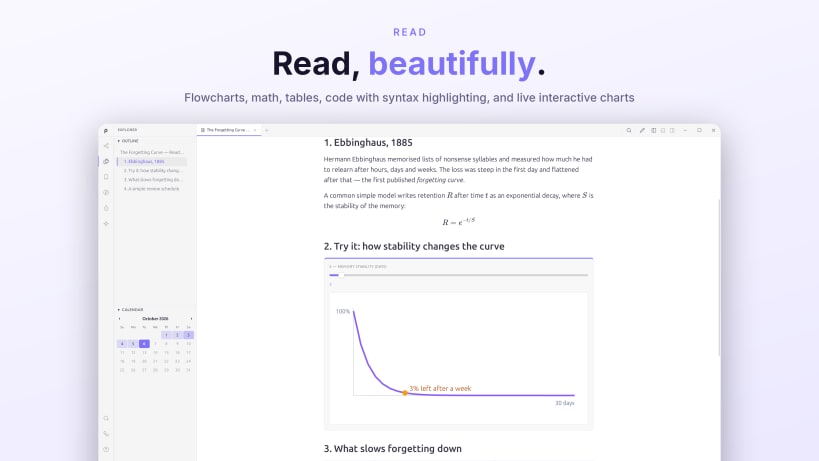
- Flowcharts, sequence diagrams and mindmaps show up as real pictures
- Math formulas render beautifully (great for physics, ML and papers)
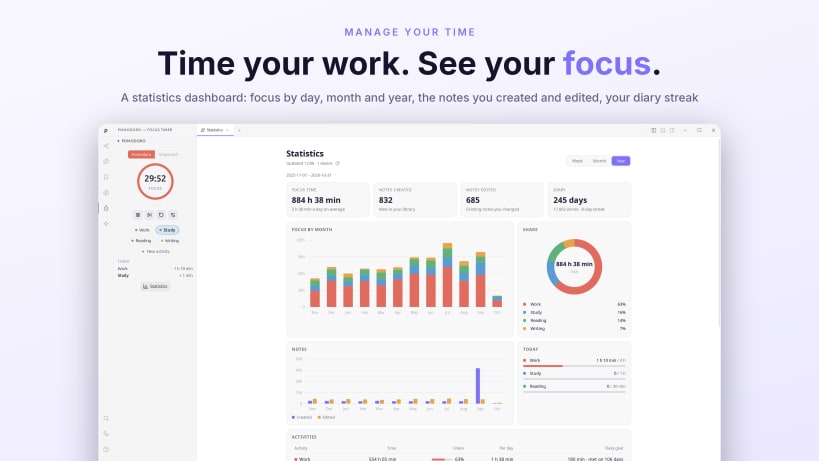
- Data charts (bar, line, scatter, heatmaps) appear as actual charts
- Interactive blocks: sliders, quizzes, animated SVG scenes, branches
- Tables, task lists and 100+ code languages all styled correctly
Beyond reading:
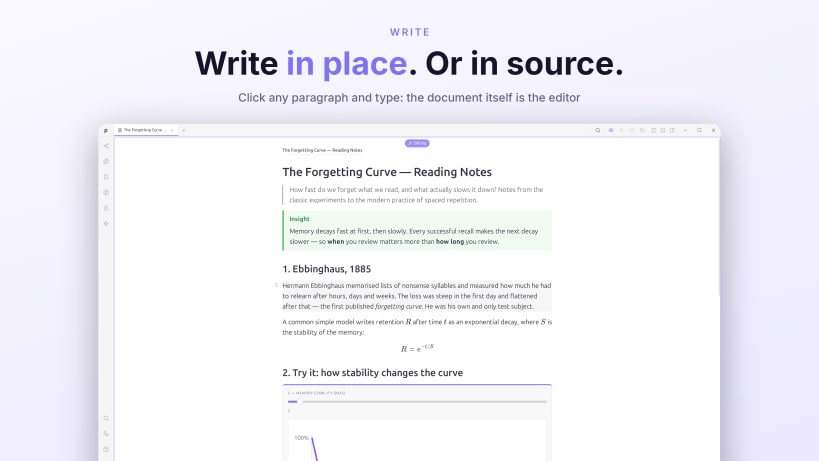
- Edit prose right in the rendered view
- Free-form canvas boards, saved as plain .md
- Psi, a local knowledge base with backlinks and a 3D star map
- Optional publishing to rho.md
Local-first: your files stay on disk and no account is required.
| Revision | Channel | Version | Build | Commit | Download SBOM |
|---|
The build and commit information is derived from build infrastructure records.
Install Rho MD - Markdown Viewer & Editor on your Linux distribution
Choose your Linux distribution to get detailed installation instructions. If yours is not shown, get more details on the installing snapd documentation.











