

Riwaq Kiswahili
Install latest/stable of Riwaq Kiswahili
Ubuntu 16.04 or later?
Make sure snap support is enabled in your Desktop store.
Install using the command line
sudo snap install riwaq-kiswahiliDon't have snapd? Get set up for snaps.
Details for Riwaq Kiswahili
Package name
- riwaq-kiswahili
License
- Proprietary
Last updated
- Today - latest/stable
- Yesterday - latest/edge
Websites
Contact
Donations
Report a bug
External link warning
You are about to open
Do you wish to proceed?
Report a Snap Store violation
Report Riwaq Kiswahili for a Snap Store violation
Snap Store Violation Report submitted successfully
Thank you for your report. Information you provided will help us investigate further.
Error submitting report
There was an error while sending your report. Please try again later.
Share this snap
Generate an embeddable card to be shared on external websites.
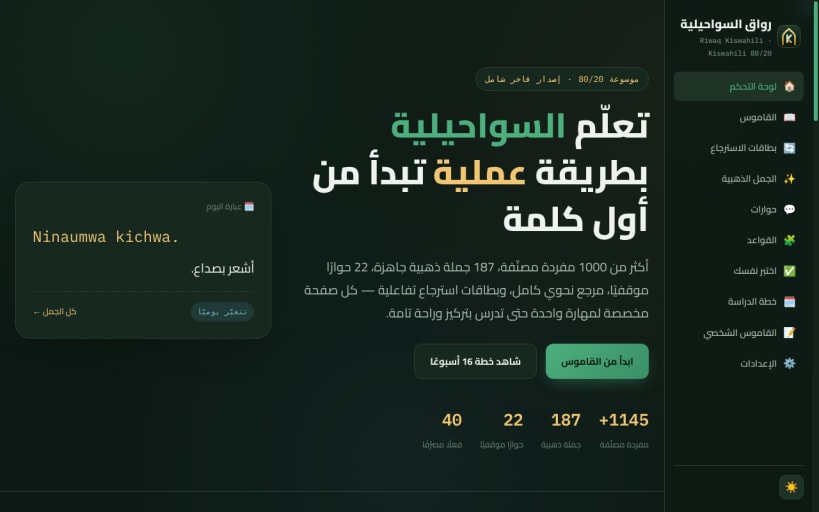
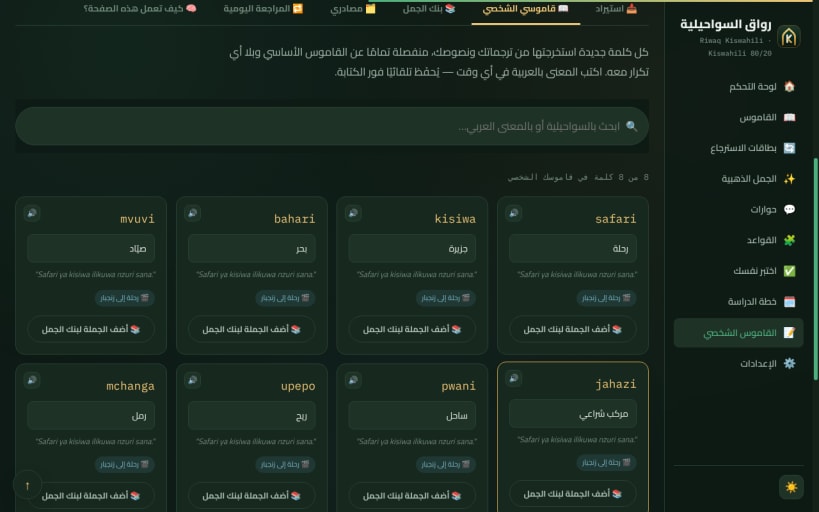
Learn Swahili from Arabic — offline, spaced repetition, built-in voice
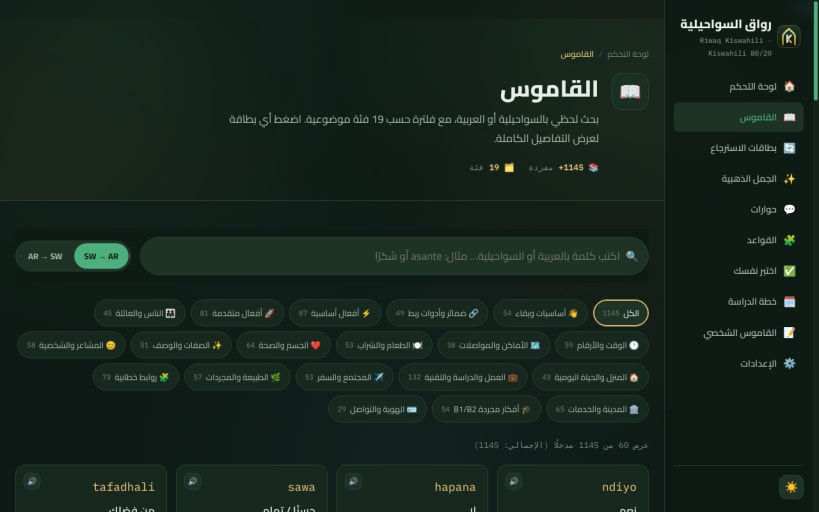
Riwaq Kiswahili (رواق السواحيلية) is an offline Swahili-learning app for Arabic speakers, built on the 80/20 principle.
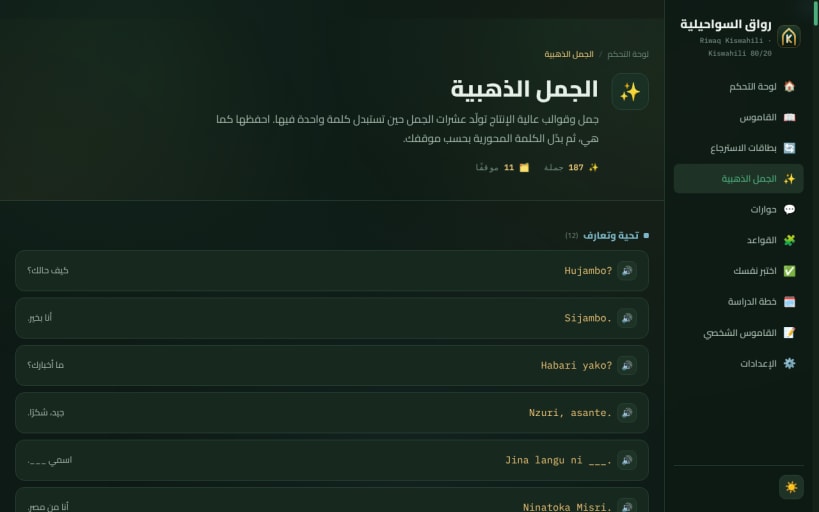
- 1,145 categorized words, 187 phrases, 22 real-life dialogues
- 40 verbs with a conjugation bank and 84 quiz questions
- Grammar capsules and a "confusing points" guide: noun classes, concord, tenses
- A 16-week study plan and a language mind map
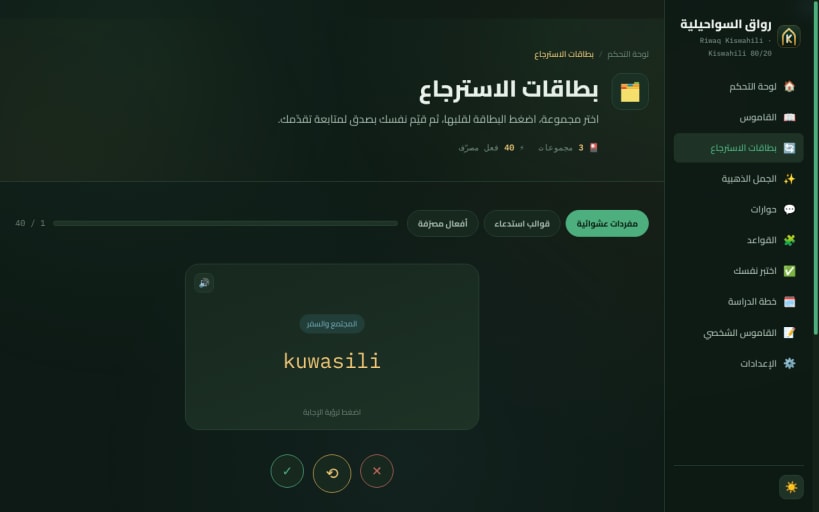
- Spaced-repetition flashcards and global search
- Your own dictionary: paste text or load subtitles (SRT/VTT) and save new words with context
- Built-in Swahili voice, fully offline — adjustable speed
- Backup and restore of your personal data
- Dark and light themes, full Arabic (RTL) interface
Private by design: no network access, no accounts, no tracking. Free — donations welcome.
تطبيق لتعلّم السواحيلية للناطقين بالعربية يعمل بدون إنترنت: 1145 مفردة، 187 جملة ذهبية، 22 حوارًا، 40 فعلًا مصرّفًا، قواعد ونقاط الالتباس، خطة 16 أسبوعًا، بطاقات مراجعة بالتكرار المتباعد، قاموس شخصي من الترجمات والنصوص، وصوت سواحيلي مدمج. بياناتك على جهازك فقط. مجاني.
Voice: Piper "lanfrica" (medium), trained on a Kiswahili TTS dataset published on Mendeley Data. Fonts: Cairo and IBM Plex Mono (SIL OFL 1.1). See THIRD_PARTY_NOTICES.md for details.
| Revision | Channel | Version | Build | Commit | Download SBOM |
|---|
The build and commit information is derived from build infrastructure records.
Install Riwaq Kiswahili on your Linux distribution
Choose your Linux distribution to get detailed installation instructions. If yours is not shown, get more details on the installing snapd documentation.


