

Rotated Face Cube Isle
Install latest/stable of Rotated Face Cube Isle
Ubuntu 16.04 or later?
Make sure snap support is enabled in your Desktop store.
Install using the command line
sudo snap install rotated-face-cube-isleDon't have snapd? Get set up for snaps.
Details for Rotated Face Cube Isle
Package name
- rotated-face-cube-isle
License
- MIT
Last updated
- Today - latest/stable
Websites
Contact
External link warning
You are about to open
Do you wish to proceed?
Report a Snap Store violation
Report Rotated Face Cube Isle for a Snap Store violation
Snap Store Violation Report submitted successfully
Thank you for your report. Information you provided will help us investigate further.
Error submitting report
There was an error while sending your report. Please try again later.
Share this snap
Generate an embeddable card to be shared on external websites.
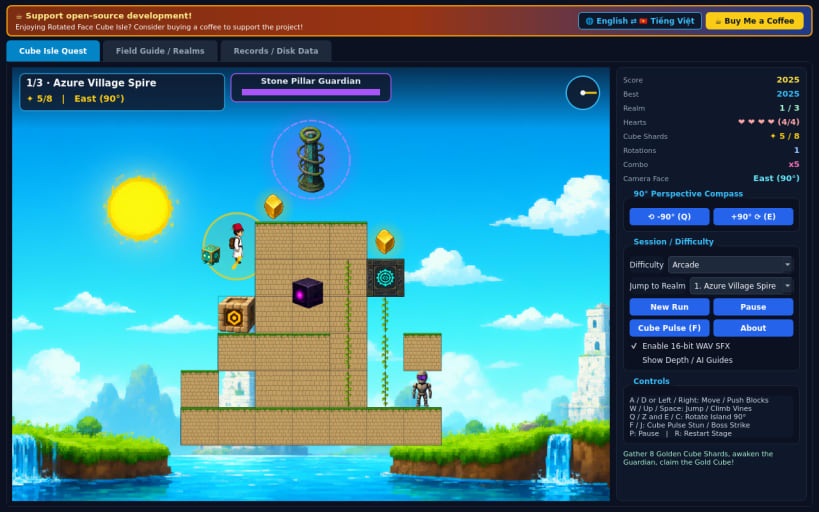
4-face 90-degree perspective rotating cube island puzzle platformer
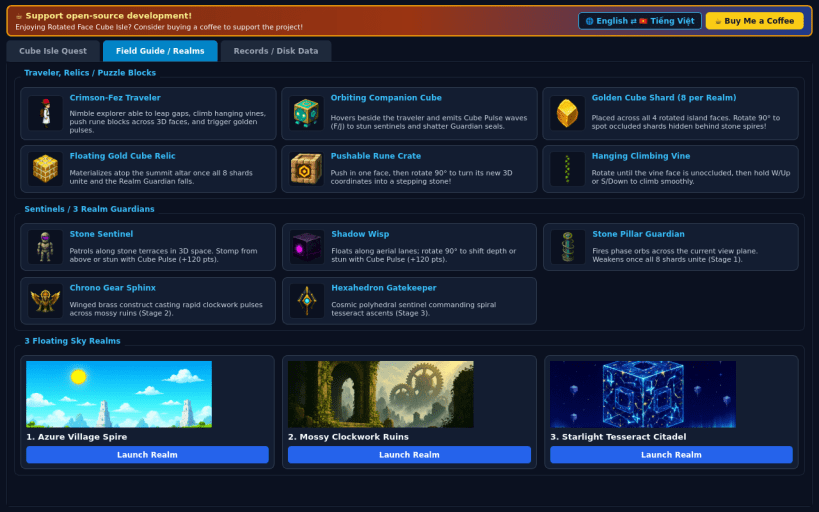
An atmospheric 60 FPS 2D perspective-shifting puzzle-platformer set across floating ancient island monoliths! Guide a nimble white-robed traveler in a bright crimson fez cap alongside an orbiting companion cube across three hand-crafted sky realms.
FEATURES
- 4-Face 90-Degree Perspective Rotation: press Q/E or Z/C to swing the camera cleanly around North, East, South, and West island faces with smooth 3D projection tweens, collapsing distant depth platforms into walkable bridges and uncovering hidden climbing vines and Golden Shards.
- Pushable Rune Blocks & True 3D State: slide carved sandstone rune cubes across ledges so their pushed coordinates stay active across every rotated perspective angle.
- 8 Golden Cube Shards & Guardian Trials: collect 8 radiant cube fragments per stage to assemble the Floating Gold Cube relic and unlock each realm's monolith boss encounter across Azure Village Spire, Mossy Clockwork Ruins, and Starlight Tesseract Citadel.
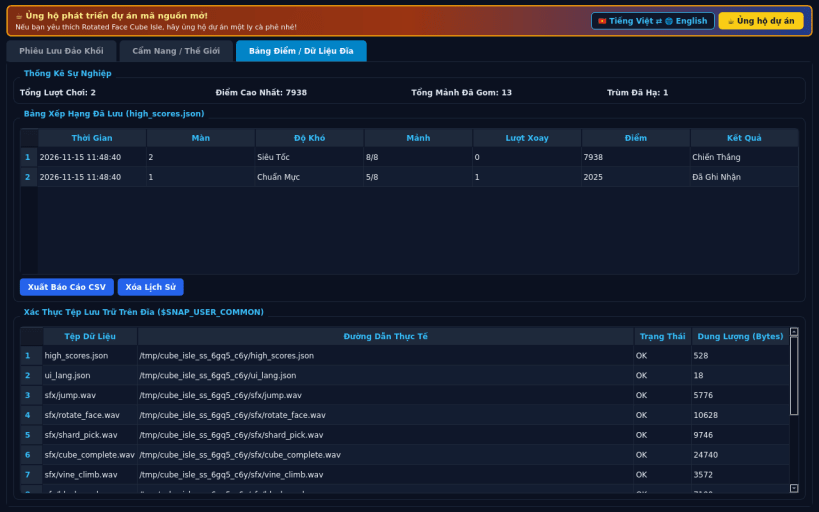
- 3 Difficulties & Full Local Persistence: choose Casual, Arcade, or Turbo pacing with synthesized 16-bit PCM WAV sound effects, JSON high-score tracking, CSV export, and instant English / Vietnamese UI switching.
SUPPORT & DONATE
- Open-source development support: https://buymeacoffee.com/thanhnv128b
| Revision | Channel | Version | Build | Commit | Download SBOM |
|---|
The build and commit information is derived from build infrastructure records.
Install Rotated Face Cube Isle on your Linux distribution
Choose your Linux distribution to get detailed installation instructions. If yours is not shown, get more details on the installing snapd documentation.


