

Rune Lore Adventurer
Install latest/stable of Rune Lore Adventurer
Ubuntu 16.04 or later?
Make sure snap support is enabled in your Desktop store.
Install using the command line
sudo snap install rune-lore-adventurerDon't have snapd? Get set up for snaps.
Details for Rune Lore Adventurer
Package name
- rune-lore-adventurer
License
- MIT
Last updated
- Today - latest/stable
Websites
Contact
External link warning
You are about to open
Do you wish to proceed?
Report a Snap Store violation
Report Rune Lore Adventurer for a Snap Store violation
Snap Store Violation Report submitted successfully
Thank you for your report. Information you provided will help us investigate further.
Error submitting report
There was an error while sending your report. Please try again later.
Share this snap
Generate an embeddable card to be shared on external websites.
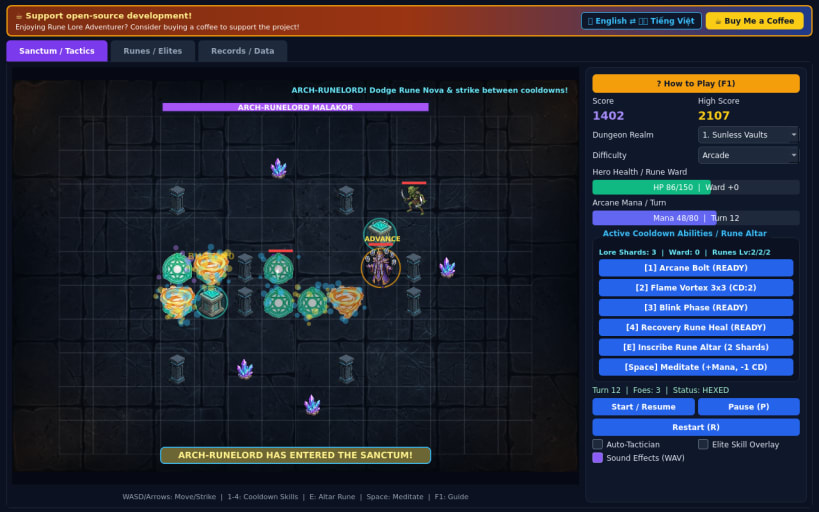
Turn-based rune dungeon tactics with cooldown skills and elite foes
Rune Lore Adventurer is a 60 FPS animated turn-based dungeon tactics game built around active cooldown abilities, engraved restorative runes, and multi-skill elite monsters.
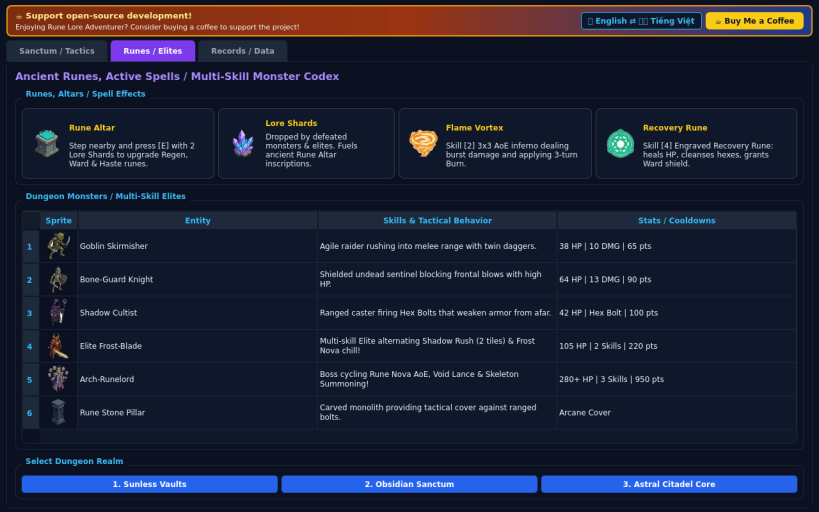
Explore three perilous subterranean realms, cast Arcane Bolt, Flame Vortex, and Blink Phase on tactical turn cooldowns, inscribe restorative Ward Runes at ancient Rune Altars to recover health and cleanse hexes, and outmaneuver multi-ability Elite Champions and the Arch-Runelord.
Features:
- Turn-based grid tactics powered by active cooldown skills & mana flow
- Rune Altar engraving and 3 restorative/cooldown rune enhancements
- 3 dungeon realms and 3 difficulty modes (Casual, Arcade, Turbo)
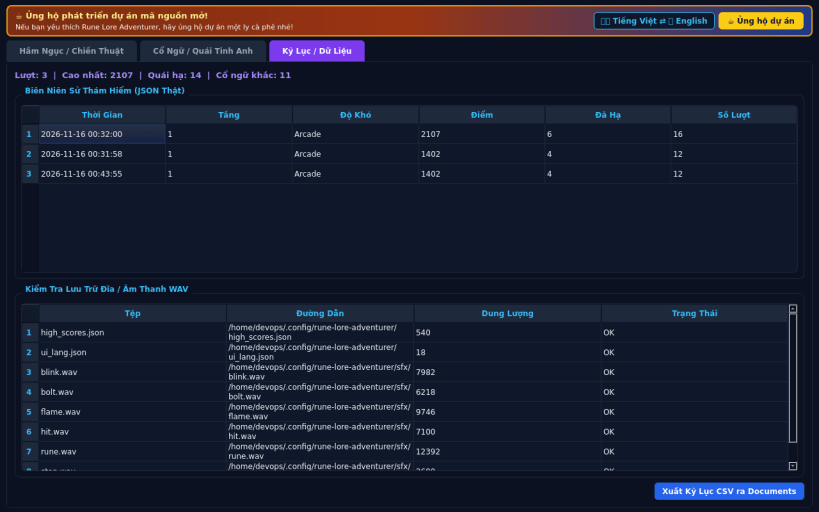
- Real 16-bit PCM WAV audio, persistent high scores, CSV export, EN/VI UI
Disclaimer: This project is an independent open-source game and is not affiliated with, sponsored by, or endorsed by any commercial title.
| Revision | Channel | Version | Build | Commit | Download SBOM |
|---|
The build and commit information is derived from build infrastructure records.
Install Rune Lore Adventurer on your Linux distribution
Choose your Linux distribution to get detailed installation instructions. If yours is not shown, get more details on the installing snapd documentation.


