

Screen Zoom Annotator
Install latest/stable of Screen Zoom Annotator
Ubuntu 16.04 or later?
Make sure snap support is enabled in your Desktop store.
Install using the command line
sudo snap install screen-zoom-annotatorDon't have snapd? Get set up for snaps.
Details for Screen Zoom Annotator
Package name
- screen-zoom-annotator
License
- MIT
Last updated
- Today - latest/stable
Report a Snap Store violation
Report Screen Zoom Annotator for a Snap Store violation
Snap Store Violation Report submitted successfully
Thank you for your report. Information you provided will help us investigate further.
Error submitting report
There was an error while sending your report. Please try again later.
Share this snap
Generate an embeddable card to be shared on external websites.
Screen Zoom Annotator - Live desktop magnifier, markup & countdown timer
An independent Linux alternative inspired by ZoomIt for live desktop screen magnification, vector presentation markup, and break countdown timing.
Key capabilities built for Linux desktops:
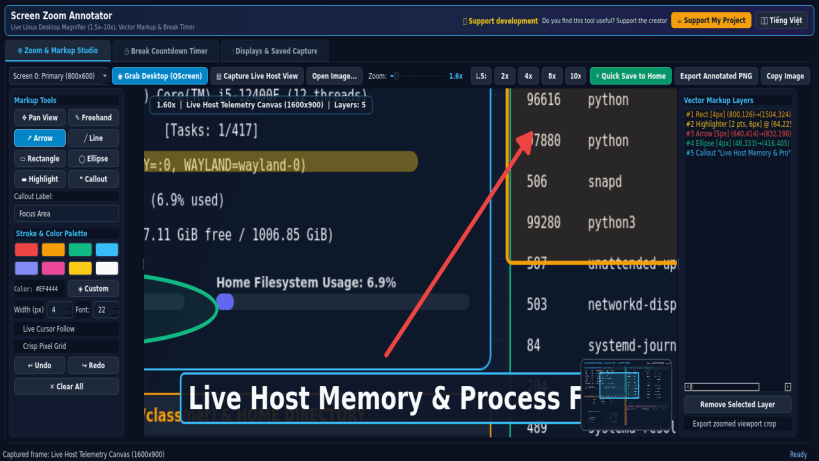
- Captures live desktop frames via Qt QScreen.grabWindow(0) or loads existing screenshots from the user home directory for interactive 1.5x to 10x zoom and smooth viewport panning with a live minimap navigator.
- Non-destructive vector markup tools including Freehand Pen, Arrow, Line, Rectangle, Ellipse, translucent Highlighter, and Text Callout badges with multi-step Undo/Redo, color palette, and adjustable stroke widths.
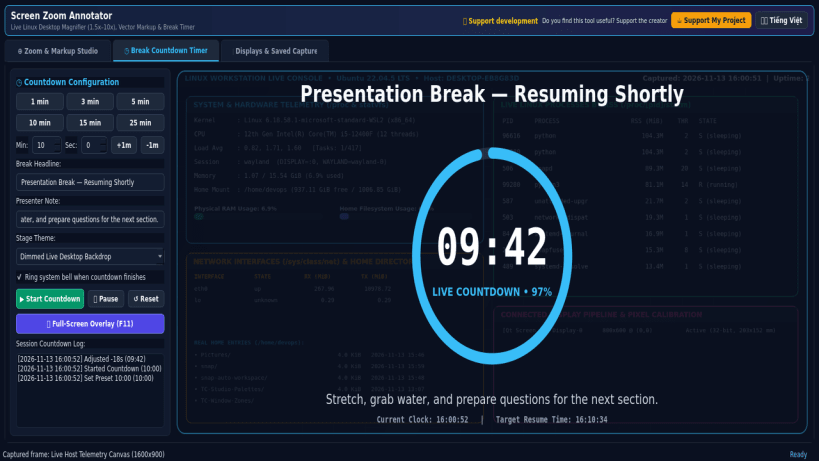
- Built-in Presentation Break Countdown Timer with customizable duration, circular progress indicator, dimmed backdrop mode, and full-screen overlay.
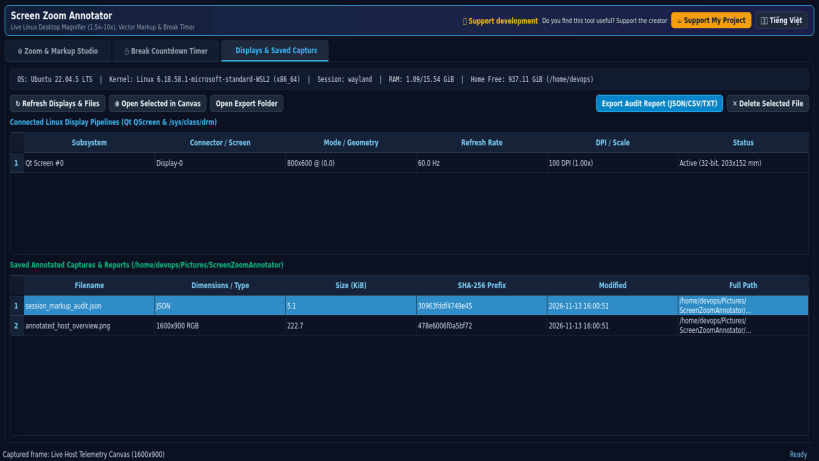
- Exports full-resolution or zoomed annotated PNG captures and session audit reports directly to the real user home directory.
Disclaimer: This project is an independent open-source utility built by TC Studio and is not affiliated with, sponsored by, or endorsed by Microsoft Corporation.
| Revision | Channel | Version | Build | Commit | Download SBOM |
|---|
The build and commit information is derived from build infrastructure records.
Install Screen Zoom Annotator on your Linux distribution
Choose your Linux distribution to get detailed installation instructions. If yours is not shown, get more details on the installing snapd documentation.


