

Secure Cloud Home
Install latest/stable of Secure Cloud Home
Ubuntu 16.04 or later?
Make sure snap support is enabled in your Desktop store.
Install using the command line
sudo snap install secure-cloud-homeDon't have snapd? Get set up for snaps.
Details for Secure Cloud Home
Package name
- secure-cloud-home
License
- Proprietary
Last updated
- Today - latest/stable
Websites
Contact
Report a bug
External link warning
You are about to open
Do you wish to proceed?
Report a Snap Store violation
Report Secure Cloud Home for a Snap Store violation
Snap Store Violation Report submitted successfully
Thank you for your report. Information you provided will help us investigate further.
Error submitting report
There was an error while sending your report. Please try again later.
Share this snap
Generate an embeddable card to be shared on external websites.
Private photo backup and file sync from your phones over home Wi-Fi
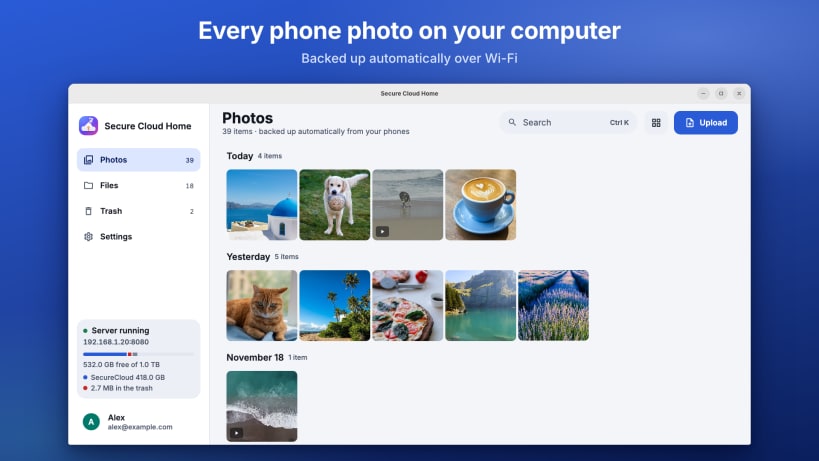
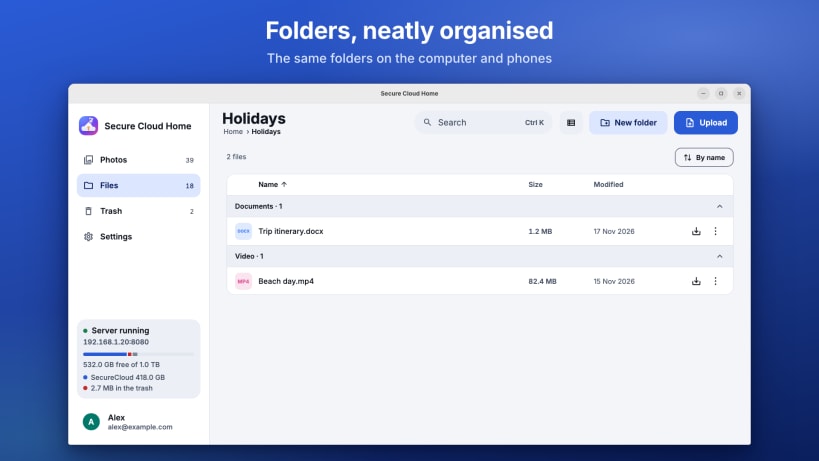
Secure Cloud Home turns this computer into a private, encrypted cloud for your family's phones. Photos and videos from iPhone and Android back up to it automatically, and files sync both ways, over your home Wi-Fi only. Nothing is stored on someone else's servers.
- Automatic photo and video backup from your phones, in the background
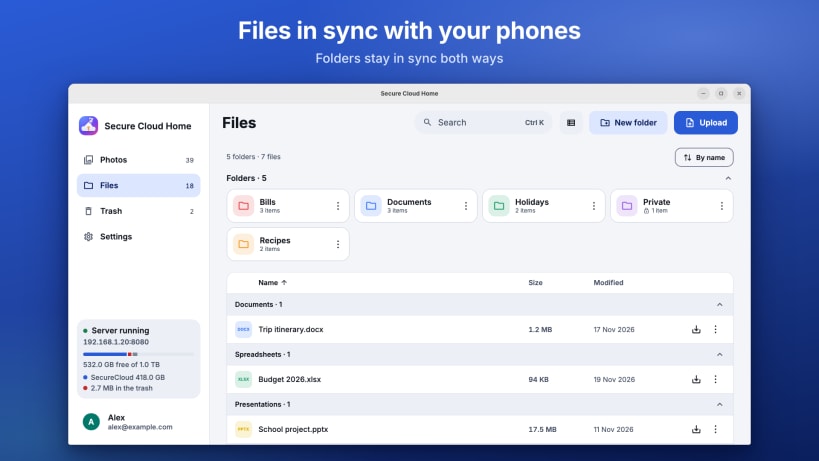
- Two-way folder sync between phone and computer over Wi-Fi
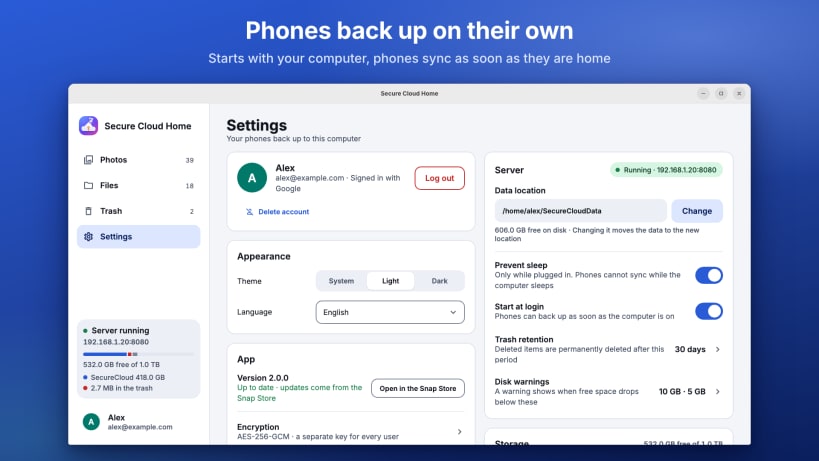
- AES-256-GCM encryption for everything stored on this computer
- A separate, private space for every family member
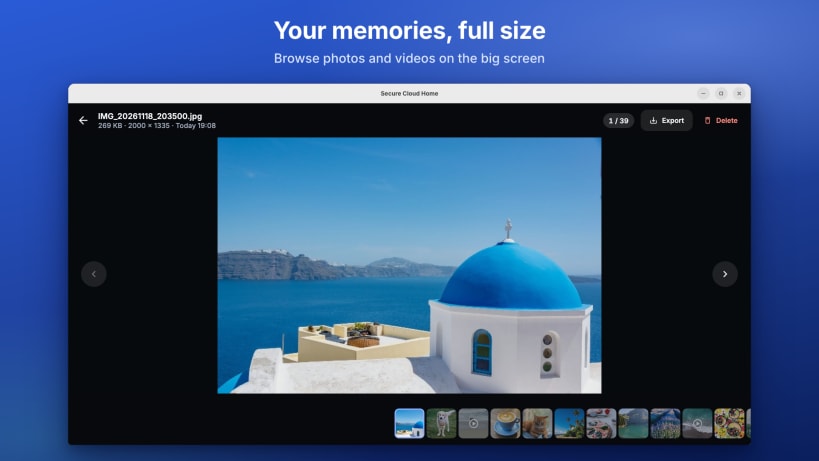
- Fast gallery with search, full-screen viewer and video player; trash with restore
- Lock private folders with a 4-digit PIN
- Keeps running in the background; start at login and "Prevent sleep" stay off until you turn them on
- No ads and no storage limit of its own; warns you when disk space runs low
Install the Secure Cloud Home app on your phone (App Store or Google Play), sign in with the same Apple or Google account on both devices, and the phone finds this computer on your network by itself.
Backups are kept in ~/SecureCloudData by default and stay there if you remove the snap. To keep
them on an external drive, connect removable media first:
sudo snap connect secure-cloud-home:removable-media
| Revision | Channel | Version | Build | Commit | Download SBOM |
|---|
The build and commit information is derived from build infrastructure records.
Install Secure Cloud Home on your Linux distribution
Choose your Linux distribution to get detailed installation instructions. If yours is not shown, get more details on the installing snapd documentation.











