

SessionCharts
Install latest/stable of SessionCharts
Ubuntu 16.04 or later?
Make sure snap support is enabled in your Desktop store.
Install using the command line
sudo snap install sessionchartsDon't have snapd? Get set up for snaps.
Details for SessionCharts
Package name
- sessioncharts
License
- CC-BY-ND-4.0
Last updated
- 3 October 2021 - latest/stable
- 16 May 2021 - latest/beta
Websites
Contact
External link warning
You are about to open
Do you wish to proceed?
Report a Snap Store violation
Report SessionCharts for a Snap Store violation
Snap Store Violation Report submitted successfully
Thank you for your report. Information you provided will help us investigate further.
Error submitting report
There was an error while sending your report. Please try again later.
Share this snap
Generate an embeddable card to be shared on external websites.
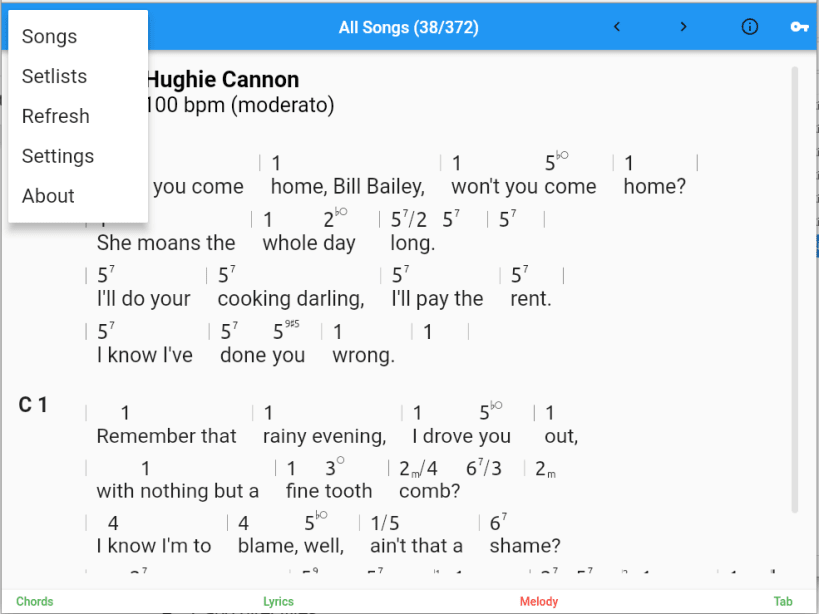
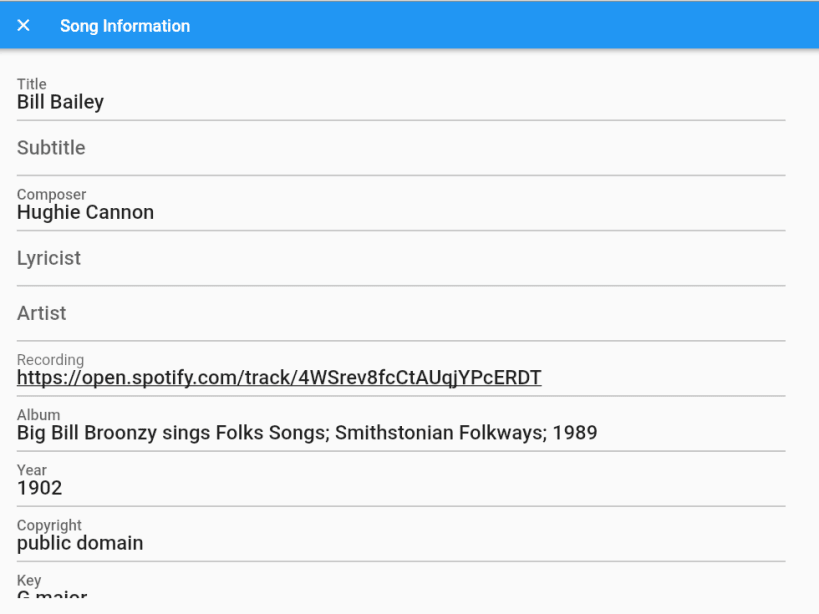
SessionCharts is a songbook app for viewing lyric sheets, chord charts, melodies, tabs and setlists.
Notice: The native Linux version of this app is not currently being updated. Consider using the free Web App version instead, which you can find at: https://sessioncharts.gitlab.io/webapp
# Features:
- Chord charts with metric information (beats, measures, sections, arrangement)
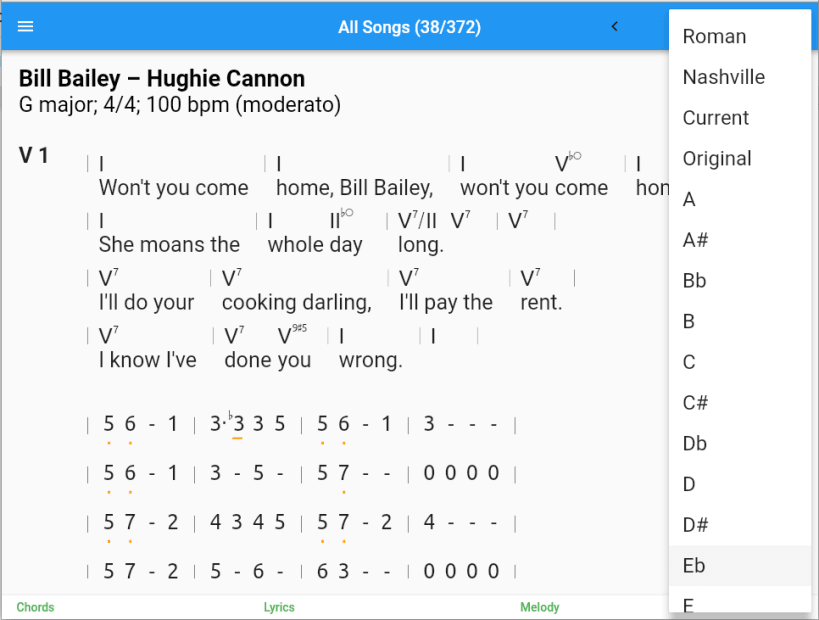
- Your choice of letters, Roman numerals, or Nashville Numbers for chords
- Lyric sheets with chords and bar lines shown over each lyric line
- Melodies for songs, or for tunes without lyrics, using numbered musical notation (jianpu)
- Tablature
- Define song sections (verse, chorus and bridge, etc.) and arrange songs without having to redundantly input information from prior sections
- Automatic transposition into other keys
- Capo directives
- Manage and view setlists
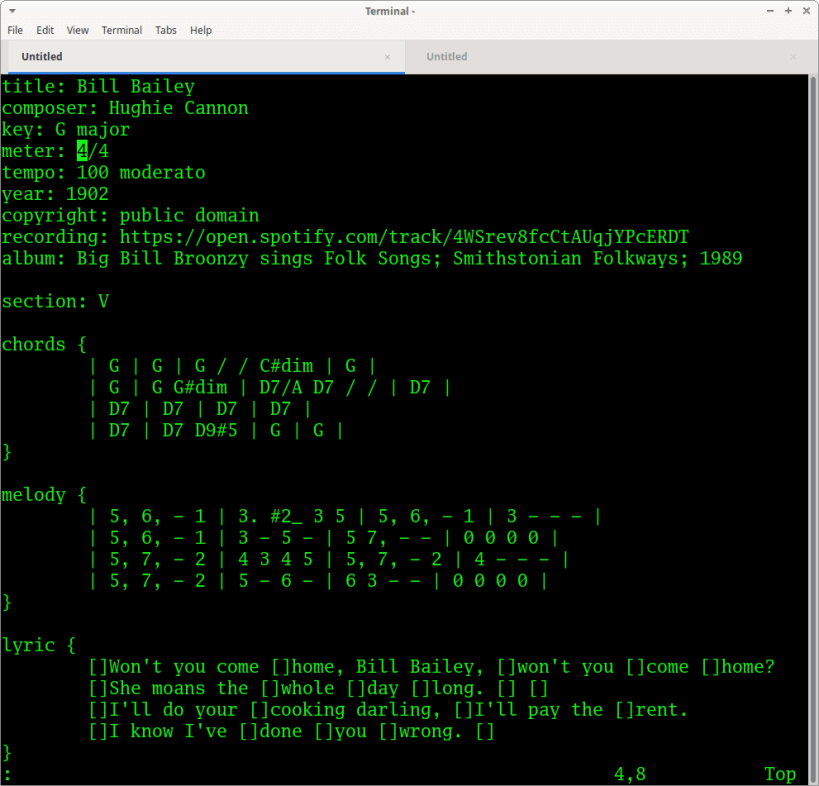
- Simple plain text formats for songs and setlists (No vendor lockin)
- Lyric sheets in Chordpro format can also be used
| Revision | Channel | Version | Build | Commit | Download SBOM |
|---|
The build and commit information is derived from build infrastructure records.
Install SessionCharts on your Linux distribution
Choose your Linux distribution to get detailed installation instructions. If yours is not shown, get more details on the installing snapd documentation.











