

Sidra
Install latest/stable of Sidra
Ubuntu 16.04 or later?
Make sure snap support is enabled in your Desktop store.
Details for Sidra
Package name
- sidra
License
- BlueOak-1.0.0
Last updated
- 22 October 2026 - latest/stable
- 9 September 2026 - latest/edge
Websites
Donations
Source code
Report a bug
External link warning
You are about to open
Do you wish to proceed?
Report a Snap Store violation
Report Sidra for a Snap Store violation
Snap Store Violation Report submitted successfully
Thank you for your report. Information you provided will help us investigate further.
Error submitting report
There was an error while sending your report. Please try again later.
Share this snap
Generate an embeddable card to be shared on external websites.
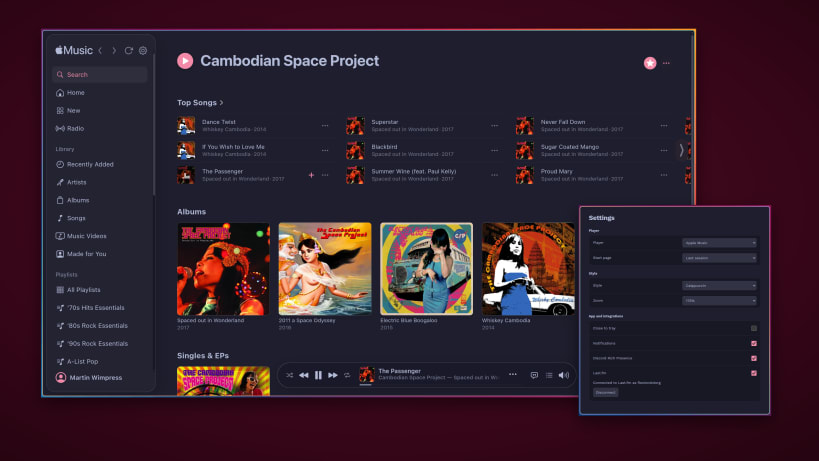
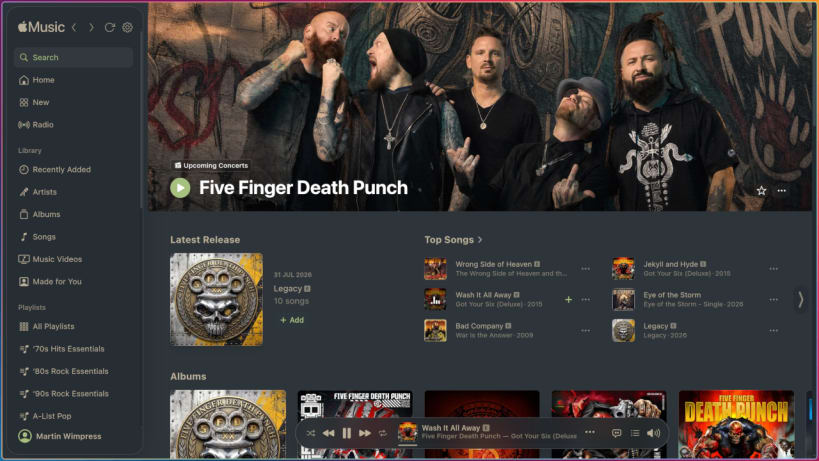
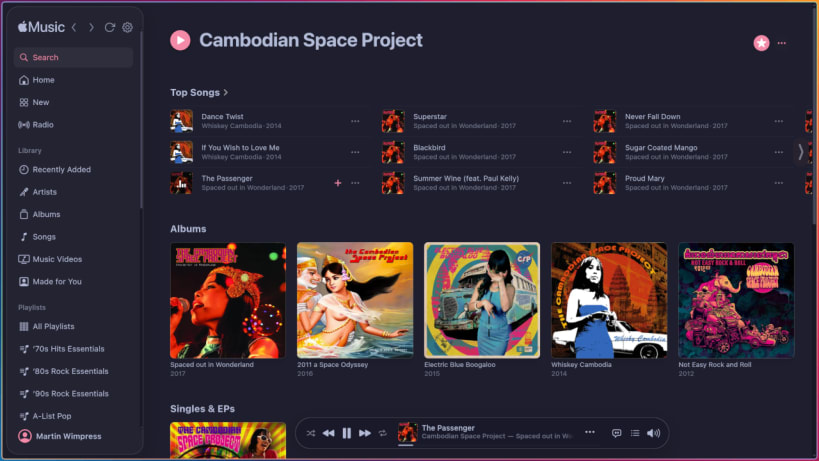
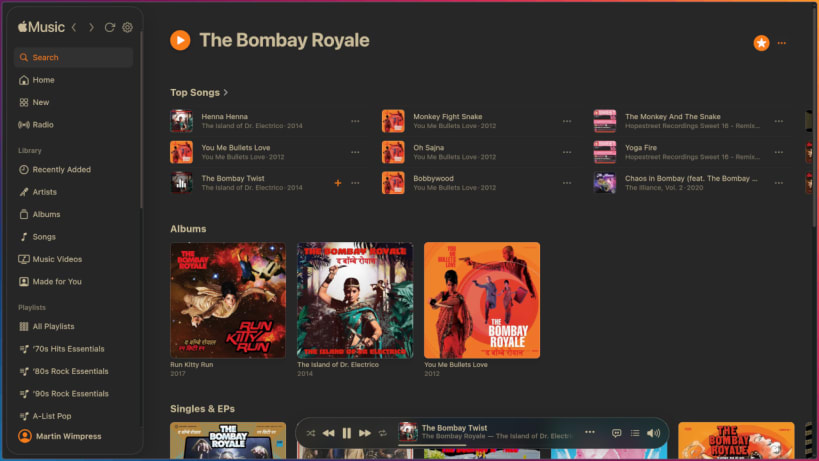
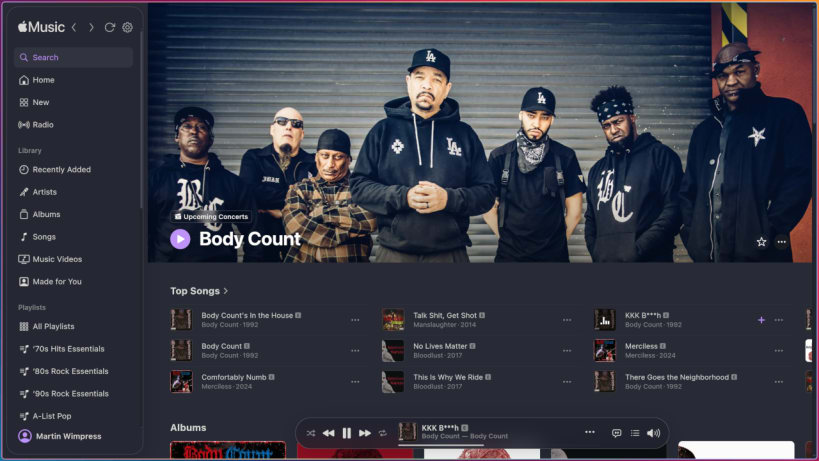
An elegant Apple Music desktop client
An elegant Apple Music desktop client. No frippery, just quality. A better class of Cider 🍎
Sidra is Apple Music as a proper desktop citizen on Linux, macOS, and Windows - wired into each platform's native media subsystem, not bolted on top.
Most Apple Music desktop clients break the audio, mangle the playback controls, or bury you under a custom UI that Apple never signed off on - the problem is worst on Linux. Sidra takes the opposite approach: wrap music.apple.com directly, stay out of the way, and let the audio through untouched. Apple owns the interface and keeps it current; Sidra inherits every improvement automatically.
🎧 Untouched audio - no AudioContext, no DSP, no resampling
🎨 Six bundled themes - Catppuccin, Dracula, Gruvbox, Nord, Rosé Pine, and Solarized - plus a live-reloading custom.css escape hatch
📊 Last.fm scrobbling - opt-in; connect from the tray and approve Sidra in your browser
🎮 Discord Rich Presence - show what you are listening to
🔔 Desktop notifications - track changes, native to each platform
🌍 32 languages - localised storefront and interface
🧭 Back, Forward, and Reload - injected into both Apple Music and Apple Music Classical
🖱️ Scroll to change volume - point at the player bar volume control and scroll; 5% a notch
🎼 Apple Music Classical - switch at runtime from the tray Player submenu
🪟 Wayland and X11 support
🔊 Bi-directional MPRIS (org.mpris.MediaPlayer2.sidra) over D-Bus
| Revision | Channel | Version | Build | Commit | Download SBOM |
|---|
The build and commit information is derived from build infrastructure records.
Install Sidra on your Linux distribution
Choose your Linux distribution to get detailed installation instructions. If yours is not shown, get more details on the installing snapd documentation.












