

Skuber+ Client (skuberplus-client)

Install latest/stable of Skuber+ Client
Ubuntu 16.04 or later?
Make sure snap support is enabled in your Desktop store.
Install using the command line
sudo snap install skuberplus-client --classicDon't have snapd? Get set up for snaps.
Details for Skuber+ Client
Package name
- skuberplus-client
License
- unset
Last updated
- 9 July 2026 - latest/stable
Websites
External link warning
You are about to open
Do you wish to proceed?
Report a Snap Store violation
Report Skuber+ Client for a Snap Store violation
Snap Store Violation Report submitted successfully
Thank you for your report. Information you provided will help us investigate further.
Error submitting report
There was an error while sending your report. Please try again later.
Share this snap
Generate an embeddable card to be shared on external websites.
Kubernetes desktop client and IDE for managing clusters
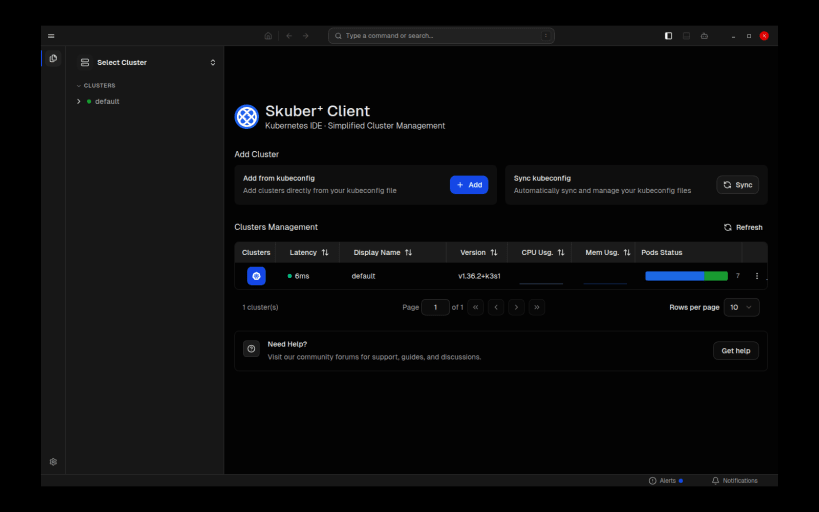
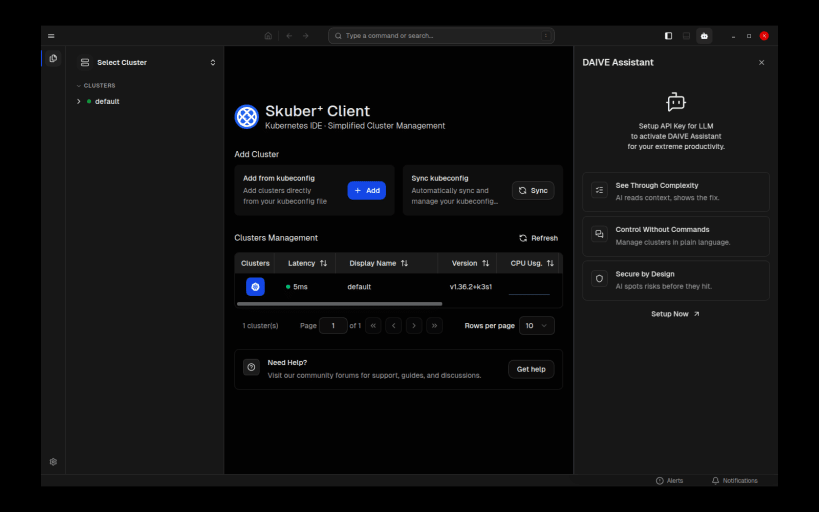
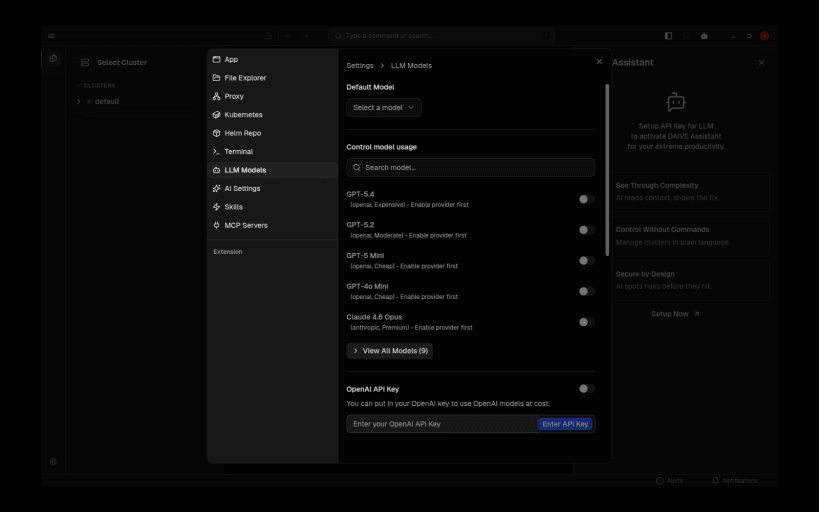
Skuber+ Client is a Kubernetes desktop client / IDE that lets you manage your clusters from the Linux desktop.
Features:
- Connect to any cluster using your existing kubeconfig, including exec credential plugins and cloud provider authentication helpers (aws, gcloud, az, and more)
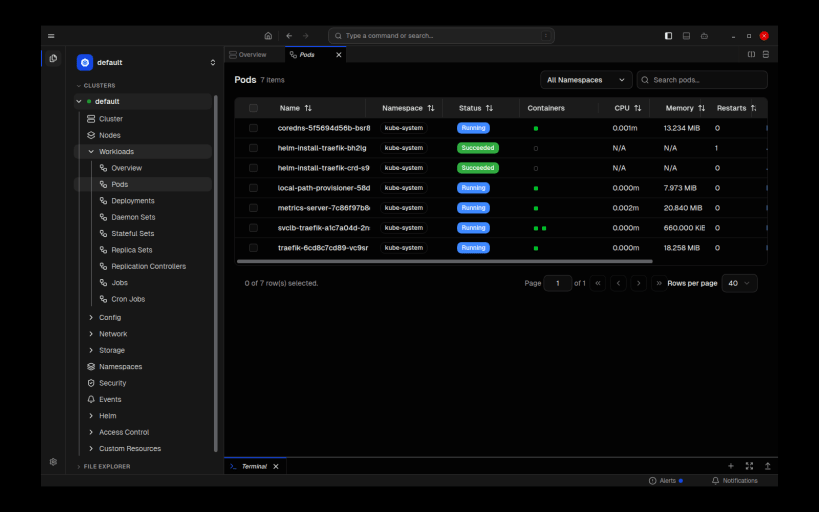
- Browse and manage workloads, pods, deployments, services, config maps, secrets and other Kubernetes resources
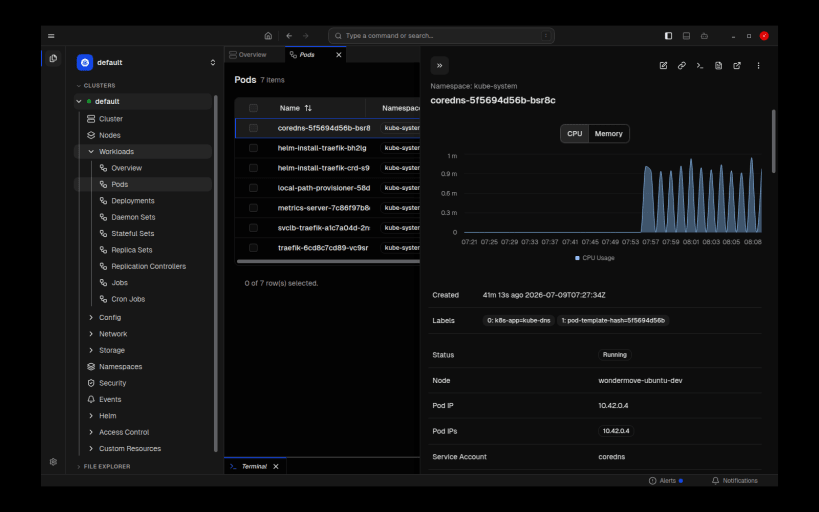
- Inspect real-time cluster metrics, node status, events and warnings
- Stream pod logs and open an integrated terminal
- Helm release management
- Built-in security scanning (Trivy, Kubescape)
- Bundled kubectl and helm binaries — no extra setup required
Skuber+ Client is developed and maintained by Wondermove Co., Ltd. and is distributed free of charge.
Note: this snap uses classic confinement because Kubernetes authentication requires executing credential helper binaries and reading certificate files at arbitrary user-controlled paths defined in your kubeconfig.
| Revision | Channel | Version | Build | Commit | Download SBOM |
|---|
The build and commit information is derived from build infrastructure records.
Install Skuber+ Client on your Linux distribution
Choose your Linux distribution to get detailed installation instructions. If yours is not shown, get more details on the installing snapd documentation.











