

Smart Camera
Install latest/stable of Smart Camera
Ubuntu 16.04 or later?
Make sure snap support is enabled in your Desktop store.
Install using the command line
sudo snap install smart-cameraDon't have snapd? Get set up for snaps.
Details for Smart Camera
Package name
- smart-camera
License
- unset
Last updated
- 10 March 2026 - latest/stable
Websites
Contact
Donations
Report a bug
External link warning
You are about to open
Do you wish to proceed?
Report a Snap Store violation
Report Smart Camera for a Snap Store violation
Snap Store Violation Report submitted successfully
Thank you for your report. Information you provided will help us investigate further.
Error submitting report
There was an error while sending your report. Please try again later.
Share this snap
Generate an embeddable card to be shared on external websites.
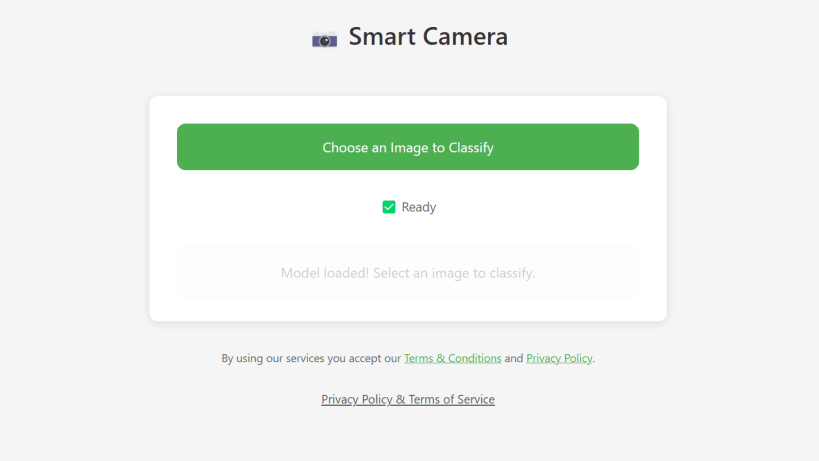
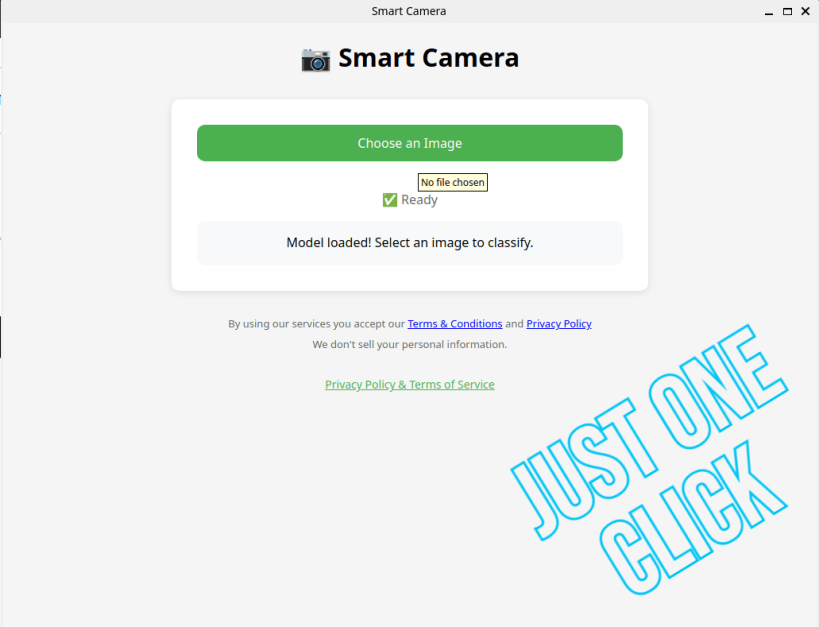
Smart Camera helps you identify objects using AI and is powered by MobileNet.
📸 Smart Camera – AI Image Identifier Smart Camera is a smart, lightweight image classifier web app built using MobileNet's general recognition model. It is available as a Progressive Web App (PWA) and also as an Android app on the Google Play Store.
🚀 Features 🧠 AI-Powered Image Recognition – Identify objects using MobileNet's model 💻 PWA Support – Works offline with installable web experience - "https://smart-camera-3-15-2013.web.app" 📱 Android App – Built with Capacitor and native integrations 📊 Firebase Analytics – Tracks usage metrics 🧩 Firebase Crashlytics – Automatically reports crashes 💸 AdMob Banner Ads – Monetized with Google ads (with user consent) 🛡️ Privacy-First – GDPR-compliant with consent screen 🛠️ Tech Stack Frontend: HTML, JavaScript (Vanilla) AI Model: MobileNet's General Image Recognition PWA: Service Worker + manifest.json Firebase: Hosting, Analytics, Crashlytics Android: Capacitor + Java bridge (AdMob, Firebase SDK)
| Revision | Channel | Version | Build | Commit | Download SBOM |
|---|
The build and commit information is derived from build infrastructure records.
Install Smart Camera on your Linux distribution
Choose your Linux distribution to get detailed installation instructions. If yours is not shown, get more details on the installing snapd documentation.











