

Snake Game Classic
Install latest/stable of Snake Game Classic
Ubuntu 16.04 or later?
Make sure snap support is enabled in your Desktop store.
Install using the command line
sudo snap install snake-game-classicDon't have snapd? Get set up for snaps.
Details for Snake Game Classic
Package name
- snake-game-classic
License
- MIT
Last updated
- 4 October 2025 - latest/stable
- 4 October 2025 - latest/edge
Websites
Contact
External link warning
You are about to open
Do you wish to proceed?
Report a Snap Store violation
Report Snake Game Classic for a Snap Store violation
Snap Store Violation Report submitted successfully
Thank you for your report. Information you provided will help us investigate further.
Error submitting report
There was an error while sending your report. Please try again later.
Share this snap
Generate an embeddable card to be shared on external websites.
Classic snake game with modern graphics and responsive fullscreen
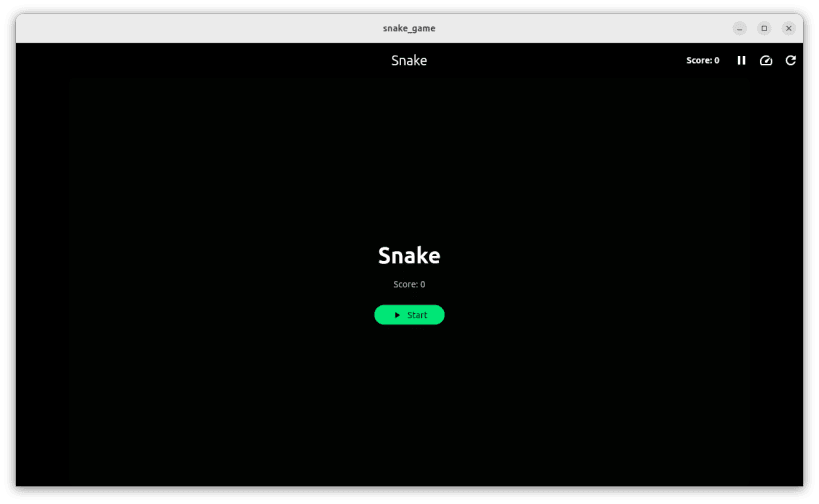
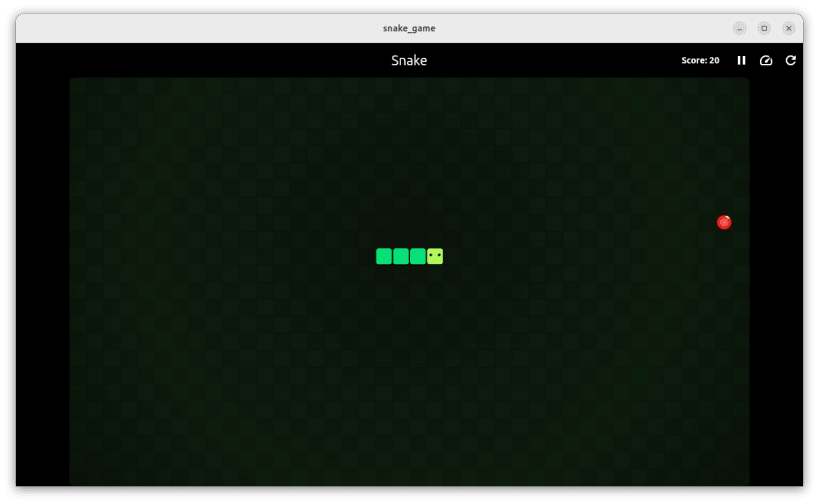
Snake Game Classic brings the timeless arcade game to your Linux desktop with beautiful modern graphics and smooth gameplay.
Features:
🎮 Classic Gameplay
- Eat food to grow longer
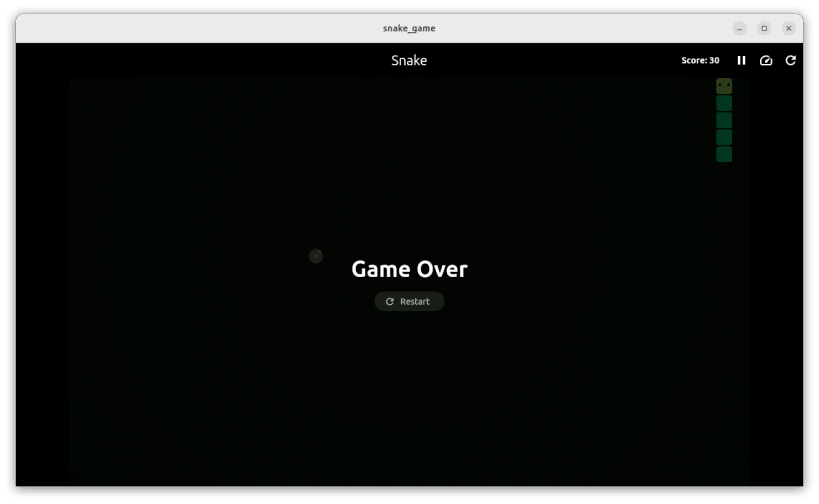
- Avoid hitting walls and yourself
- Simple and addictive
🖥️ Desktop Optimized
- Fullscreen responsive design
- Automatically adapts to screen size
- Smooth animations
- Modern neon-style graphics
⌨️ Controls
- Arrow keys or WASD to move
- Space/Enter to restart
- Pause button in toolbar
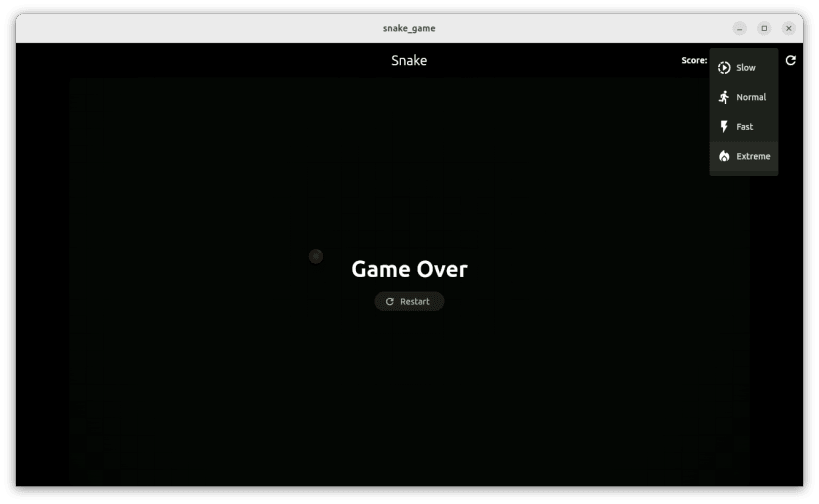
- Adjustable speed settings
⚡ Speed Options
- Slow: Perfect for beginners
- Normal: Classic snake speed
- Fast: For experienced players
- Extreme: Ultimate challenge
🎯 Perfect For
- Quick gaming breaks
- Stress relief
- Improving reflexes
- Nostalgic fun
Web Version: https://snakegame-4379e.web.app
The game automatically scales to fill your entire screen, providing an immersive gaming experience whether you're on a laptop or large monitor.
| Revision | Channel | Version | Build | Commit | Download SBOM |
|---|
The build and commit information is derived from build infrastructure records.
Install Snake Game Classic on your Linux distribution
Choose your Linux distribution to get detailed installation instructions. If yours is not shown, get more details on the installing snapd documentation.











