
Snippet Button Palette (snippet-button-pad)
Install latest/stable of Snippet Button Palette
Ubuntu 16.04 or later?
Make sure snap support is enabled in your Desktop store.
Install using the command line
sudo snap install snippet-button-padDon't have snapd? Get set up for snaps.
Details for Snippet Button Palette
Package name
- snippet-button-pad
License
- MIT
Last updated
- Yesterday - latest/stable
Websites
Contact
External link warning
You are about to open
Do you wish to proceed?
Report a Snap Store violation
Report Snippet Button Palette for a Snap Store violation
Snap Store Violation Report submitted successfully
Thank you for your report. Information you provided will help us investigate further.
Error submitting report
There was an error while sending your report. Please try again later.
Share this snap
Generate an embeddable card to be shared on external websites.
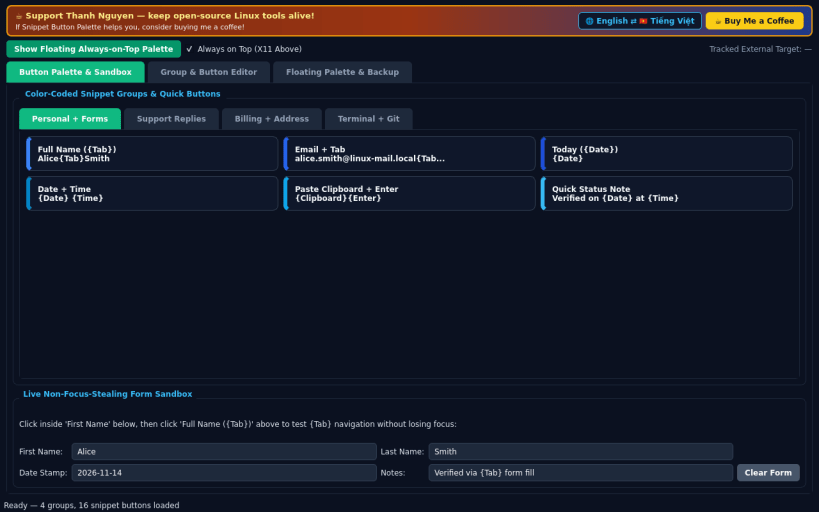
Non-focus-stealing color-coded snippet button palette for X11 forms
A lightweight Linux X11 alternative to TypeItIn for fast button-driven form filling and text pasting. Independent open-source project, not affiliated with, sponsored by, or endorsed by Wavget or TypeItIn. Uses XTest and X11 window management; Wayland-native sessions restrict external window typing.
FEATURES
- Always-on-Top Non-Focus-Stealing Palette: keep color-coded snippet tabs floating above your browser or office form without stealing X11 input focus.
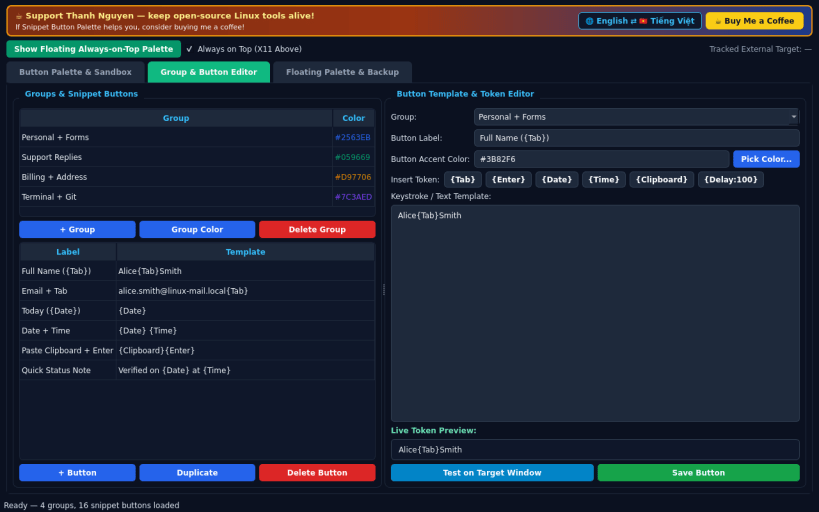
- Dynamic Tokens & Navigation: send plain text combined with {Tab}, {Enter}, {Date}, {Time}, {Clipboard}, and custom key sequences via X11Input.
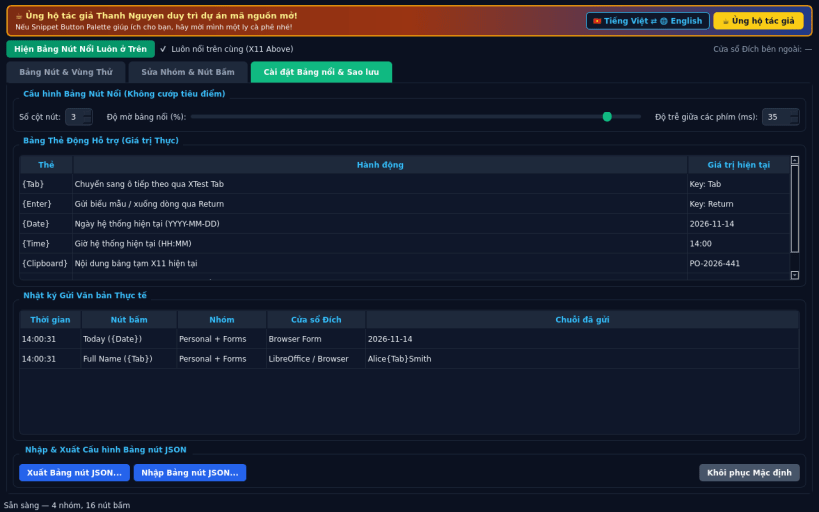
- Customizable Groups & JSON Backup: organize groups with custom colors, adjust palette columns and opacity, review paste history, and switch between English and Vietnamese interfaces.
SUPPORT & DONATE
- Created by Thanh Nguyen — https://buymeacoffee.com/thanhnv128b
| Revision | Channel | Version | Build | Commit | Download SBOM |
|---|
The build and commit information is derived from build infrastructure records.
Install Snippet Button Palette on your Linux distribution
Choose your Linux distribution to get detailed installation instructions. If yours is not shown, get more details on the installing snapd documentation.


