

Soul
Install latest/stable of Soul
Ubuntu 16.04 or later?
Make sure snap support is enabled in your Desktop store.
Details for Soul
Package name
- soul
License
- MIT
Last updated
- Today - latest/stable
Websites
Source code
External link warning
You are about to open
Do you wish to proceed?
Report a Snap Store violation
Report Soul for a Snap Store violation
Snap Store Violation Report submitted successfully
Thank you for your report. Information you provided will help us investigate further.
Error submitting report
There was an error while sending your report. Please try again later.
Share this snap
Generate an embeddable card to be shared on external websites.
An animated, rule-based desktop companion that keeps you company
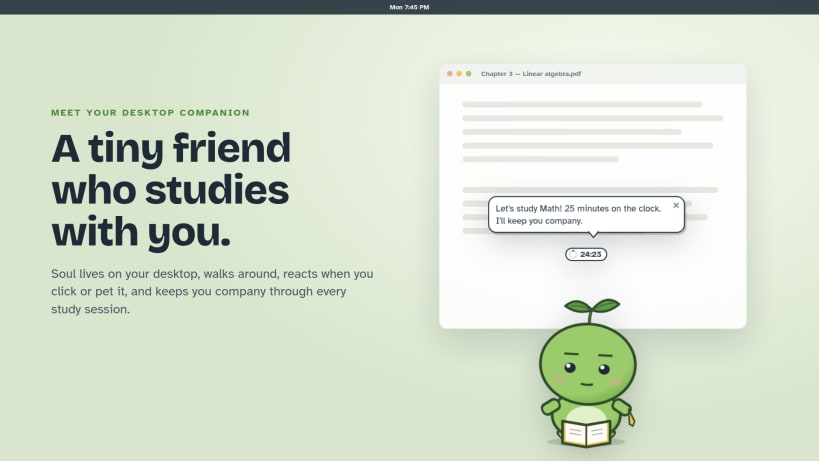
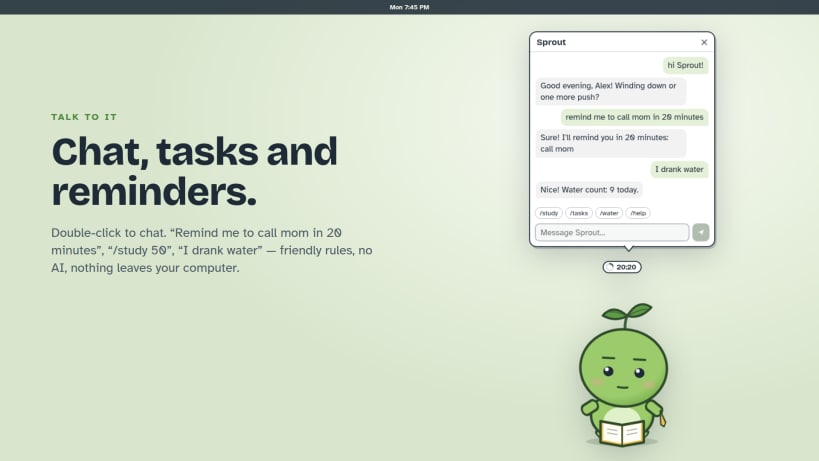
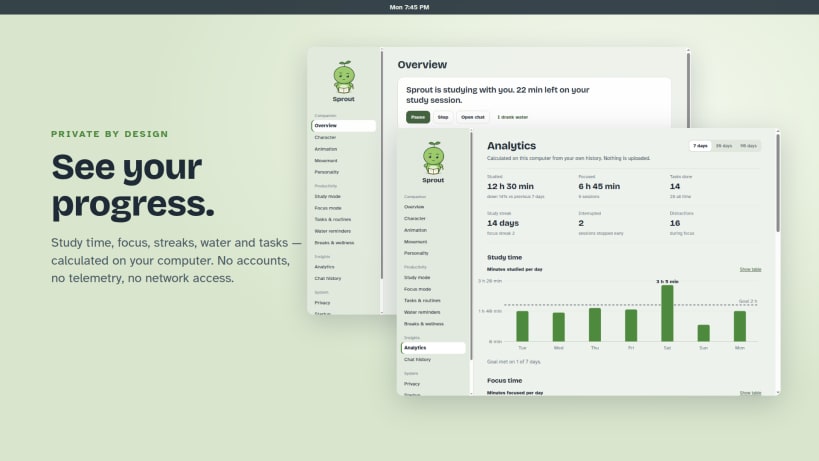
Soul is a small animated character that lives on your Linux desktop. It walks around, reacts when you click or pet it, and chats through text using predefined rules.
- Study (Pomodoro) and focus sessions with gentle check-ins
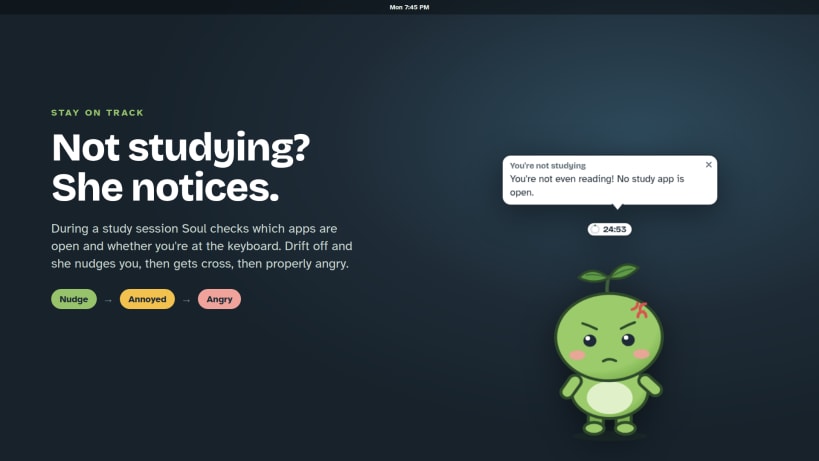
- Notices when you drift off-task during study and gets cross about it
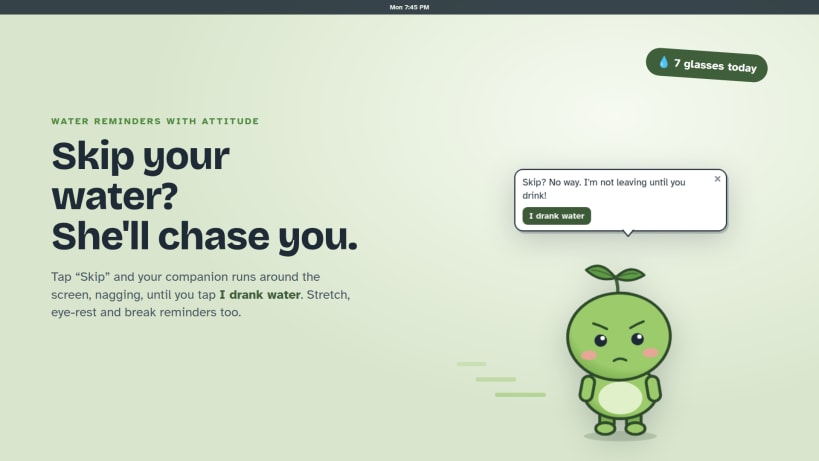
- Reminders to drink water, stretch, rest your eyes and take breaks (skip the water one and it chases you around until you drink)
- Tasks, routines and daily statistics
- Several original characters and personalities, plus JSON character packs
Privacy: completely offline. No AI, no voice, no accounts, no telemetry. The snap has no network access. Your data stays on your computer.
Works best on GNOME (Ubuntu). For the tray icon, the AppIndicator extension must be enabled (it is by default on Ubuntu). Optional: to let Focus Mode notice distracting apps, run sudo snap connect soul:system-observe
| Revision | Channel | Version | Build | Commit | Download SBOM |
|---|
The build and commit information is derived from build infrastructure records.
Install Soul on your Linux distribution
Choose your Linux distribution to get detailed installation instructions. If yours is not shown, get more details on the installing snapd documentation.











