

Sound Visual
Install latest/edge of Sound Visual
Ubuntu 16.04 or later?
Make sure snap support is enabled in your Desktop store.
Install using the command line
sudo snap install sound-visual --edgeDon't have snapd? Get set up for snaps.
Details for Sound Visual
Package name
- sound-visual
License
- MIT
Last updated
- 25 November 2026 - latest/edge
Websites
Report a bug
External link warning
You are about to open
Do you wish to proceed?
Report a Snap Store violation
Report Sound Visual for a Snap Store violation
Snap Store Violation Report submitted successfully
Thank you for your report. Information you provided will help us investigate further.
Error submitting report
There was an error while sending your report. Please try again later.
Share this snap
Generate an embeddable card to be shared on external websites.
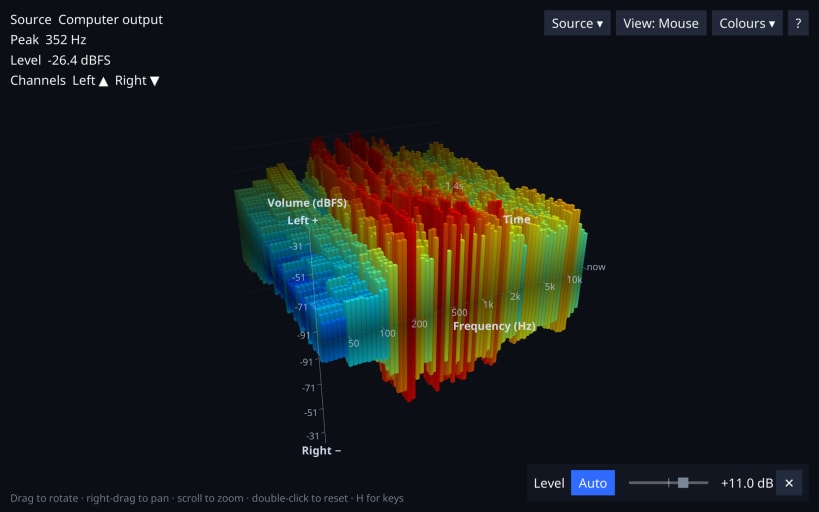
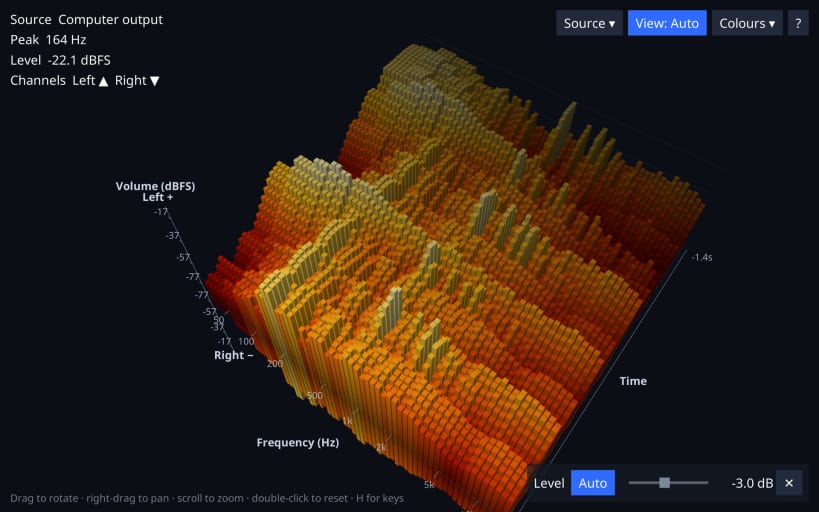
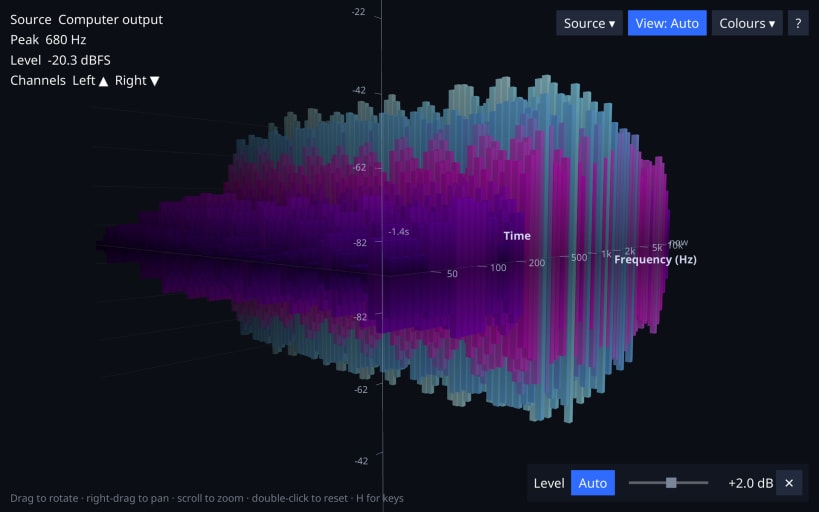
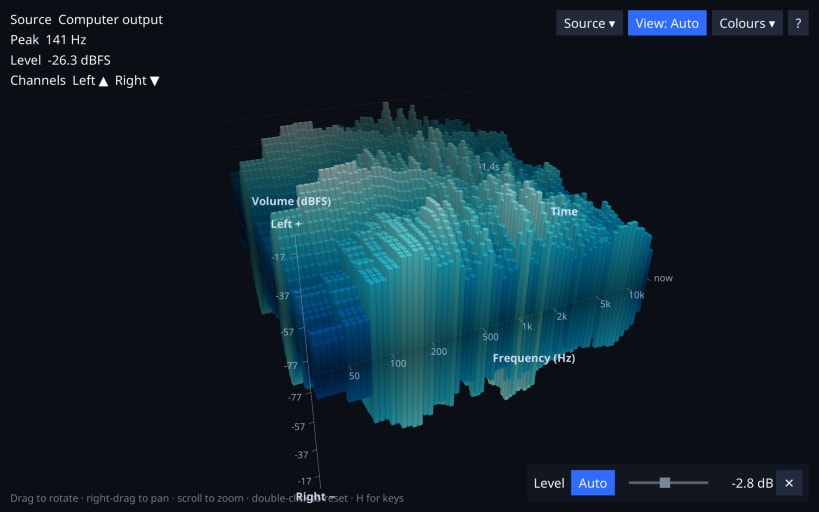
Live 3D spectrum of your microphone or what your computer is playing
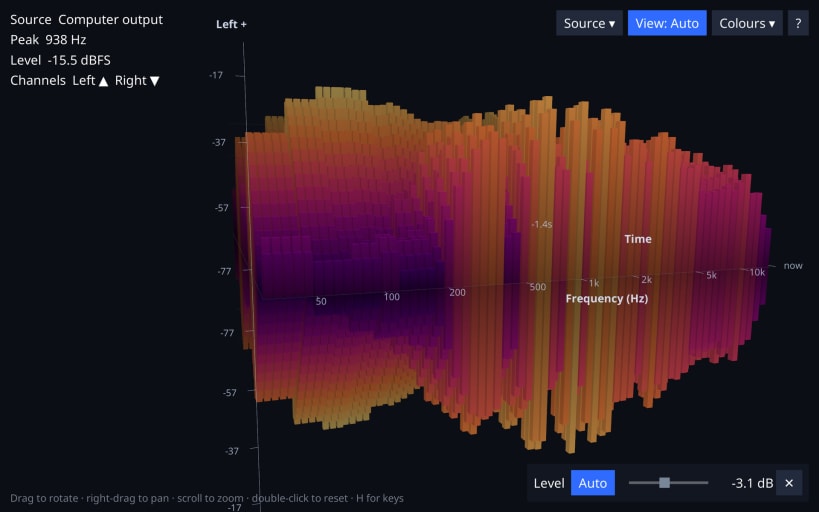
Sound Visual draws sound as a live 3D grid of bars: frequency across, volume up (left channel above the centre, right channel below) and time receding into the distance.
- Listen to the microphone, everything the computer is playing, or one app on its own
- Rotate, pan and zoom with the mouse, or let Auto view tour the grid
- Auto level, a level slider and seven colour schemes
Recording needs the audio-record permission: snap connect sound-visual:audio-record
| Revision | Channel | Version | Build | Commit | Download SBOM |
|---|
The build and commit information is derived from build infrastructure records.
Install Sound Visual on your Linux distribution
Choose your Linux distribution to get detailed installation instructions. If yours is not shown, get more details on the installing snapd documentation.











