

Spindra
Install latest/edge of Spindra
Ubuntu 16.04 or later?
Make sure snap support is enabled in your Desktop store.
Install using the command line
sudo snap install spindra --edgeDon't have snapd? Get set up for snaps.
Details for Spindra
Package name
- spindra
License
- Proprietary
Last updated
- 12 November 2026 - latest/edge
Contact
External link warning
You are about to open
Do you wish to proceed?
Report a Snap Store violation
Report Spindra for a Snap Store violation
Snap Store Violation Report submitted successfully
Thank you for your report. Information you provided will help us investigate further.
Error submitting report
There was an error while sending your report. Please try again later.
Share this snap
Generate an embeddable card to be shared on external websites.
Photo, video and design editor with a quick-action wheel
Spindra is a photo, video and design studio for your desktop, built around one idea: the tools you need should be one shortcut away.
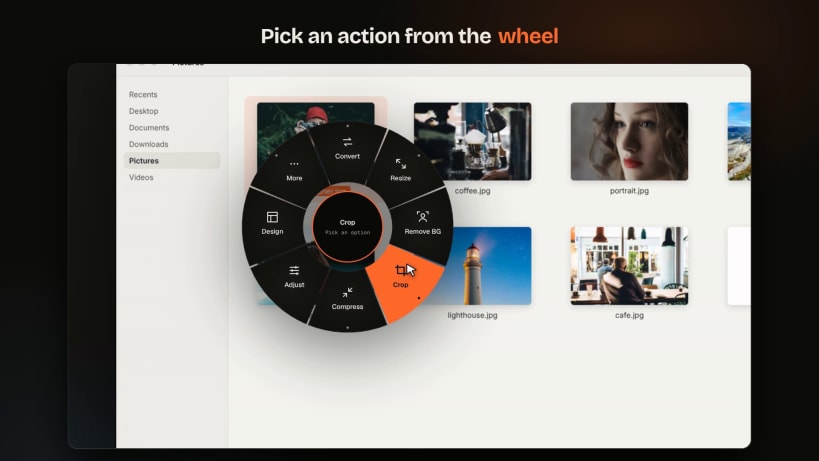
Select a photo, video or PDF, press Ctrl + Alt + Space, and a wheel of actions opens at your cursor. Convert, resize, compress, crop, remove the background or send it to the editor in a single click. No uploads and no waiting.
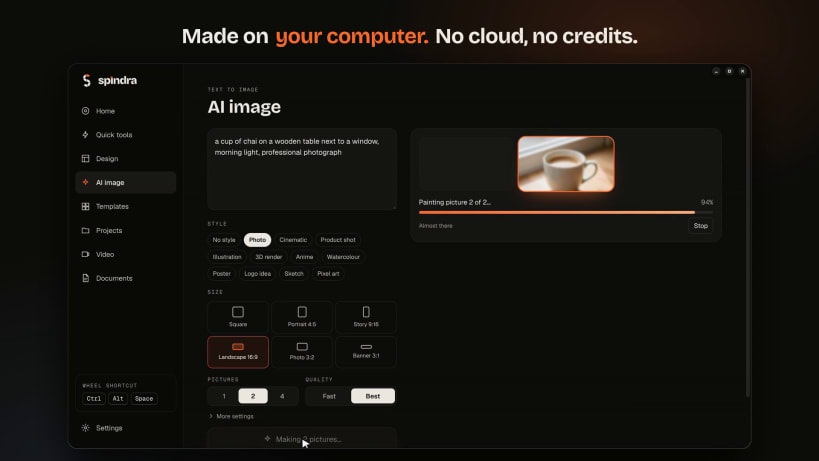
Everything runs on your own computer. Your files never leave it, and most tools work offline.
- Quick actions wheel: convert images (HEIC included) to PNG, JPG, WebP, AVIF, ICO or PDF, resize, crop, compress, remove backgrounds with on-device AI, many files at once
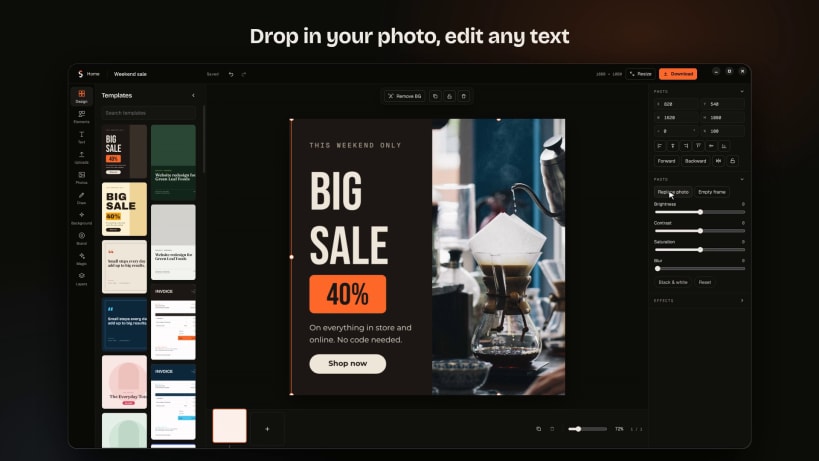
- Design editor: 50 original templates, magic resize, export to PNG, JPG or PDF
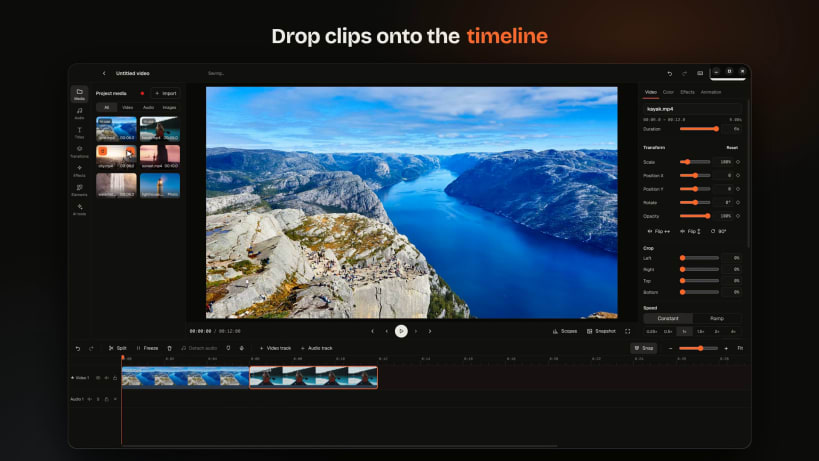
- Video editor: multi-track timeline, transitions, titles, colour looks, curves and LUTs, keyframes, masks, green screen, AI captions, silence removal, beat sync, export up to 4K
- Screen recorder with webcam and microphone
- 3,000+ free songs and sound effects built in
- AI image and AI song maker that run on your computer (optional downloads)
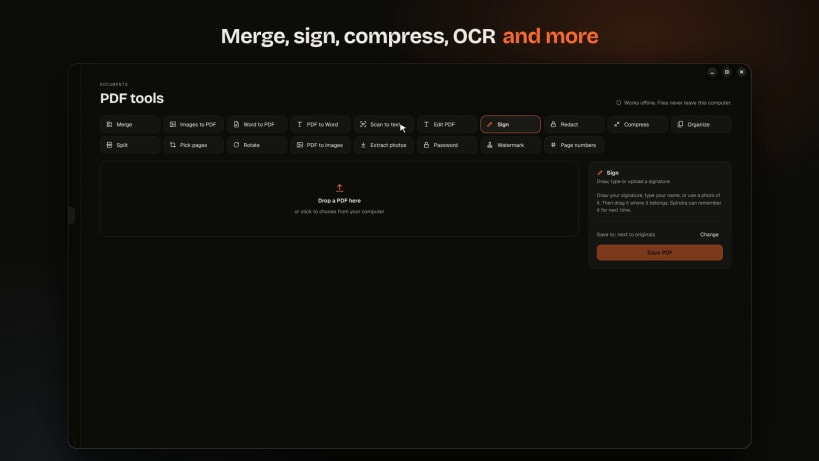
- PDF tools: merge, split, compress, convert, OCR, sign, redact
To use the camera, microphone and USB drives, run these once after installing:
 sudo snap connect spindra:camera
 sudo snap connect spindra:audio-record
 sudo snap connect spindra:removable-media
| Revision | Channel | Version | Build | Commit | Download SBOM |
|---|
The build and commit information is derived from build infrastructure records.
Install Spindra on your Linux distribution
Choose your Linux distribution to get detailed installation instructions. If yours is not shown, get more details on the installing snapd documentation.


