

Sticky Notes (sticky-notes-canvas)
Install latest/stable of Sticky Notes
Ubuntu 16.04 or later?
Make sure snap support is enabled in your Desktop store.
Install using the command line
sudo snap install sticky-notes-canvasDon't have snapd? Get set up for snaps.
Details for Sticky Notes
Package name
- sticky-notes-canvas
License
- MIT
Last updated
- 12 August 2026 - latest/stable
Websites
Source code
Report a bug
External link warning
You are about to open
Do you wish to proceed?
Report a Snap Store violation
Report Sticky Notes for a Snap Store violation
Snap Store Violation Report submitted successfully
Thank you for your report. Information you provided will help us investigate further.
Error submitting report
There was an error while sending your report. Please try again later.
Share this snap
Generate an embeddable card to be shared on external websites.
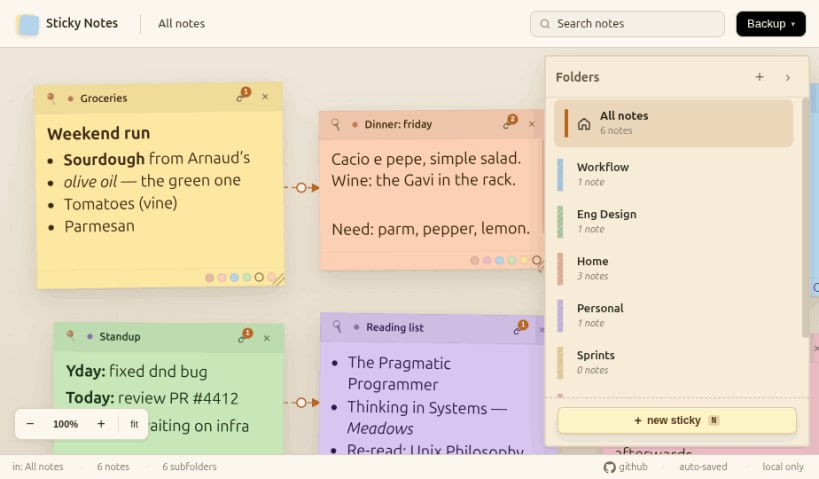
A sticky notes app for Linux that doesn't look like it escaped from 2006
A sticky notes app for Linux (and macOS) that doesn't look like it escaped from a 2006 GNOME panel.
Features
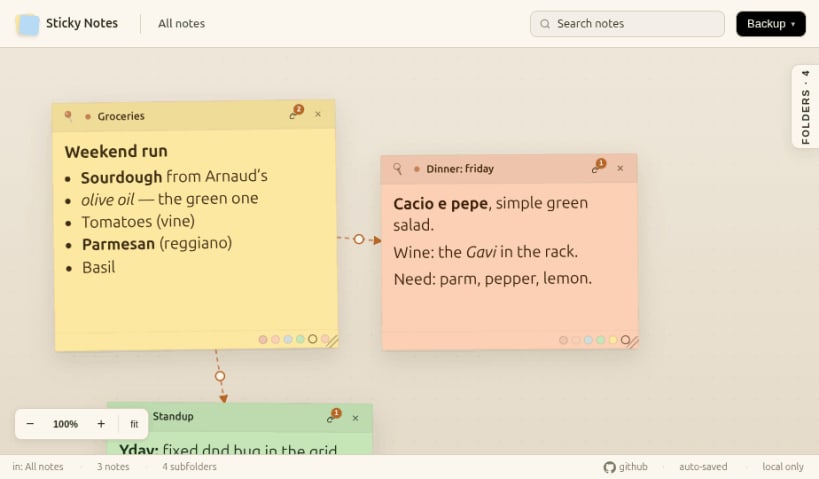
- Spatial canvas — pan, zoom, and drop notes wherever they feel right
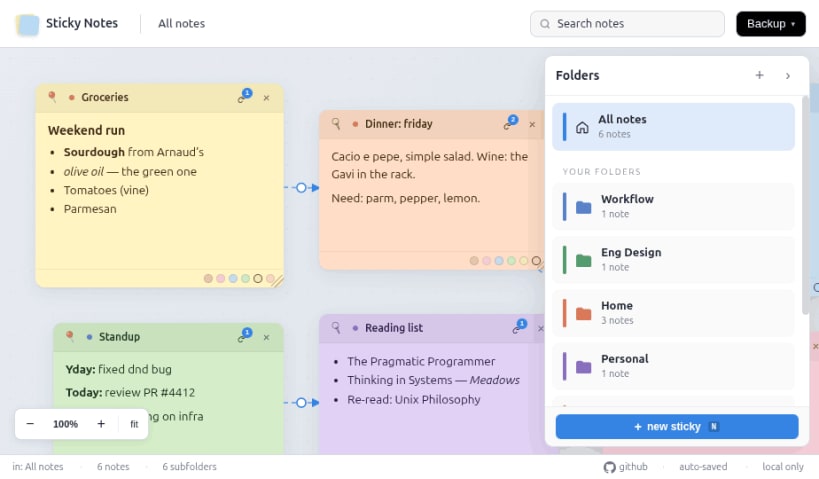
- Folders with colored badges and per-folder note counts
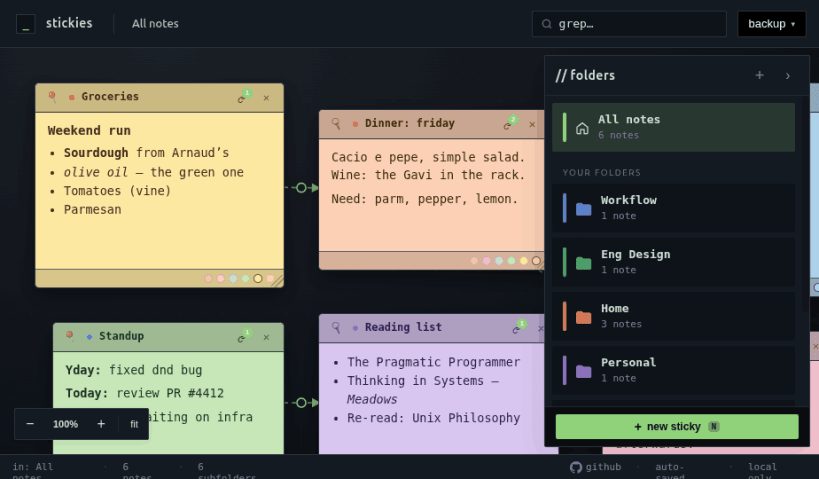
- Three themes: paper (default), flat, terminal
- Markdown bodies and dashed link arrows between notes
- Pushpin notes that stay visible across every folder
- Multi-select, drag-to-folder, copy / cut / paste with link preservation
- Keyboard shortcuts for everything: Ctrl+N new note, Ctrl+X cut, Ctrl+Z undo, Ctrl+, preferences
What it does NOT do
- Sync to the cloud
- Collaborate in real time
- Send notifications
- Try to be more than sticky notes
Where your notes live
Locally on your device, in a plain JSON file you can read with cat. No accounts, no telemetry, no cloud. The only network call is a daily check for app updates.
Source: https://github.com/faridjaff/StickyNotesCanvas Web demo: https://faridjaff.github.io/StickyNotesCanvas/
| Revision | Channel | Version | Build | Commit | Download SBOM |
|---|
The build and commit information is derived from build infrastructure records.
Install Sticky Notes on your Linux distribution
Choose your Linux distribution to get detailed installation instructions. If yours is not shown, get more details on the installing snapd documentation.











