

Stingray File Manager (stingray)
Install latest/edge of Stingray File Manager
Ubuntu 16.04 or later?
Make sure snap support is enabled in your Desktop store.
Install using the command line
sudo snap install stingray --edgeDon't have snapd? Get set up for snaps.

Details for Stingray File Manager
Package name
- stingray
License
- Apache-2.0
Last updated
- Today - latest/edge
Report a Snap Store violation
Report Stingray File Manager for a Snap Store violation
Snap Store Violation Report submitted successfully
Thank you for your report. Information you provided will help us investigate further.
Error submitting report
There was an error while sending your report. Please try again later.
Share this snap
Generate an embeddable card to be shared on external websites.
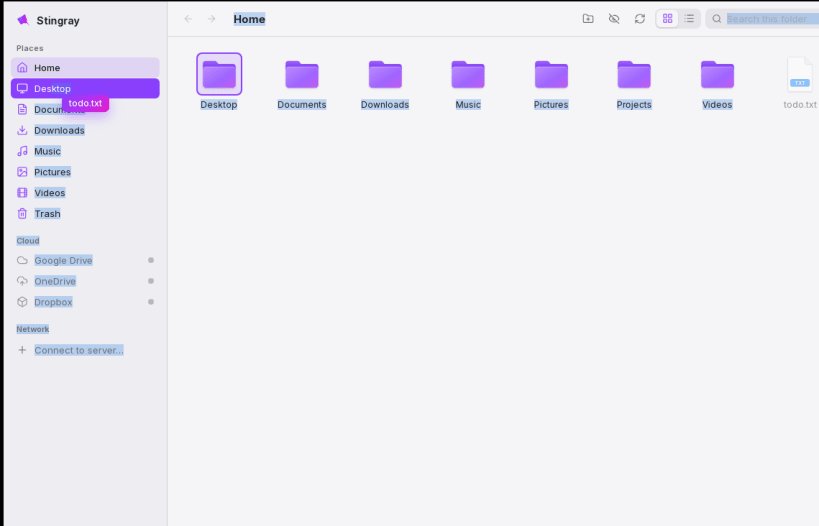
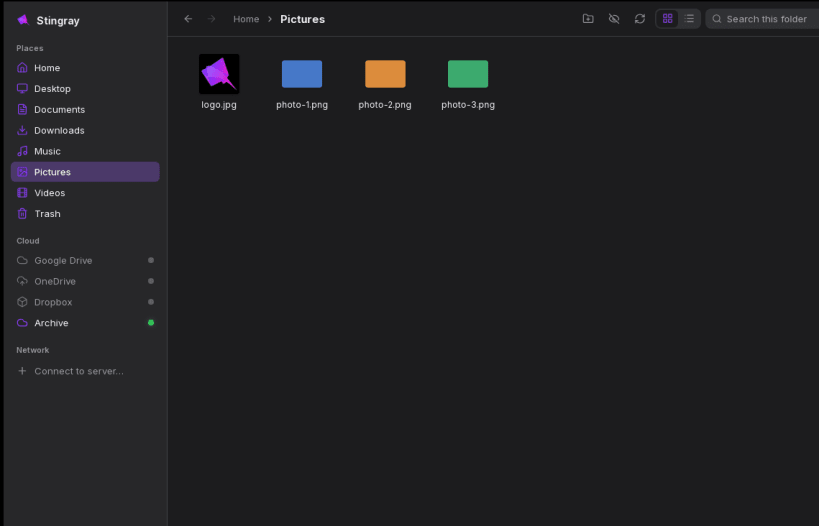
A modern file manager for your folders, cloud drives and servers
Stingray puts your folders, your cloud drives and your servers in one clean window.
- Google Drive, OneDrive and Dropbox in the sidebar, several accounts per service, with a connection light for each: green when connected, amber when slow, red when not reachable.
- Network drives over SMB and SFTP.
- Drag and drop between any two places: a local folder, a cloud drive, a server.
- Copy, cut and paste, rename, new folder, move to Trash, search, icon and list views, picture thumbnails, and four icon themes.
It bundles rclone and runs it in the background; you never configure rclone yourself. NFS shares are not available in the snap; use the .deb or AppImage for those.
| Revision | Channel | Version | Build | Commit | Download SBOM |
|---|
The build and commit information is derived from build infrastructure records.
Install Stingray File Manager on your Linux distribution
Choose your Linux distribution to get detailed installation instructions. If yours is not shown, get more details on the installing snapd documentation.











