

Storyline
Install latest/stable of Storyline
Ubuntu 16.04 or later?
Make sure snap support is enabled in your Desktop store.


Details for Storyline
Package name
- storyline
License
- MIT
Last updated
- 18 September 2026 - latest/stable
- 18 September 2026 - latest/edge
Websites
Contact
Source code
Report a bug
External link warning
You are about to open
Do you wish to proceed?
Report a Snap Store violation
Report Storyline for a Snap Store violation
Snap Store Violation Report submitted successfully
Thank you for your report. Information you provided will help us investigate further.
Error submitting report
There was an error while sending your report. Please try again later.
Share this snap
Generate an embeddable card to be shared on external websites.
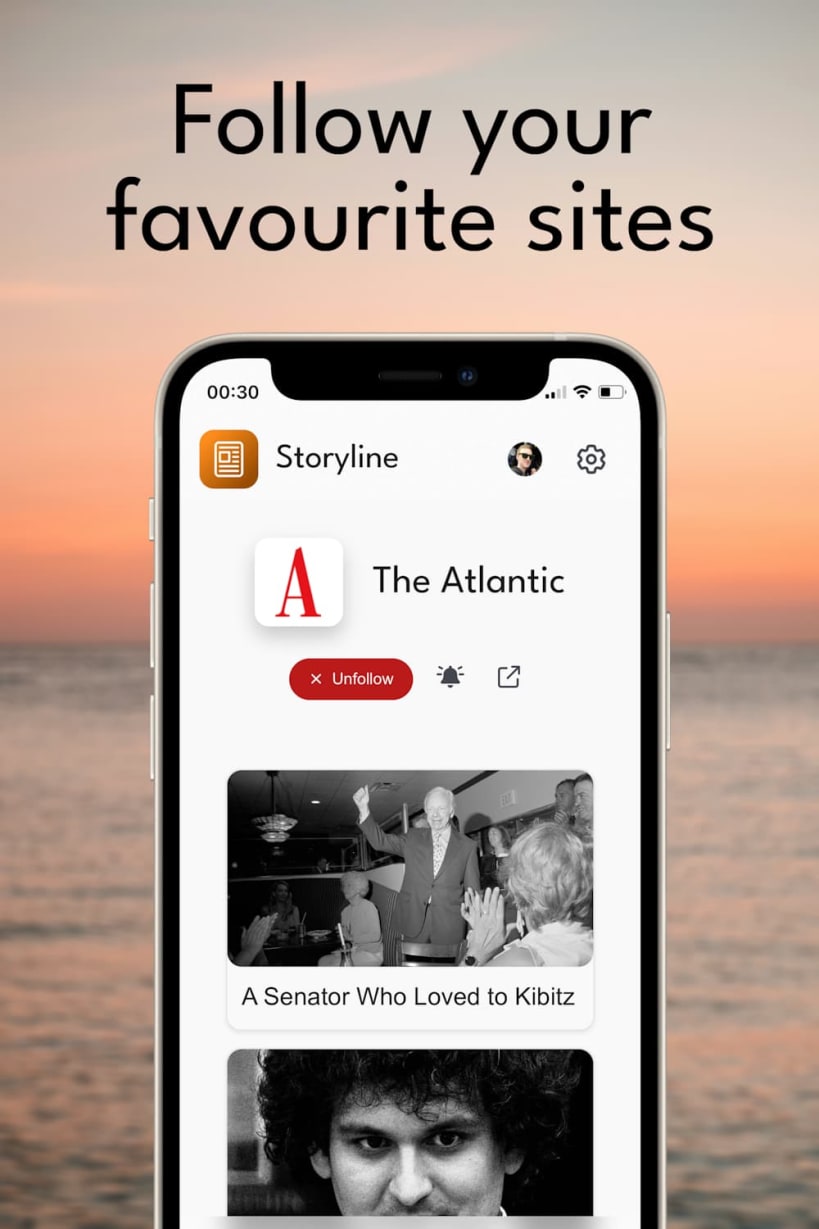
The one place to get all your news
Storyline is the one place to get all your news.
🌟 Streamlined news feed Access news from a multitude of sources, all in one convenient feed.
📌 Personalized feed Follow your favorite publishers and customize your feed to match your interests. Tailor your news experience to suit your preferences, ensuring you never miss out on what matters most to you.
☁ Seamlessly sync across devices Log in with your dav Account to effortlessly synchronize your feed and preferences across all your devices.
This package is a thin native window around the Storyline web app. The rendering engine comes from the GNOME platform snap that Ubuntu desktops already ship, so the download stays a few dozen kilobytes and no extra browser is installed alongside it.
Publisher notifications are the one thing that does not work here: they arrive as web push, and WebKitGTK has no Push API. Use the browser or the mobile app for those.
| Revision | Channel | Version | Build | Commit | Download SBOM |
|---|
The build and commit information is derived from build infrastructure records.
Install Storyline on your Linux distribution
Choose your Linux distribution to get detailed installation instructions. If yours is not shown, get more details on the installing snapd documentation.











