

Sudoku (Windows) (sudoku-windows)
Install latest/stable of Sudoku (Windows)
Ubuntu 16.04 or later?
Make sure snap support is enabled in your Desktop store.
Install using the command line
sudo snap install sudoku-windowsDon't have snapd? Get set up for snaps.


Details for Sudoku (Windows)
Package name
- sudoku-windows
License
- unset
Last updated
- 29 April 2023 - latest/stable
- 27 January 2024 - latest/edge
Websites
Contact
External link warning
You are about to open
Do you wish to proceed?
Report a Snap Store violation
Report Sudoku (Windows) for a Snap Store violation
Snap Store Violation Report submitted successfully
Thank you for your report. Information you provided will help us investigate further.
Error submitting report
There was an error while sending your report. Please try again later.
Share this snap
Generate an embeddable card to be shared on external websites.
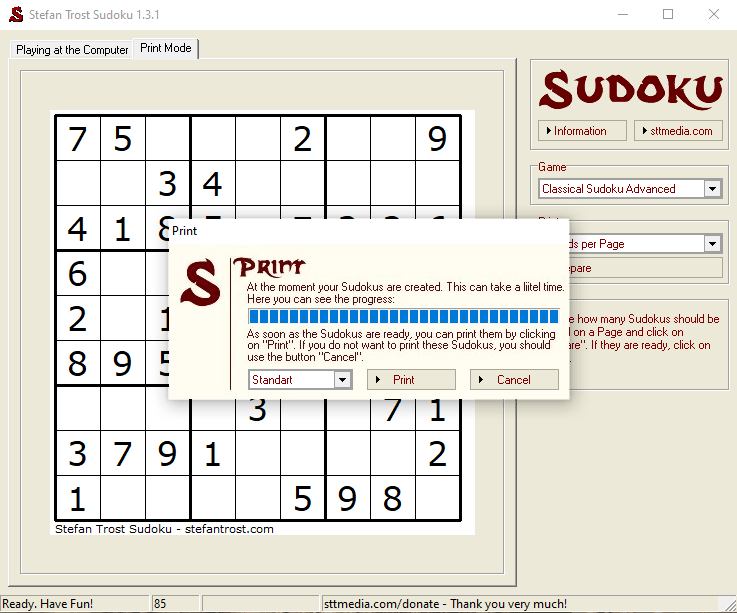
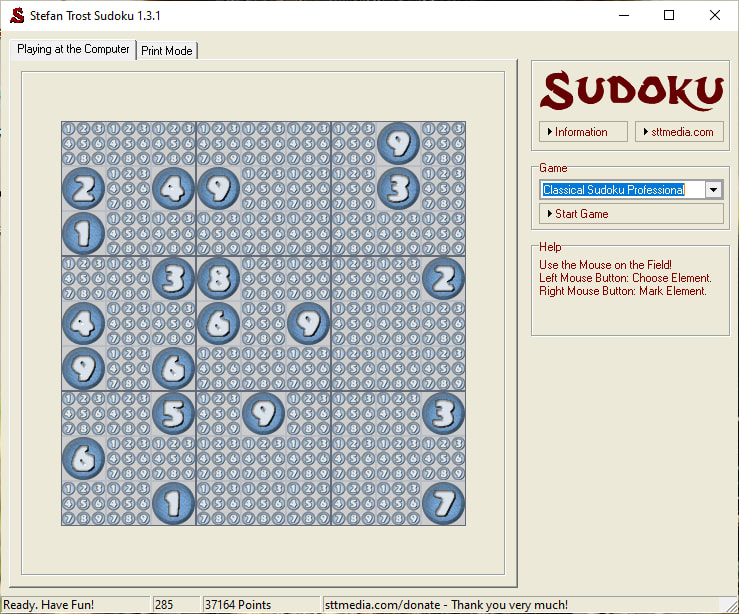
Play Sudoku on your computer or print out the game sheets to play the old fashion way.
Play Sudoku on your computer or print out the game sheets to play the old fashion way.
Sudoku is the short form for the Japanese sentence "Suji wa dokushin ni kagiru", what can be translated as "all numbers have to happen exactly once". It is a logic puzzle which resembles the magical squares.
The first known Sudoku-like game was developed by the Swiss mathematician Leonhard Euler under the name "Latin Square" in the 18th century. After that there were further variants again and again, but very popular it became in Japan within the 1980s. Meanwhile it enjoys worldwide popularity.
| Revision | Channel | Version | Build | Commit | Download SBOM |
|---|
The build and commit information is derived from build infrastructure records.
Install Sudoku (Windows) on your Linux distribution
Choose your Linux distribution to get detailed installation instructions. If yours is not shown, get more details on the installing snapd documentation.











