

Tacent View (tacentview)
Install latest/stable of Tacent View
Ubuntu 16.04 or later?
Make sure snap support is enabled in your Desktop store.
Details for Tacent View
Package name
- tacentview
License
- ISC
Last updated
- 7 December 2025 - latest/stable
- 7 December 2025 - latest/edge
Websites
External link warning
You are about to open
Do you wish to proceed?
Report a Snap Store violation
Report Tacent View for a Snap Store violation
Snap Store Violation Report submitted successfully
Thank you for your report. Information you provided will help us investigate further.
Error submitting report
There was an error while sending your report. Please try again later.
Share this snap
Generate an embeddable card to be shared on external websites.
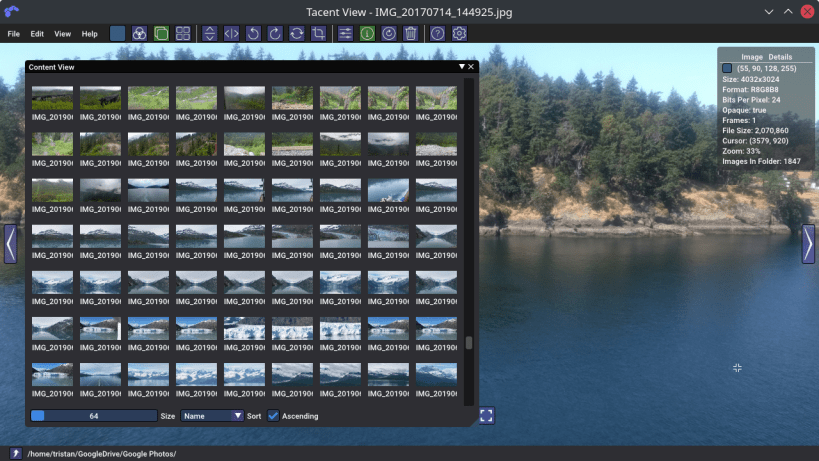
Image viewer/editor for tga, png, apng, exr, dds, pvr, ktx, ktx2, astc, pkm, qoi, gif, hdr, jpg, tif, ico, webp, and bmp files.
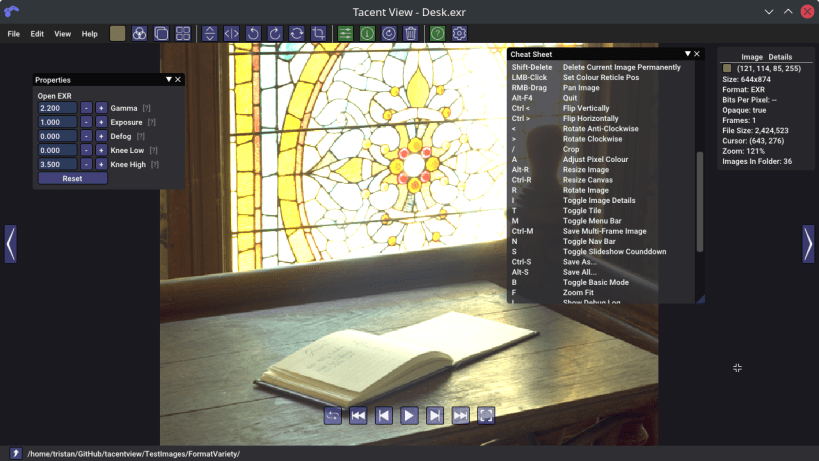
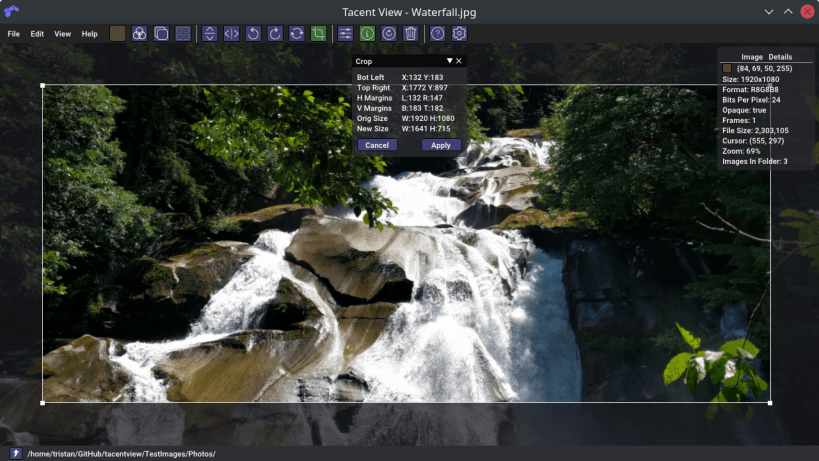
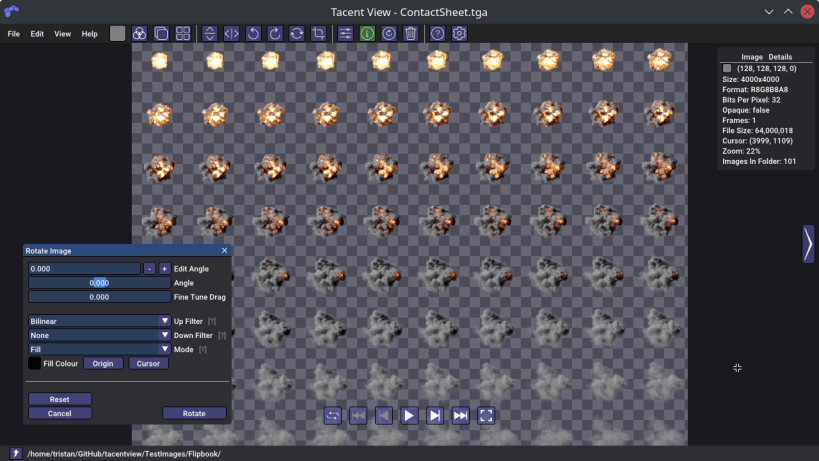
Tacent View is a picture and image viewer targeted at game developers. The alpha channel is displayed correctly and individual pixel colours can be inspected/edited. Features exposure adjustments for hdr and exr files, photo slideshow mode (capable of interactive speeds), batch conversion/resize with various filters, fast thumbnail view, channel filtering, basic editing (flip, scale, crop, rotate, resize, pixel-edit, brightness, contrast), contact sheet generation for flipbook animations, levels adjustments, high-quality quantizers for gif file generation, and fast scrubbing of all animated images (gifs, apngs, tiffs, webp).
Tacent View can save tga, bmp, jpg, png, qoi, and animated gif, tiff, apng, and webp files. Per-frame durations may be edited for the animated formats.
The tool may also be used from the command-line for batch processing images. Simply call with --help to see full instructions.
Release notes at: https://github.com/bluescan/tacentview/releases
| Revision | Channel | Version | Build | Commit | Download SBOM |
|---|
The build and commit information is derived from build infrastructure records.
Install Tacent View on your Linux distribution
Choose your Linux distribution to get detailed installation instructions. If yours is not shown, get more details on the installing snapd documentation.











