

tagwerk - Daily Notes & Tasks (tagwerk)
Install latest/stable of tagwerk - Daily Notes & Tasks
Ubuntu 16.04 or later?
Make sure snap support is enabled in your Desktop store.
Details for tagwerk - Daily Notes & Tasks
Package name
- tagwerk
License
- Proprietary
Last updated
- 24 October 2026 - latest/stable
- 24 October 2026 - latest/candidate
Websites
Contact
Report a bug
External link warning
You are about to open
Do you wish to proceed?
Report a Snap Store violation
Report tagwerk - Daily Notes & Tasks for a Snap Store violation
Snap Store Violation Report submitted successfully
Thank you for your report. Information you provided will help us investigate further.
Error submitting report
There was an error while sending your report. Please try again later.
Share this snap
Generate an embeddable card to be shared on external websites.
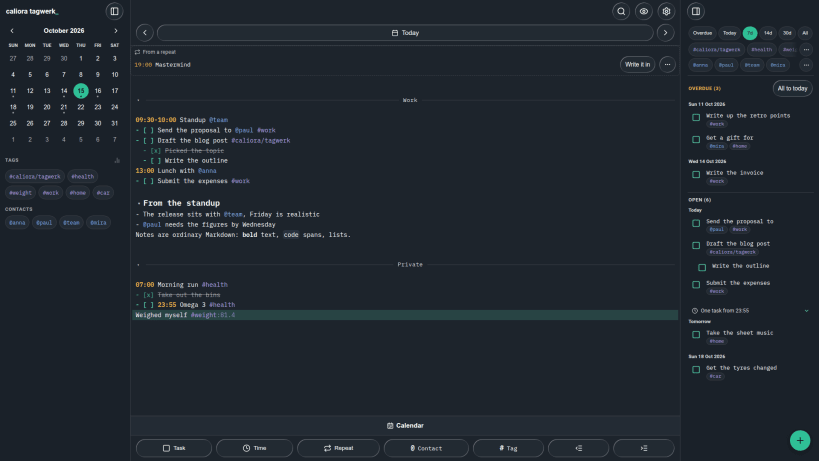
Notes, tasks and appointments in one text file per day
tagwerk keeps one Markdown file per day. Lines of ordinary text become tasks, appointments and filterable lists - a checkbox is a task, a time at the front of a line is an appointment, a word with a hash in front of it is a tag.
The files are yours: ordinary Markdown in a folder you choose, readable in any editor, with the date in the file name rather than in the text. Nothing is hidden in a database.
What it does
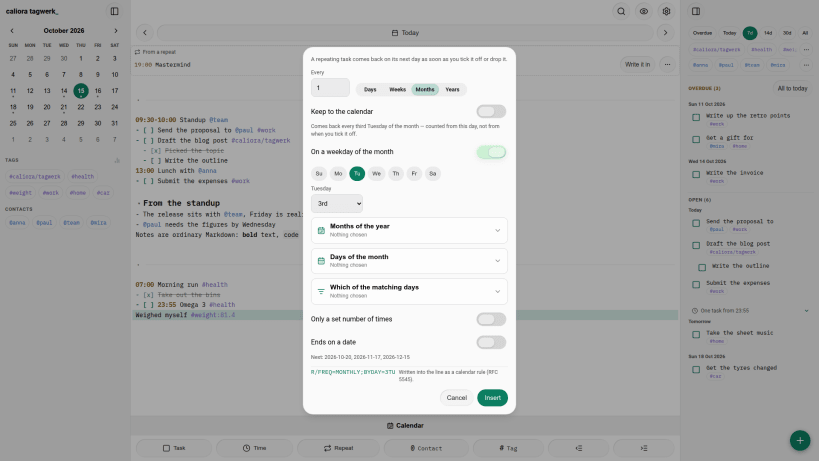
- Tasks with forwarding to another day, priorities and recurrence, written as plain text
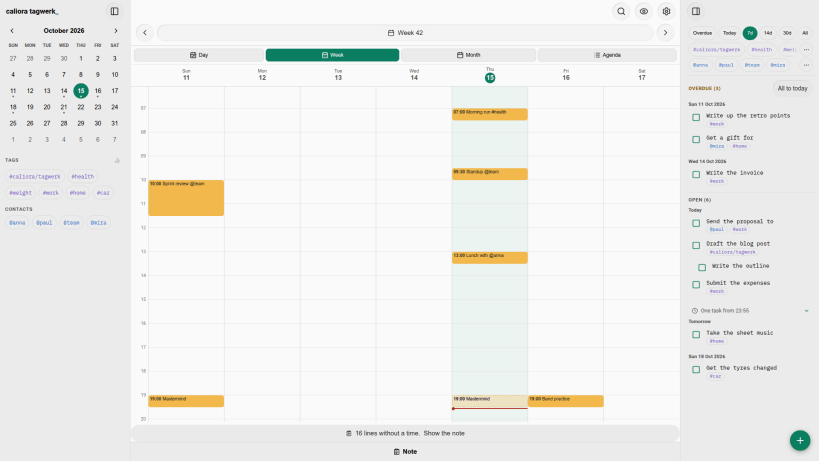
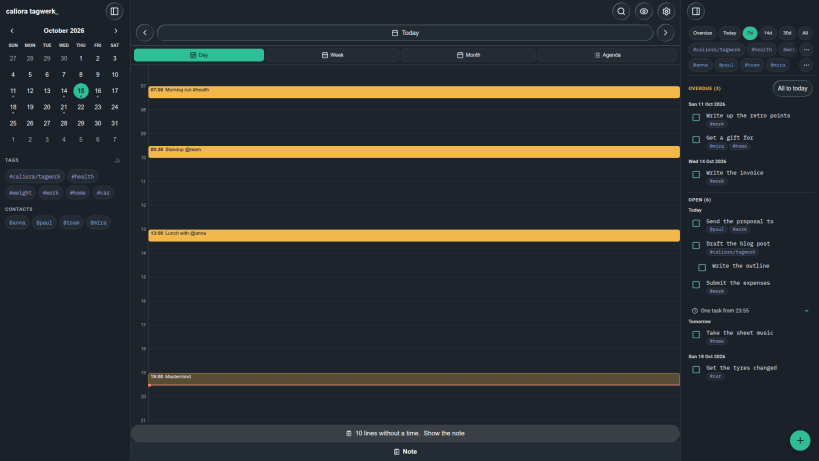
- A calendar with day, week, month and agenda views over the same files
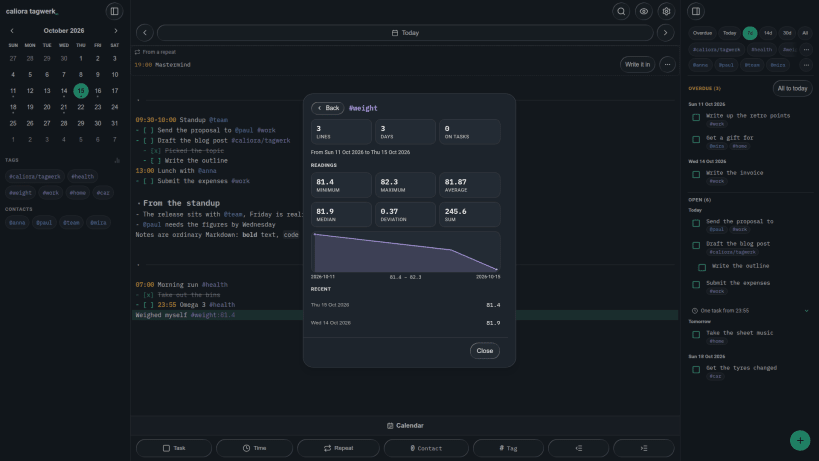
- Tags with readings, so a habit can collect a number as it is ticked off
- Search across every day, a task list across days with filters, and a revision history for each day
- Sync through your own WebDAV server - Nextcloud, ownCloud, Synology and the like
On Linux, tagwerk is free with every feature. No account, no tracking, no subscription.
| Revision | Channel | Version | Build | Commit | Download SBOM |
|---|
The build and commit information is derived from build infrastructure records.
Install tagwerk - Daily Notes & Tasks on your Linux distribution
Choose your Linux distribution to get detailed installation instructions. If yours is not shown, get more details on the installing snapd documentation.











