

TC Telemetry Plotter (tc-telemetry-plot)
Install latest/stable of TC Telemetry Plotter
Ubuntu 16.04 or later?
Make sure snap support is enabled in your Desktop store.
Install using the command line
sudo snap install tc-telemetry-plotDon't have snapd? Get set up for snaps.
Details for TC Telemetry Plotter
Package name
- tc-telemetry-plot
License
- MIT
Last updated
- Today - latest/stable
Report a Snap Store violation
Report TC Telemetry Plotter for a Snap Store violation
Snap Store Violation Report submitted successfully
Thank you for your report. Information you provided will help us investigate further.
Error submitting report
There was an error while sending your report. Please try again later.
Share this snap
Generate an embeddable card to be shared on external websites.
TC Telemetry Plotter - Live hardware sensor table, chart & CSV logger
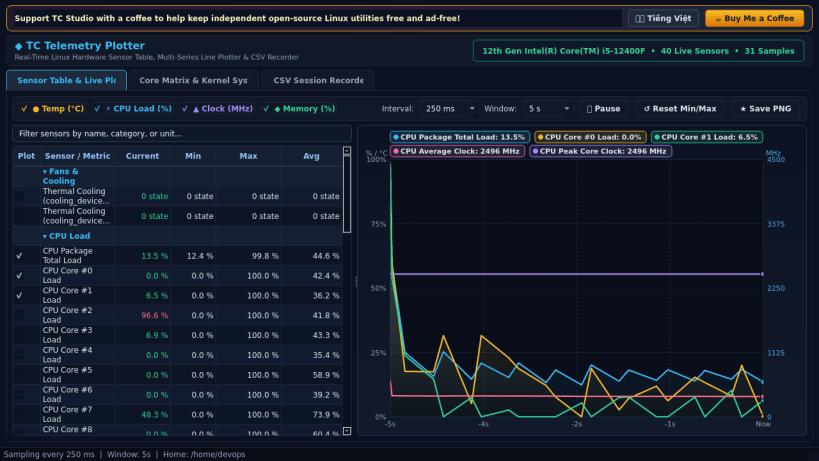
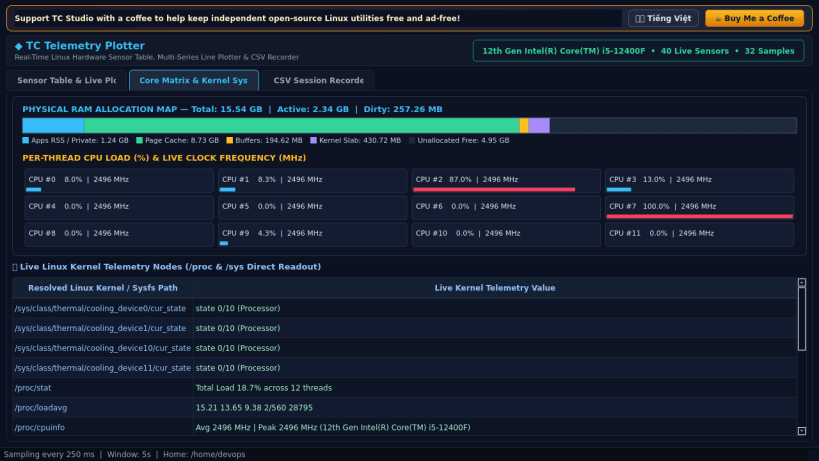
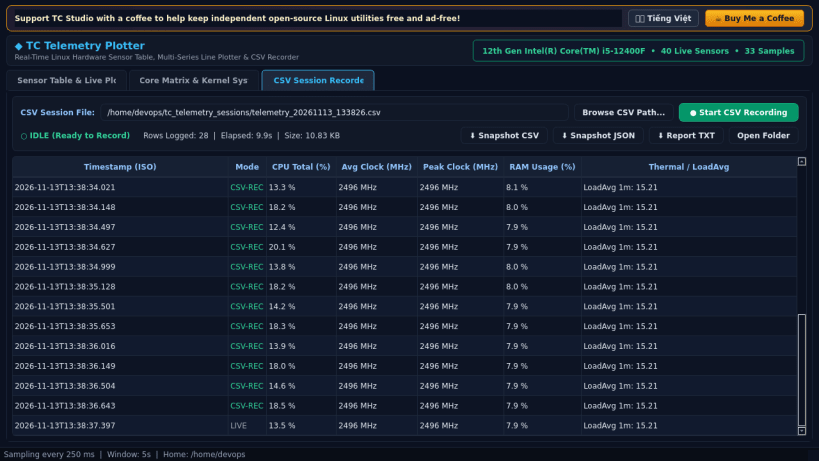
TC Telemetry Plotter is a real-time Linux hardware sensor table, multi-series scrolling line chart plotter, and CSV session recorder built with PyQt5.
An independent Linux alternative inspired by Open Hardware Monitor for real-time hardware sensor inspection, multi-series telemetry curve plotting, and CSV session recording.
Key Features:
- Live hierarchical Linux sensor table tracking Current, Min, Max, and Avg values across CPU cores, frequencies, thermal zones, hwmon chips, memory, storage I/O, and network interfaces from /proc and /sys.
- Multi-series scrolling QPainter line chart with anti-aliased curves, live hover crosshair inspector, and instant toggles for Temperature (°C), CPU Core Load (%), Frequency (MHz), and Memory Usage (%).
- Adjustable sampling interval (250 ms to 5000 ms) and rolling time window (30 s to 600 s) with pause/resume and PNG chart capture.
- Continuous CSV session recorder writing timestamped telemetry rows to disk plus one-click CSV, JSON, and TXT snapshot exports.
Disclaimer: This project is an independent open-source utility built by TC Studio and is not affiliated with, sponsored by, or endorsed by Michael Möller.
| Revision | Channel | Version | Build | Commit | Download SBOM |
|---|
The build and commit information is derived from build infrastructure records.
Install TC Telemetry Plotter on your Linux distribution
Choose your Linux distribution to get detailed installation instructions. If yours is not shown, get more details on the installing snapd documentation.


