

Termina
Install latest/stable of Termina
Ubuntu 16.04 or later?
Make sure snap support is enabled in your Desktop store.
Details for Termina
Package name
- termina
License
- Proprietary
Last updated
- 8 November 2026 - latest/stable
Websites
Contact
Source code
Report a bug
External link warning
You are about to open
Do you wish to proceed?
Report a Snap Store violation
Report Termina for a Snap Store violation
Snap Store Violation Report submitted successfully
Thank you for your report. Information you provided will help us investigate further.
Error submitting report
There was an error while sending your report. Please try again later.
Share this snap
Generate an embeddable card to be shared on external websites.
SSH client with SFTP files, tunnels and jump hosts
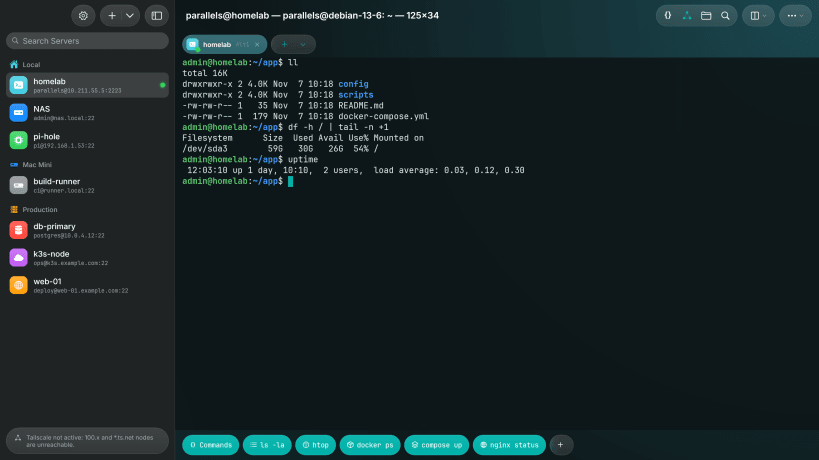
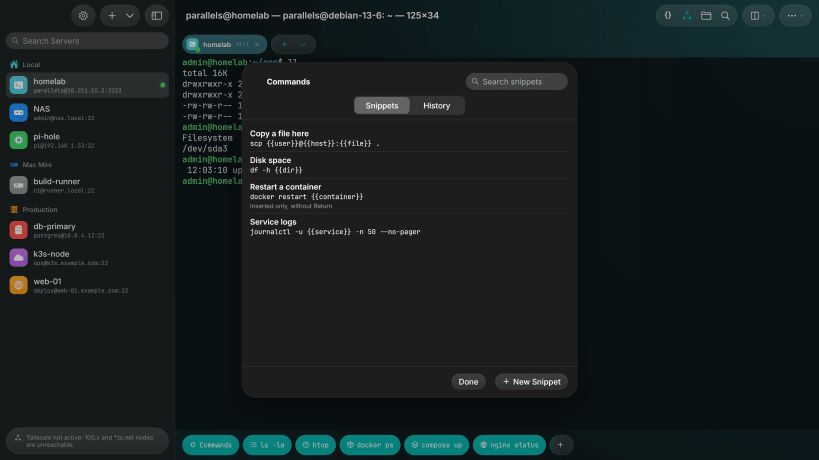
Termina opens terminal sessions on your servers (vim, htop and tmux work as on a computer), shows their files next to the terminal over SFTP and forwards ports to reach services that only the server can see.
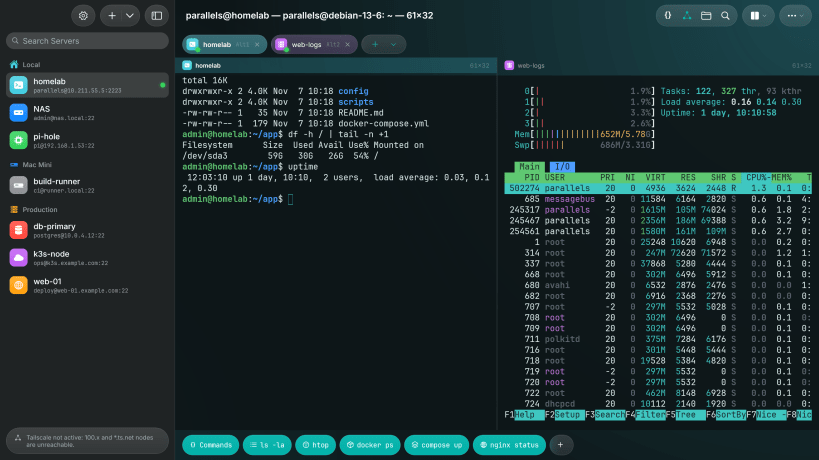
- Tabs and two sessions side by side, tmux sessions that survive a dropped connection
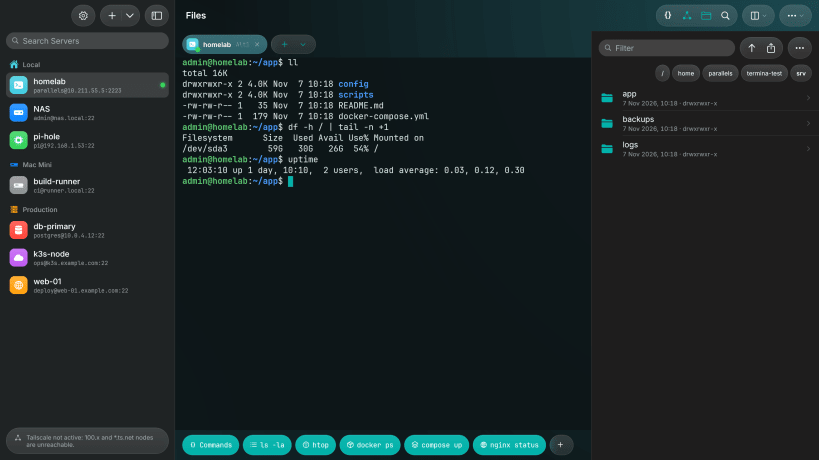
- SFTP files with upload, download and a built-in editor
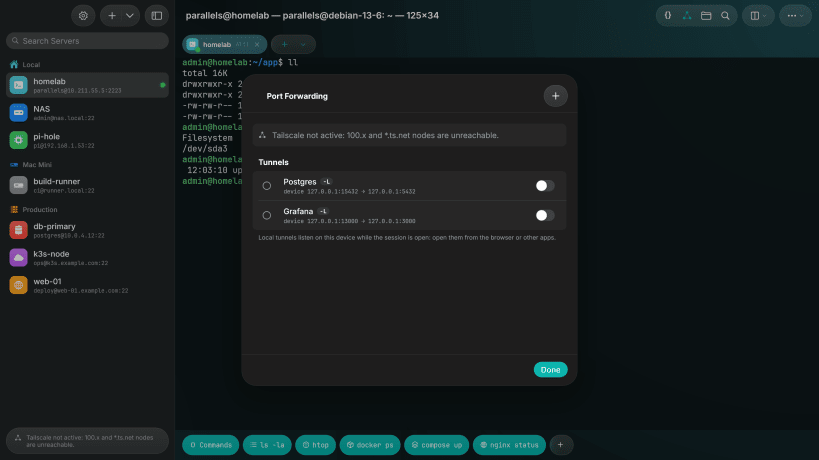
- Local and remote tunnels with live status, jump hosts (up to four hops), agent forwarding
- Ed25519 keys created in the app; passwords and keys in the system keyring
- Snippets, history, a touch-friendly Command Deck with macros, import from ~/.ssh
- Six profiles, light and dark appearance, five languages
Free, with no account, no subscription and no tracking.
To import ~/.ssh directly, connect the ssh-keys interface:
sudo snap connect termina:ssh-keys. To keep passwords in the system keyring instead of a
private file, connect sudo snap connect termina:password-manager-service.
| Revision | Channel | Version | Build | Commit | Download SBOM |
|---|
The build and commit information is derived from build infrastructure records.
Install Termina on your Linux distribution
Choose your Linux distribution to get detailed installation instructions. If yours is not shown, get more details on the installing snapd documentation.


