

Thirty Two by 32 (thirtytwoby32)
Install latest/stable of Thirty Two by 32
Ubuntu 16.04 or later?
Make sure snap support is enabled in your Desktop store.
Install using the command line
sudo snap install thirtytwoby32Don't have snapd? Get set up for snaps.
Details for Thirty Two by 32
Package name
- thirtytwoby32
License
- unset
Last updated
- Yesterday - latest/stable
Websites
External link warning
You are about to open
Do you wish to proceed?
Report a Snap Store violation
Report Thirty Two by 32 for a Snap Store violation
Snap Store Violation Report submitted successfully
Thank you for your report. Information you provided will help us investigate further.
Error submitting report
There was an error while sending your report. Please try again later.
Share this snap
Generate an embeddable card to be shared on external websites.
Plan LEGO city layouts with tracks, roads, and buildings
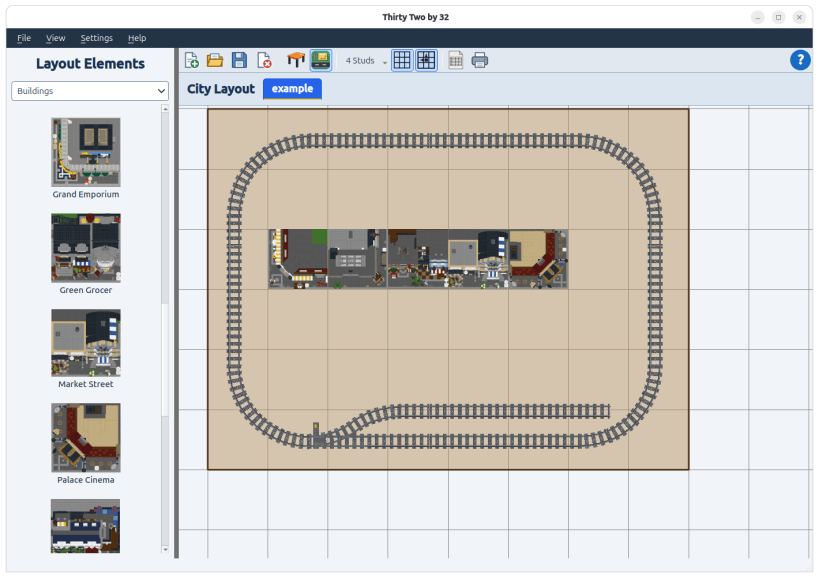
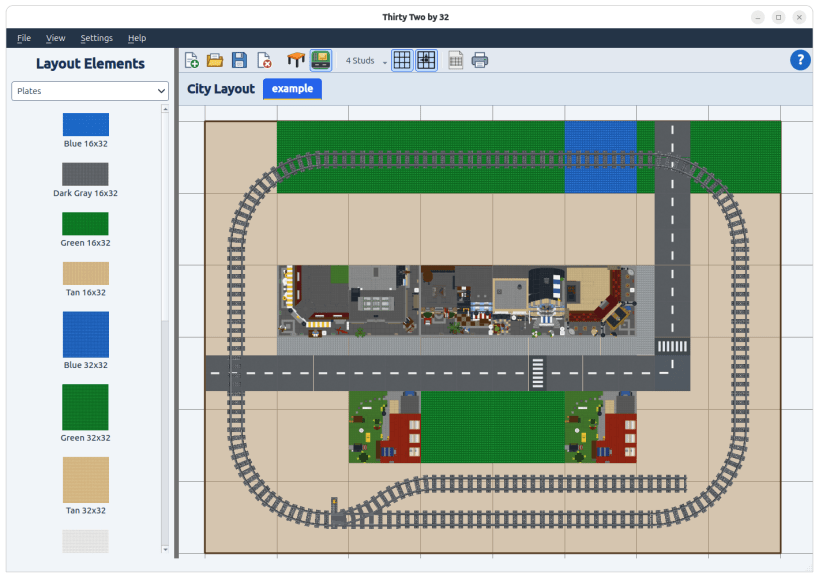
Thirty Two by 32 helps you organize buildings, roads, baseplates, and railway tracks in a visual workspace. Define your table shape, try different arrangements, and see how everything fits before moving your collection.
• Design your table: Create a custom outline and work with measurements in plates, studs, inches, or centimeters.
• Arrange your city: Drag elements onto your layout, then move, rotate, and stack them to explore different designs.
• Plan roads and railways: Connect compatible track pieces and extend straight road sections with convenient keyboard shortcuts.
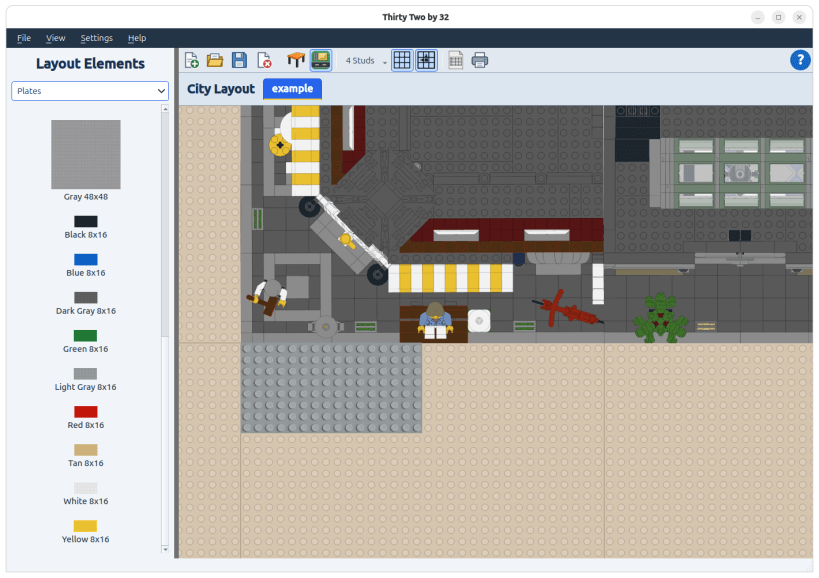
• Position elements precisely: Use grid guides, snapping, and zoom controls to refine your layout.
• Add custom elements: Expand your planning library with your own artwork.
• Manage multiple layouts: Save your designs and keep several projects open while you compare ideas.
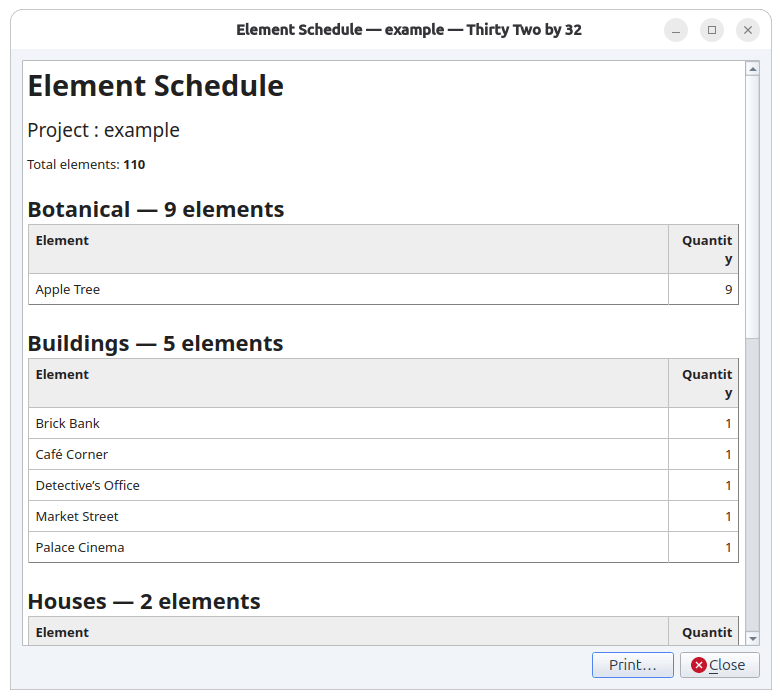
• Print your plans: Print a layout and generate an element schedule showing quantities grouped by type.
Whether you’re starting a small display or reorganizing an established city, Thirty Two by 32 gives you room to experiment before the building begins.
LEGO® is a trademark of the LEGO Group of companies which does not sponsor, authorize or endorse this software.
| Revision | Channel | Version | Build | Commit | Download SBOM |
|---|
The build and commit information is derived from build infrastructure records.
Install Thirty Two by 32 on your Linux distribution
Choose your Linux distribution to get detailed installation instructions. If yours is not shown, get more details on the installing snapd documentation.


