
Install latest/edge of Trayscale
Ubuntu 16.04 or later?
Make sure snap support is enabled in your Desktop store.
Install using the command line
sudo snap install trayscale --edgeDon't have snapd? Get set up for snaps.
You are about to open
Do you wish to proceed?
Thank you for your report. Information you provided will help us investigate further.
There was an error while sending your report. Please try again later.
Generate an embeddable card to be shared on external websites.
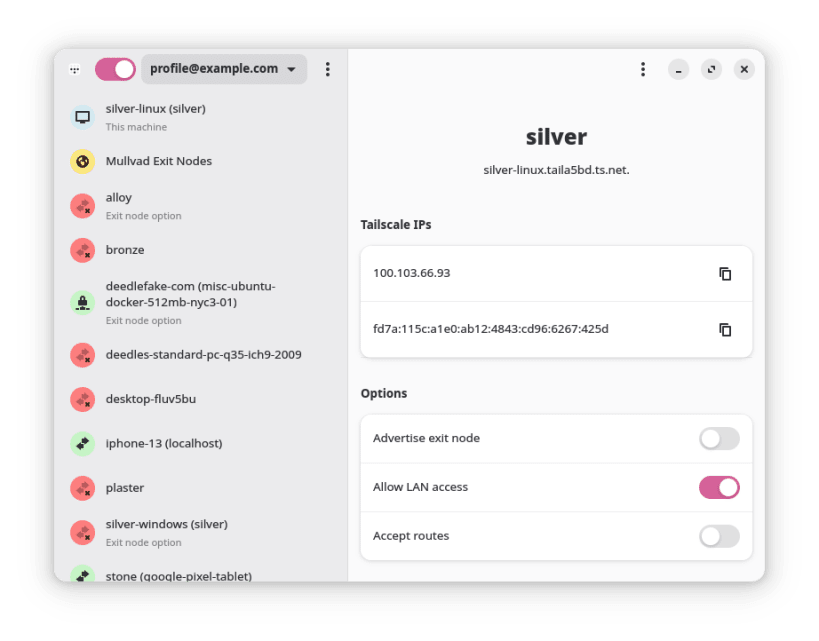
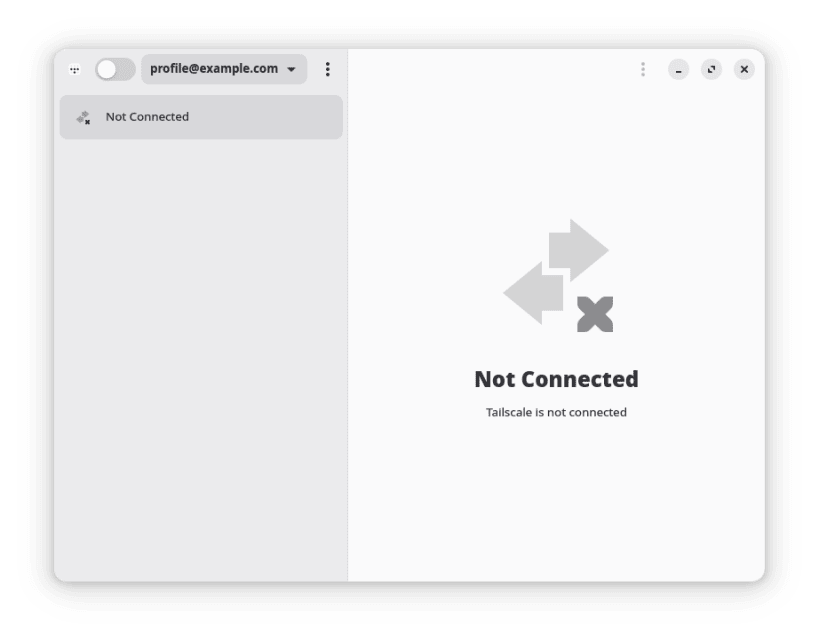
Trayscale is an unofficial GUI interface for the Tailscale daemon particularly for use on Linux, as no official Linux GUI client exists. It provides a basic system tray icon and a fairly comprehensive UI with support for many of Tailscale's features.
Trayscale interfaces with the Tailscale daemon, tailscaled, to perform many of its operations. In order for this to work, the daemon must have been configured with the current user as the "operator".
To do this, run sudo tailscale set --operator=$USER from the command-line at least once manually.
Choose your Linux distribution to get detailed installation instructions. If yours is not shown, get more details on the installing snapd documentation.












