

Install latest/beta of T.U.R.P.O
Ubuntu 16.04 or later?
Make sure snap support is enabled in your Desktop store.
Install using the command line
sudo snap install turpo-app --betaDon't have snapd? Get set up for snaps.
Details for T.U.R.P.O
Package name
- turpo-app
License
- GPL-3.0+
Last updated
- 5 March 2024 - latest/beta
- 5 March 2024 - latest/edge
Websites
External link warning
You are about to open
Do you wish to proceed?
Report a Snap Store violation
Report T.U.R.P.O for a Snap Store violation
Snap Store Violation Report submitted successfully
Thank you for your report. Information you provided will help us investigate further.
Error submitting report
There was an error while sending your report. Please try again later.
Share this snap
Generate an embeddable card to be shared on external websites.
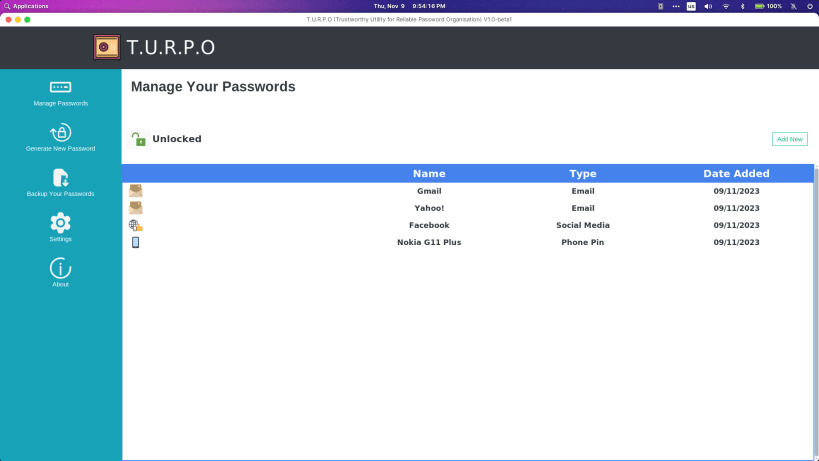
Simple to Use, Feature Rich, Password Management Software
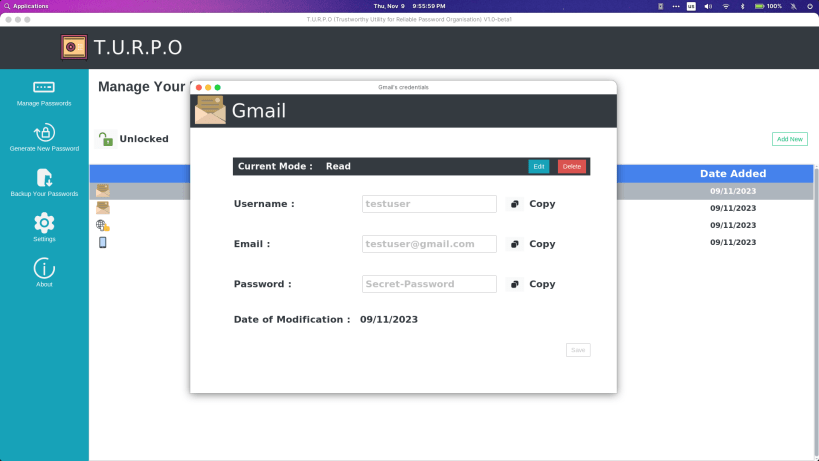
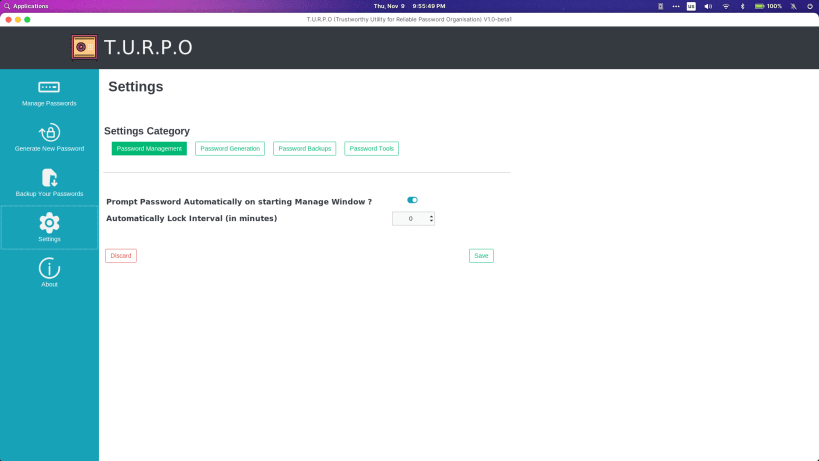
T.U.R.P.O - Trustworthy Utility for Reliable Password Organisation A simple to use, feature-rich, free and Open-Source Password Management Software Currently in Beta Phase, some of the features might be unstable, use it for testing and fun only !
To Track the Latest Development, Look at the development branch : https://github.com/Uthayamurthy/TURPO/tree/development
Features :-
- AES256 bit encryption on plane text file - secure and future proof (no proprietary/strange custom file type)
- Completely Private and Offline - Doesn't need Internet to work. No data is collected. Your credentials belong to you and you only !
- Simple to use UI
- For now, supports 3 types of Credentials - Email, Social Media, Phone Pin
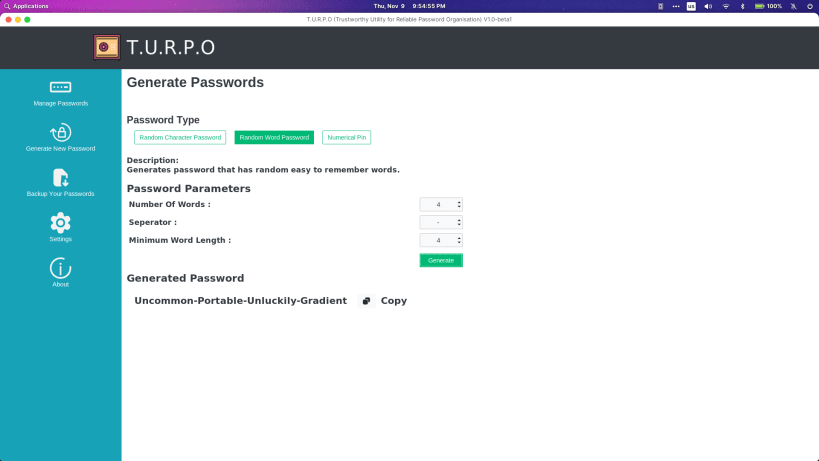
- Has a Powerful Password Generator tool with support to 3 different types of passwords (Random Character, Random Word and Random Number).
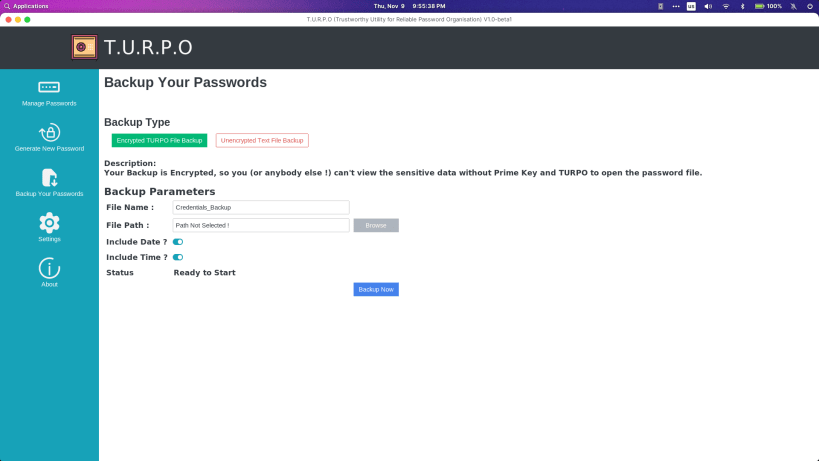
- Has both Encrypted and Unencrypted Backup option
More features will be added soon ! Source : https://github.com/Uthayamurthy/TURPO
| Revision | Channel | Version | Build | Commit | Download SBOM |
|---|
The build and commit information is derived from build infrastructure records.
Install T.U.R.P.O on your Linux distribution
Choose your Linux distribution to get detailed installation instructions. If yours is not shown, get more details on the installing snapd documentation.











