

Tux Train Surfer
Install latest/stable of Tux Train Surfer
Ubuntu 16.04 or later?
Make sure snap support is enabled in your Desktop store.
Install using the command line
sudo snap install tux-train-surferDon't have snapd? Get set up for snaps.

Details for Tux Train Surfer
Package name
- tux-train-surfer
License
- MIT
Last updated
- Today - latest/stable
- Today - latest/edge
Websites
External link warning
You are about to open
Do you wish to proceed?
Report a Snap Store violation
Report Tux Train Surfer for a Snap Store violation
Snap Store Violation Report submitted successfully
Thank you for your report. Information you provided will help us investigate further.
Error submitting report
There was an error while sending your report. Please try again later.
Share this snap
Generate an embeddable card to be shared on external websites.
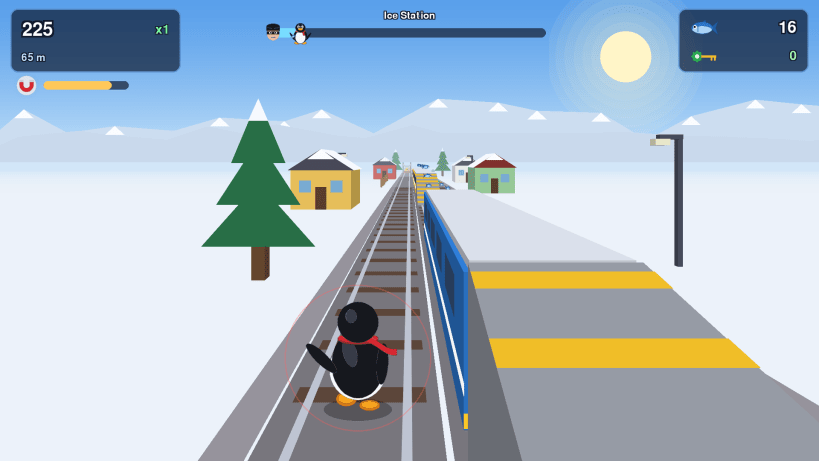
Outrun the bugs, surf the trains and collect fish with Tux!
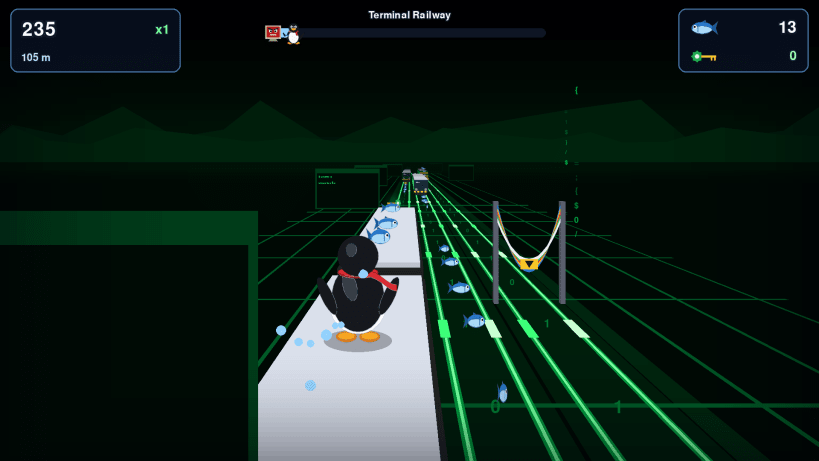
Tux Train Surfer is a free and open source three-track runner starring Tux, the Linux penguin.
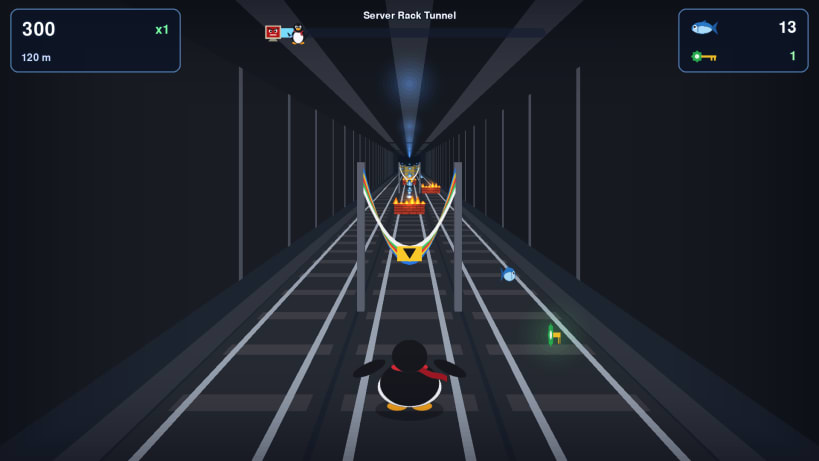
Something nasty is chasing Tux: a thief, a Kernel Panic, a Segfault Monster or a Proprietary Lock-in. Switch tracks, jump over firewalls and onto trains, duck and roll under network cables, dodge zombie processes and watch out for slippery ice where Tux can't steer.
- 15 levels in 15 worlds: Antarctica, Iceland, a container marathon, a server-rack tunnel with blinking LEDs, a terminal railway made of data streams and more, plus an endless mode
- Standing and oncoming trains, with ramps up to the roofs
- Fish, golden fish and open-source keys to collect
- Power-ups: magnet, Tux-board, jetpack, super jump and coffee (x2)
- Missions that raise your permanent score multiplier
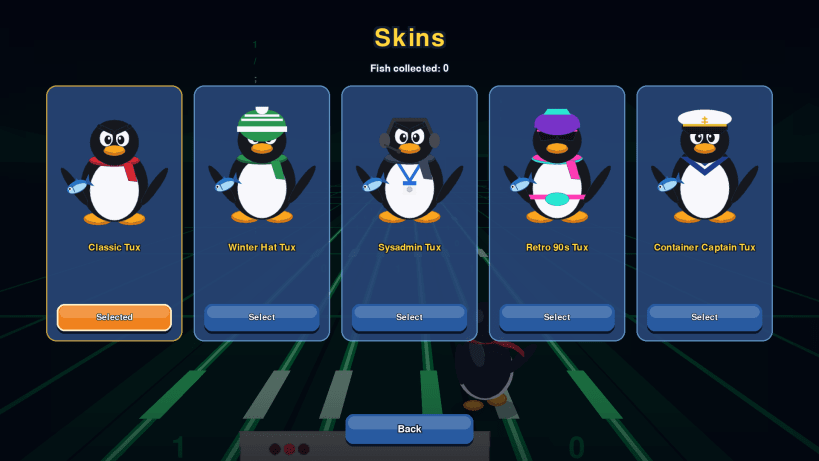
- Skins: classic, winter hat, sysadmin, retro 90s and container captain
- 26 languages, picked automatically from your system
- Fully remappable keyboard and gamepad controls
- HD ready: 720p up to 1440p, windowed or fullscreen (F11)
Every image and sound is generated by the game's own source code, so the whole game is free software (MIT licence).
Gamepad: run sudo snap connect tux-train-surfer:joystick once.
| Revision | Channel | Version | Build | Commit | Download SBOM |
|---|
The build and commit information is derived from build infrastructure records.
Install Tux Train Surfer on your Linux distribution
Choose your Linux distribution to get detailed installation instructions. If yours is not shown, get more details on the installing snapd documentation.











