

Install latest/stable of Univerdia Chat
Ubuntu 16.04 or later?
Make sure snap support is enabled in your Desktop store.
Install using the command line
sudo snap install univerdia-chatDon't have snapd? Get set up for snaps.
Details for Univerdia Chat
Package name
- univerdia-chat
License
- AFL-2.0
Last updated
- 2 October 2026 - latest/stable
- 2 October 2026 - latest/edge
Websites
External link warning
You are about to open
Do you wish to proceed?
Report a Snap Store violation
Report Univerdia Chat for a Snap Store violation
Snap Store Violation Report submitted successfully
Thank you for your report. Information you provided will help us investigate further.
Error submitting report
There was an error while sending your report. Please try again later.
Share this snap
Generate an embeddable card to be shared on external websites.
Team chat for universities: channels, direct messages, threads and files
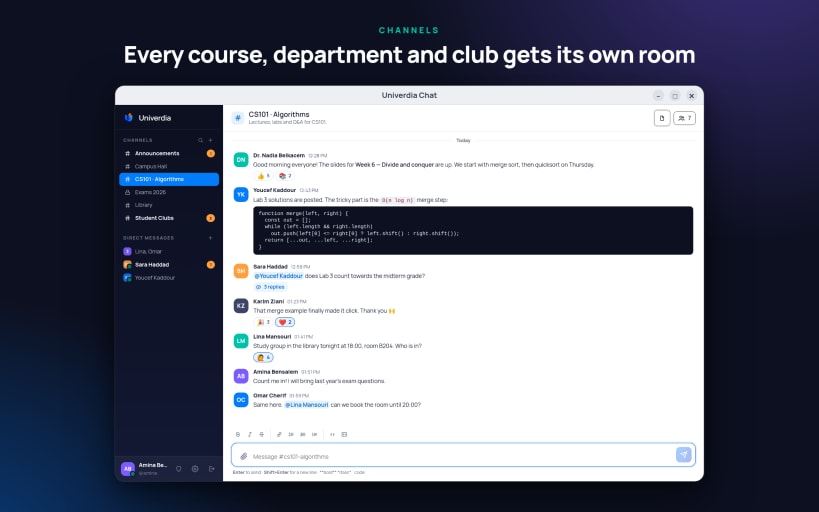
Univerdia Chat is the messaging app for the staff and students of your institution. Every course, department and club gets its own channel, and every conversation stays in one place: on your desktop, in the browser and on your phone.
Talk the way a campus does
- Public and private channels for courses, departments, clubs and announcements
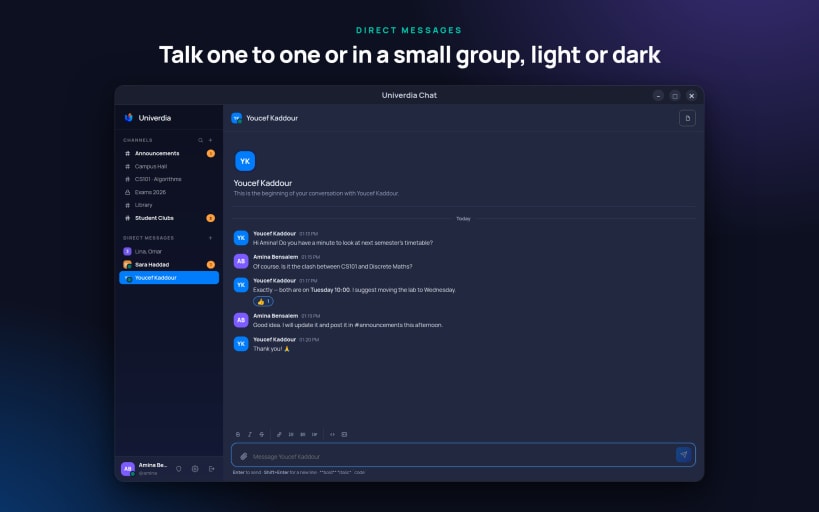
- Direct messages, one to one or in a small group
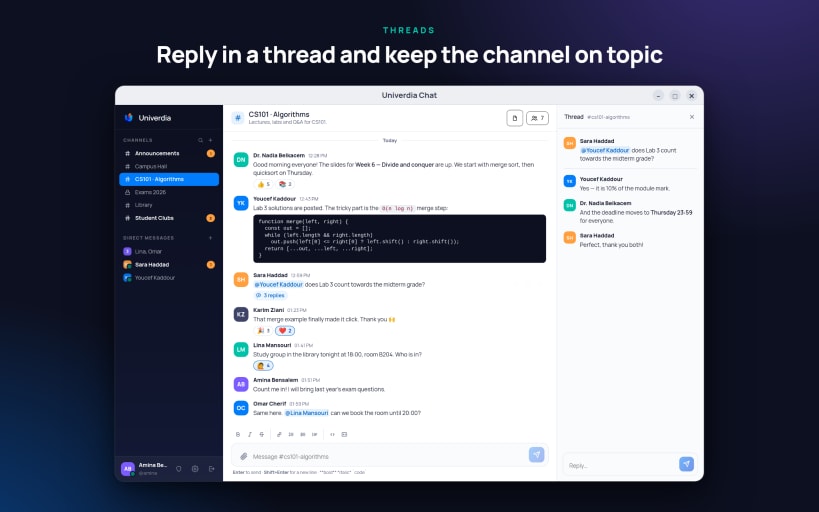
- Threads, so a question gets its answers without burying the channel
- Reactions, @mentions, typing indicators and who is online
- Formatting with bold, italic, lists, links and code blocks
- Files and images in any conversation, with a files panel to find them again
- Edit a message after sending it, or set a reminder to come back to it later
- Desktop notifications with an optional sound
- Light, dark, or follow your system
Built for your institution
- Sign in with your institution's Google account, or with the email and password from an invitation
- No public sign-up: accounts belong to your institution
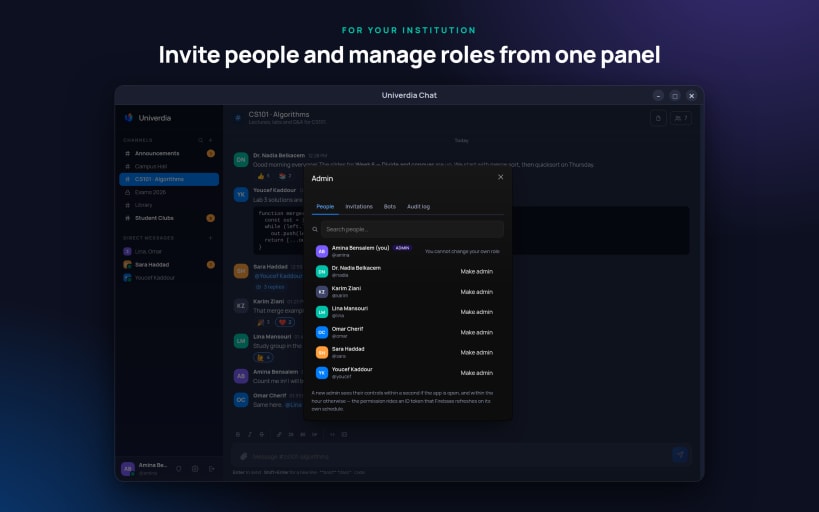
- Administrators invite people, manage roles and bots, and review an audit log
- One app for several organisations: add each server you belong to and switch between them
Univerdia Chat needs an account at an institution that uses it. Learn more at https://univerdia.com/products/chat
| Revision | Channel | Version | Build | Commit | Download SBOM |
|---|
The build and commit information is derived from build infrastructure records.
Install Univerdia Chat on your Linux distribution
Choose your Linux distribution to get detailed installation instructions. If yours is not shown, get more details on the installing snapd documentation.











