
USB Device Inspector
Install latest/stable of USB Device Inspector
Ubuntu 16.04 or later?
Make sure snap support is enabled in your Desktop store.
Install using the command line
sudo snap install usb-device-inspectorDon't have snapd? Get set up for snaps.
Details for USB Device Inspector
Package name
- usb-device-inspector
License
- MIT
Last updated
- Yesterday - latest/stable
Report a Snap Store violation
Report USB Device Inspector for a Snap Store violation
Snap Store Violation Report submitted successfully
Thank you for your report. Information you provided will help us investigate further.
Error submitting report
There was an error while sending your report. Please try again later.
Share this snap
Generate an embeddable card to be shared on external websites.
USB Device Inspector - USB devices, IDs & plug/unplug history
USB Device Inspector lists the USB devices and hubs the Linux kernel knows about by reading /sys/bus/usb/devices, and keeps a plug / unplug history with timestamps.
A lightweight Linux alternative to USBDeview for listing USB devices and their connect / disconnect times.
Key Features:
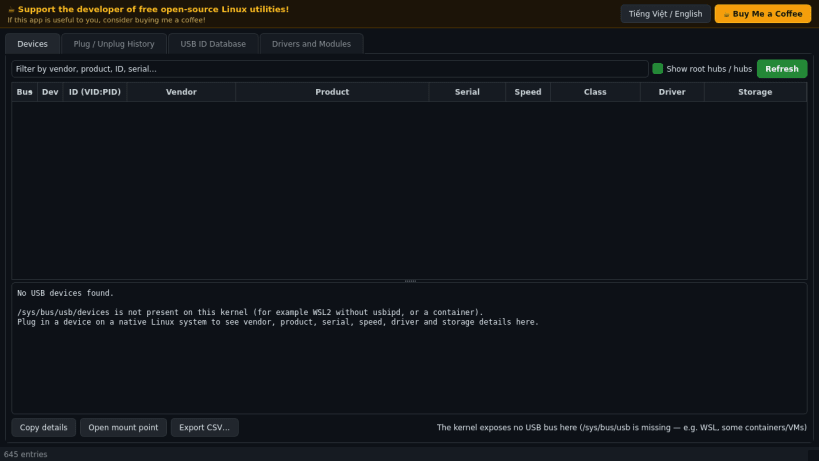
- Device table: bus, device number, VID:PID, vendor, product, serial, speed, class, bound driver and attached storage (size, mount points).
- Detail pane with the full sysfs attribute set; copy and CSV export.
- Live plug / unplug monitor (2s sysfs polling) with a persistent history file, plus events parsed from the kernel log (kern.log / syslog / dmesg) when readable.
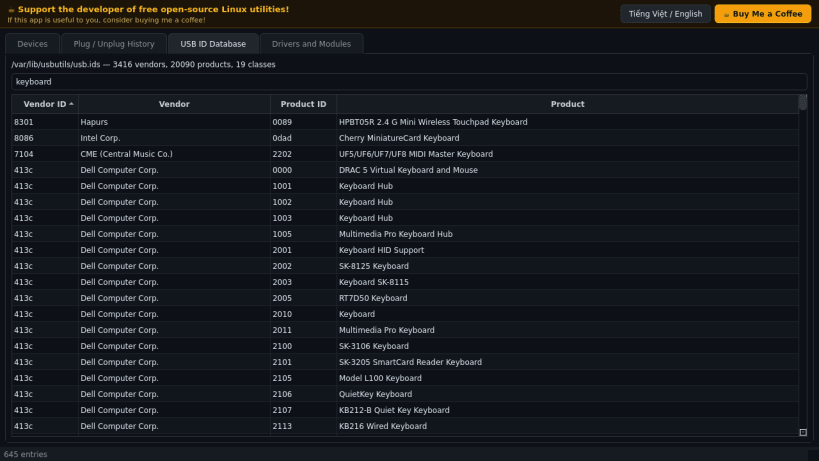
- USB ID database browser (usb.ids) to look up vendors and products.
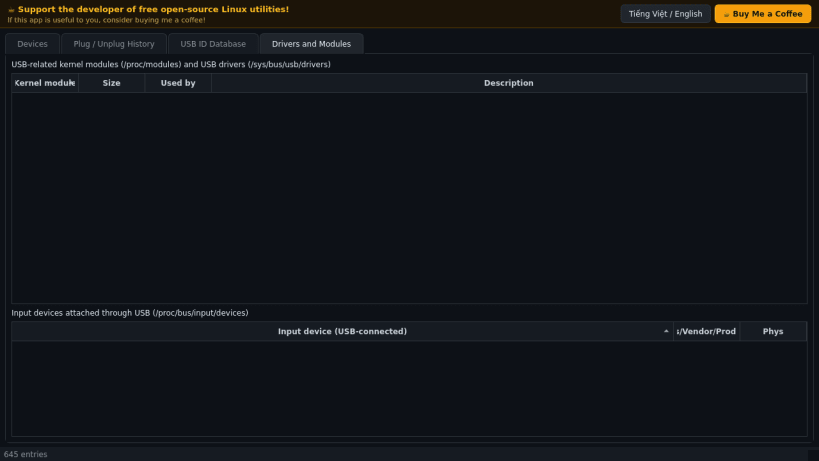
- Drivers & Modules tab: USB-related kernel modules and USB input devices.
- If the kernel exposes no USB bus (for example WSL or some containers) the app says so instead of showing fake data.
- Bilingual donate header (Vietnamese / English).
Disclaimer: This project is an independent open-source tool and is not affiliated with, sponsored by, or endorsed by Nir Sofer / NirSoft.
| Revision | Channel | Version | Build | Commit | Download SBOM |
|---|
The build and commit information is derived from build infrastructure records.
Install USB Device Inspector on your Linux distribution
Choose your Linux distribution to get detailed installation instructions. If yours is not shown, get more details on the installing snapd documentation.


