

Velas Desktop Wallet
Install latest/stable of Velas Desktop Wallet
Ubuntu 16.04 or later?
Make sure snap support is enabled in your Desktop store.
Install using the command line
sudo snap install velas-desktop-walletDon't have snapd? Get set up for snaps.


Details for Velas Desktop Wallet
Package name
- velas-desktop-wallet
License
- CC-BY-1.0
Last updated
- 15 August 2022 - latest/stable
- 6 April 2023 - latest/edge
Websites
Contact
External link warning
You are about to open
Do you wish to proceed?
Report a Snap Store violation
Report Velas Desktop Wallet for a Snap Store violation
Snap Store Violation Report submitted successfully
Thank you for your report. Information you provided will help us investigate further.
Error submitting report
There was an error while sending your report. Please try again later.
Share this snap
Generate an embeddable card to be shared on external websites.
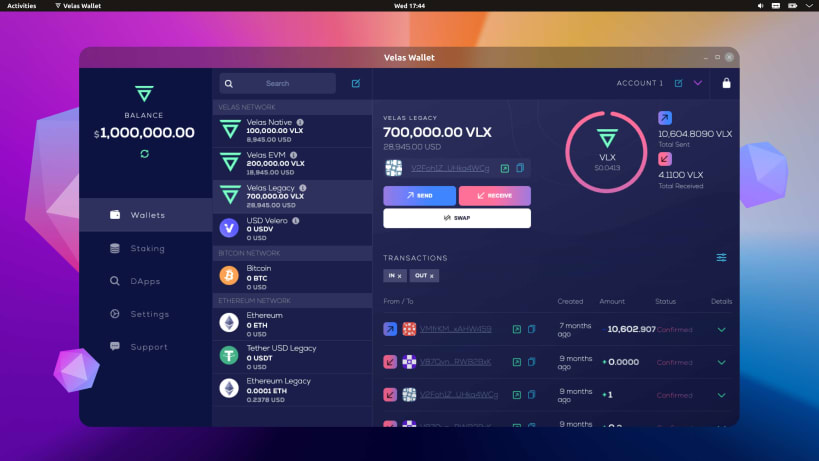
Velas Wallet is a secure, easy-to-use and completely free application to manage your cryptocurrency.
Velas Wallet is a secure, easy-to-use and completely free application to manage your cryptocurrency. With Velas Wallet you can not only store digital currencies, but also actively use them; pay bills, make purchases, and pay for other services by using a QR code.
With this release, the Velas Wallet now has staking functionalities and token holders can earn rewards for securing and maintaining the Velas Network.
Convenience & Easy to use:
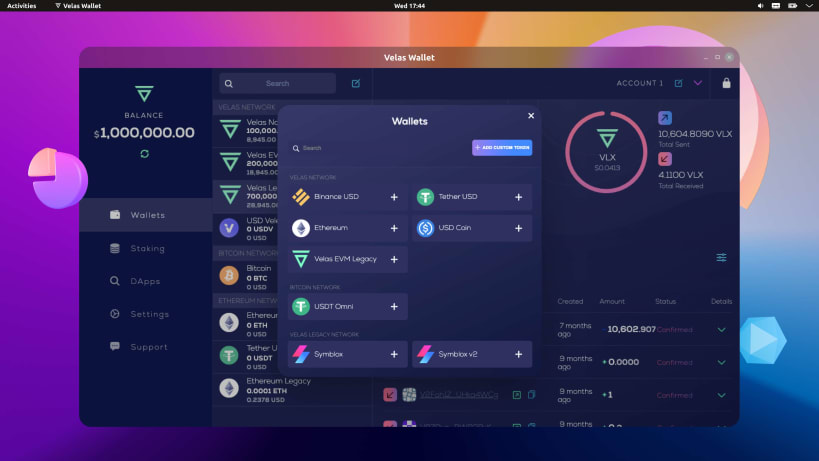
- Multi-currencies: VLX, BTC, ETH, SYX, USDT, LTC, BNB, BUSD, USDC, HT.
- Available for all countries - no geo restrictions.
- Activity log: view your transaction history.
- Fingerprint authentication.
- Multi-language support.
Stake & Earn Simply delegate your stake on an existing node and receive rewards by helping to secure the Velas ecosystem.
Decentralization and Anonymity Velas Wallet is a fully decentralized application. We don't store any of your data, nor do we require any verification for basic services. The Velas team has no access to your funds, as your Wallet’s mnemonic phrase is only stored by the user themselves.
24/7 Live support Our team will take care of you and provide assistance in difficult situations. Feel free to contact us if you have any questions.
| Revision | Channel | Version | Build | Commit | Download SBOM |
|---|
The build and commit information is derived from build infrastructure records.
Install Velas Desktop Wallet on your Linux distribution
Choose your Linux distribution to get detailed installation instructions. If yours is not shown, get more details on the installing snapd documentation.











