

VetroLog
Install latest/stable of VetroLog
Ubuntu 16.04 or later?
Make sure snap support is enabled in your Desktop store.


Details for VetroLog
Package name
- vetrolog
License
- MIT
Last updated
- Today - latest/stable
- Today - latest/edge
Websites
Contact
Source code
Report a bug
External link warning
You are about to open
Do you wish to proceed?
Report a Snap Store violation
Report VetroLog for a Snap Store violation
Snap Store Violation Report submitted successfully
Thank you for your report. Information you provided will help us investigate further.
Error submitting report
There was an error while sending your report. Please try again later.
Share this snap
Generate an embeddable card to be shared on external websites.
Real-time desktop SQLite database inspector for mobile developers
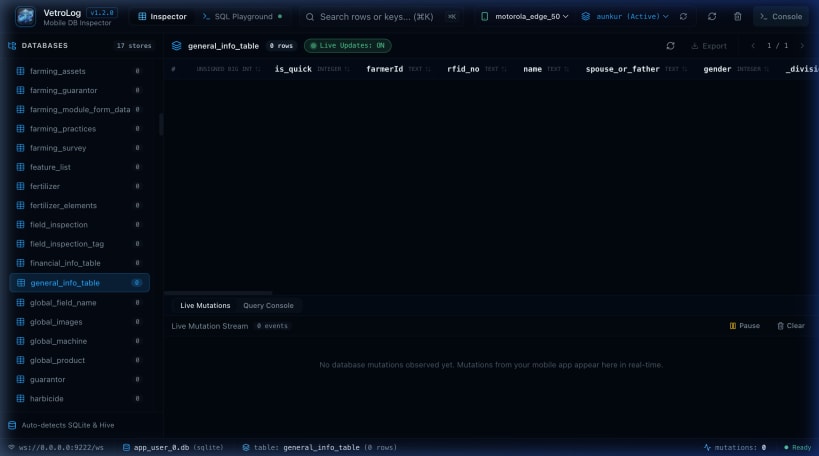
VetroLog is a high-performance desktop SQLite database inspector purpose-built for mobile engineers building applications with Flutter, Android (Room), and React Native.
Key Highlights:
• Zero SDK Setup: Connects directly to running physical devices and emulators over ADB without modifying a single line of your mobile codebase.
• Real-Time WAL Synchronization: Instantly captures live inserts, updates, and deletes with SQLite Write-Ahead Logging (-wal) and Shared Memory (-shm) sync.
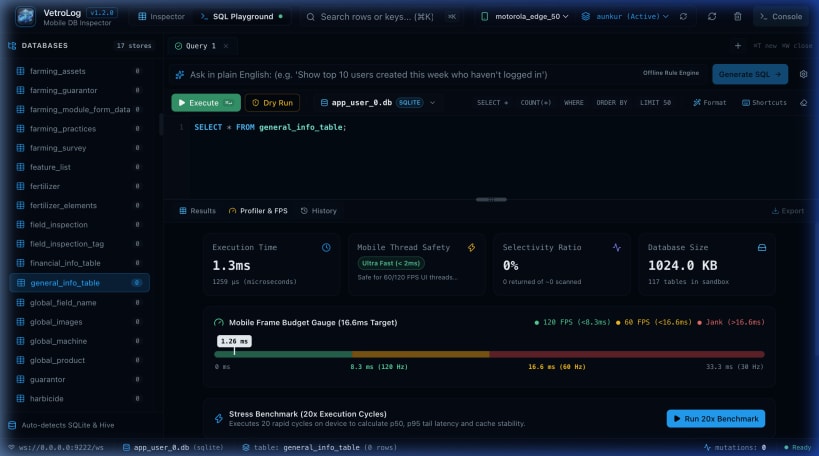
• Intelligent SQL Playground: Multi-tab query console featuring visual EXPLAIN QUERY PLAN execution trees, syntax highlighting, and 1-click Index Advisor recommendations.
• Bidirectional In-Place Editing: Double-click any cell in the DataGrid to modify values with optimistic UI feedback and live device write-back.
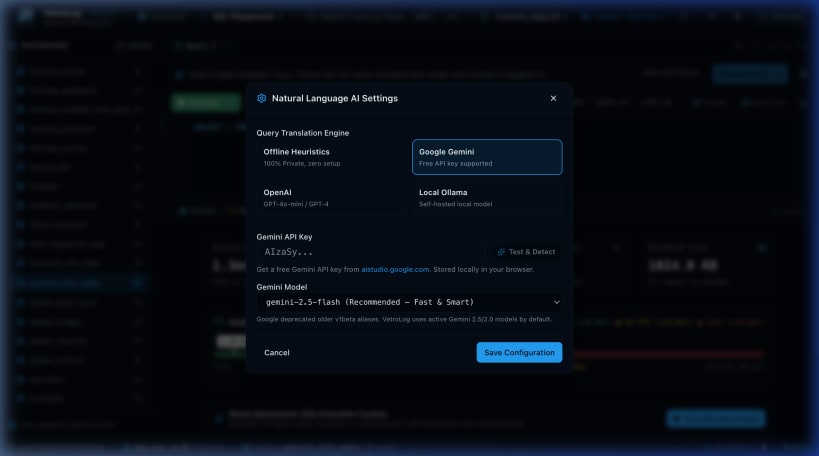
• AI-Powered Assistant: Natural language SQL query generation with offline support or BYOK Gemini 2.5 Flash / OpenAI.
• Local Web Server Mode: Run as a desktop application or start headless in your browser with vetrolog --web.
Framework Compatibility: • Flutter: Drift, sqflite, floor • Android Native: Room, SQLiteOpenHelper, SQLDelight • React Native: react-native-sqlite-storage, op-sqlite
| Revision | Channel | Version | Build | Commit | Download SBOM |
|---|
The build and commit information is derived from build infrastructure records.
Install VetroLog on your Linux distribution
Choose your Linux distribution to get detailed installation instructions. If yours is not shown, get more details on the installing snapd documentation.












