

VibeSuperTonic
Install latest/stable of VibeSuperTonic
Ubuntu 16.04 or later?
Make sure snap support is enabled in your Desktop store.
Install using the command line
sudo snap install vibesupertonicDon't have snapd? Get set up for snaps.
Details for VibeSuperTonic
Package name
- vibesupertonic
License
- GPL-3.0-or-later AND LGPL-2.0-or-later AND LGPL-2.1-or-later AND MIT
Last updated
- 16 October 2026 - latest/stable
- 16 October 2026 - latest/candidate
Websites
Source code
Report a bug
External link warning
You are about to open
Do you wish to proceed?
Report a Snap Store violation
Report VibeSuperTonic for a Snap Store violation
Snap Store Violation Report submitted successfully
Thank you for your report. Information you provided will help us investigate further.
Error submitting report
There was an error while sending your report. Please try again later.
Share this snap
Generate an embeddable card to be shared on external websites.
Reads selected text aloud in a natural voice that runs on your computer
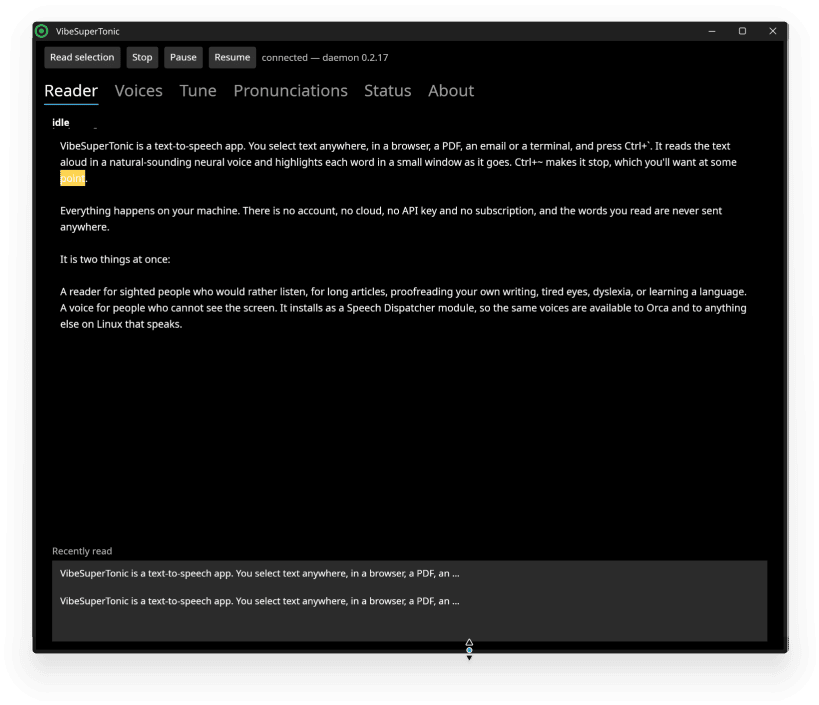
Select text in any application and press a key: VibeSuperTonic reads it aloud in a neural voice. Speech is generated on your own machine, so nothing you read is sent anywhere.
It is also a Speech Dispatcher voice, so Orca and other programs that speak on Linux can use the same voices.
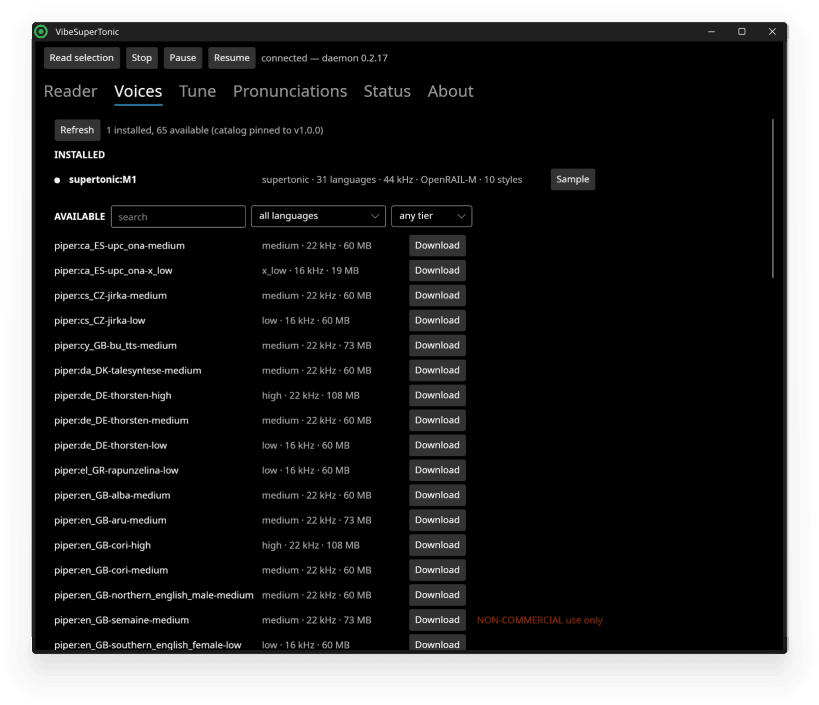
- Two engines: Supertonic, and Piper with 65 voices in 35 languages
- Global hotkeys: Ctrl+` reads the selection, Ctrl+~ stops
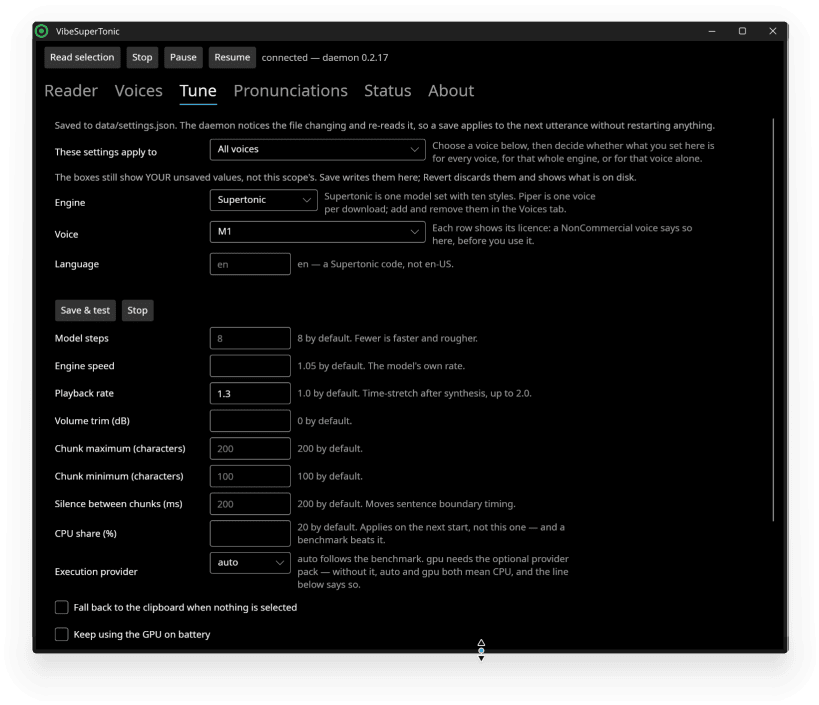
- A window that follows along as it reads, with speed, voice and pronunciation controls
- Works on X11, and on Wayland with KDE Plasma. On GNOME's Wayland session the hotkey cannot read the selection, because GNOME does not offer the protocol that allows it; the screen reader voices work everywhere
- Optional GPU acceleration, falling back to the CPU on its own
The voice models are downloaded on first run, from Hugging Face, after you accept their licence. Connecting the hotkeys and the screen reader is one command in a terminal, which the application shows you.
The voice models (about 380 MB) download on first run.
| Revision | Channel | Version | Build | Commit | Download SBOM |
|---|
The build and commit information is derived from build infrastructure records.
Install VibeSuperTonic on your Linux distribution
Choose your Linux distribution to get detailed installation instructions. If yours is not shown, get more details on the installing snapd documentation.











