

Video Editor 9000
Install latest/stable of Video Editor 9000
Ubuntu 16.04 or later?
Make sure snap support is enabled in your Desktop store.
Install using the command line
sudo snap install video-editor-9000Don't have snapd? Get set up for snaps.
Details for Video Editor 9000
Package name
- video-editor-9000
License
- Proprietary
Last updated
- Today - latest/stable
Websites
Contact
External link warning
You are about to open
Do you wish to proceed?
Report a Snap Store violation
Report Video Editor 9000 for a Snap Store violation
Snap Store Violation Report submitted successfully
Thank you for your report. Information you provided will help us investigate further.
Error submitting report
There was an error while sending your report. Please try again later.
Share this snap
Generate an embeddable card to be shared on external websites.
Easy video editing with titles, transitions, GIFs and a meme maker
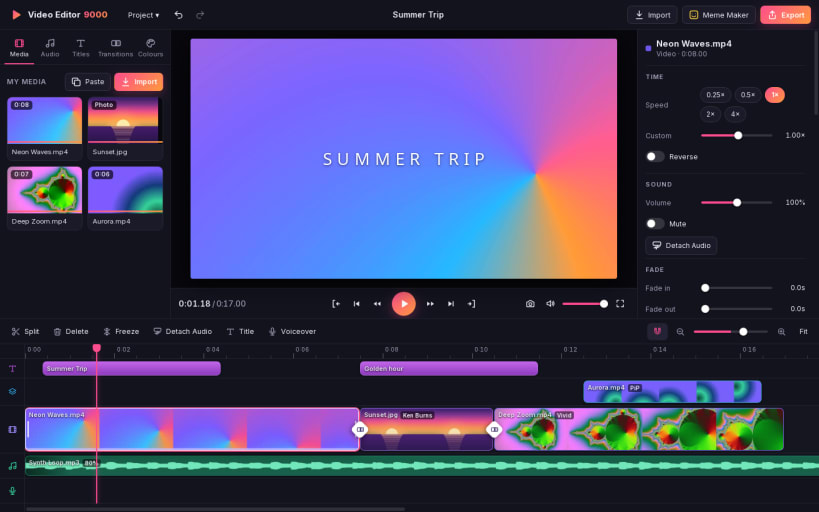
Video Editor 9000 by Team of Monkeys .com is a sleek, friendly video editor for Linux. Drop clips on the timeline, trim and split them, add titles, transitions, music and voiceover, then export in the format you need.
★ A timeline that stays out of your way The main track is magnetic: clips close up when you trim, reorder or delete. Above it sit an overlay track and a title track, below it two audio tracks for music and voiceover. Unlimited undo, autosave, project files.
★ Everything you expect
- Trim, split, duplicate, reorder, freeze frame, reverse
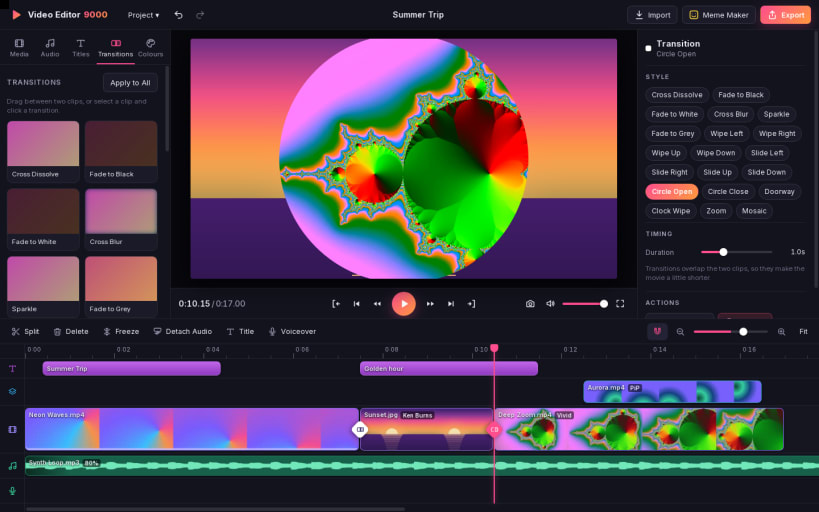
- 20 transitions: cross dissolve, fade through black or white, wipes, slides, circle, zoom, mosaic and more
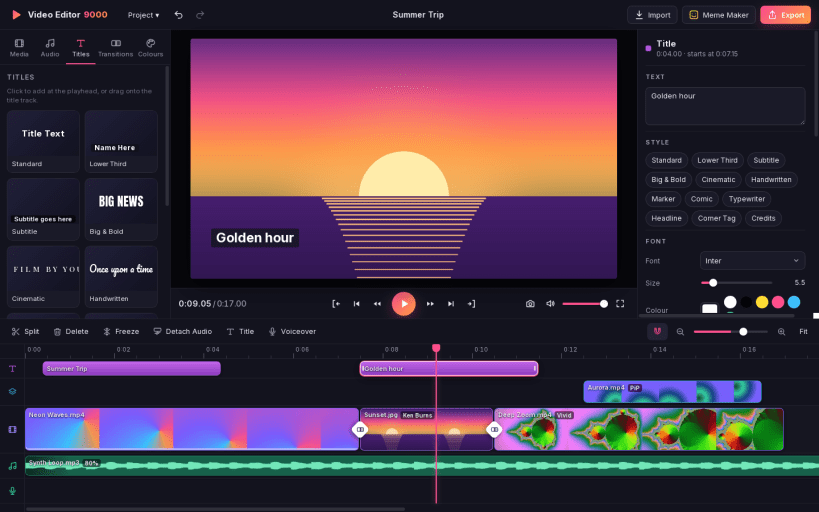
- Titles: standard, lower third, subtitle, big bold, cinematic and others, with fonts, colours, outlines, background bars and animation
- Filters and colour: black and white, noir, sepia, vintage, warm, cool, vivid, dream and more, plus brightness, contrast, saturation, warmth
- Fit, fill, crop, rotate, flip and Ken Burns for photos and video
- Speed from 0.1x to 8x, with pitch kept natural
- Picture in picture, split screen, cutaway and green screen
- Volume, mute, fades, detach audio, voiceover recording
- Stabilise shaky footage
- Landscape, portrait, square and classic projects, up to 4K
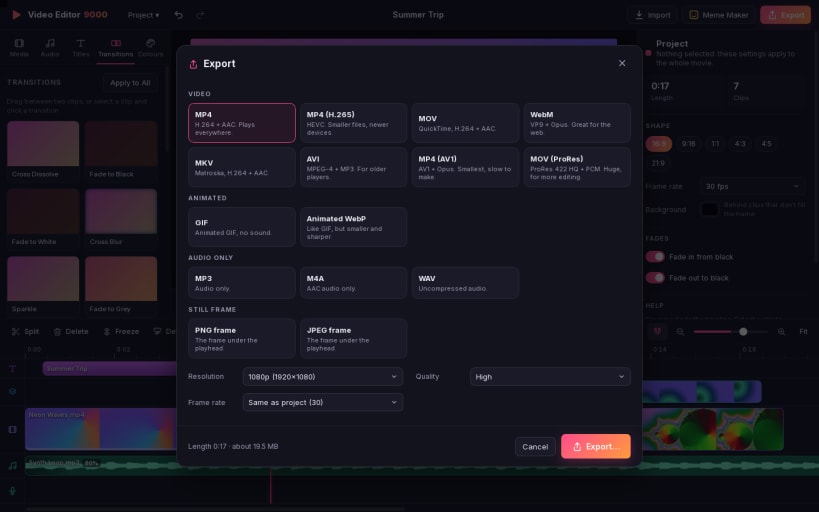
★ Export what you need MP4 (H.264 or H.265), MOV, WebM (VP9), MKV, AVI, AV1, ProRes, GIF, animated WebP, MP3, M4A, WAV, or a still frame as PNG or JPEG. Pick a resolution, frame rate and quality, and watch the progress bar.
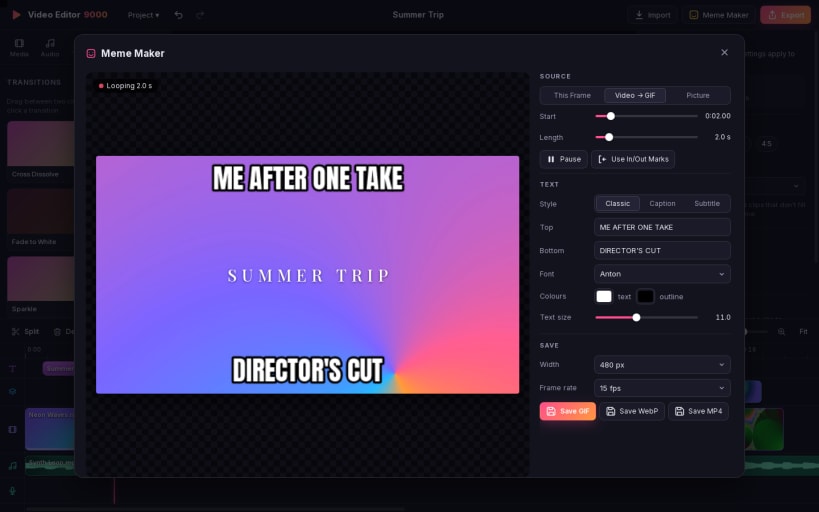
★ Meme maker Grab any frame, add classic top and bottom text or a caption bar, and save a PNG or JPEG or copy it to the clipboard. Or mark an excerpt and turn it into a captioned GIF, WebP or MP4.
Everything runs on this computer: no accounts, no network access, no ads and no telemetry. Video work is done by the bundled FFmpeg.
| Revision | Channel | Version | Build | Commit | Download SBOM |
|---|
The build and commit information is derived from build infrastructure records.
Install Video Editor 9000 on your Linux distribution
Choose your Linux distribution to get detailed installation instructions. If yours is not shown, get more details on the installing snapd documentation.


