

visual-excuses
Install latest/stable of visual-excuses
Ubuntu 16.04 or later?
Make sure snap support is enabled in your Desktop store.
Install using the command line
sudo snap install visual-excusesDon't have snapd? Get set up for snaps.
Details for visual-excuses
Package name
- visual-excuses
License
- GPL-3.0
Last updated
- 5 March 2026 - latest/stable
- 20 May 2026 - latest/edge
Websites
Report a bug
External link warning
You are about to open
Do you wish to proceed?
Report a Snap Store violation
Report visual-excuses for a Snap Store violation
Snap Store Violation Report submitted successfully
Thank you for your report. Information you provided will help us investigate further.
Error submitting report
There was an error while sending your report. Please try again later.
Share this snap
Generate an embeddable card to be shared on external websites.
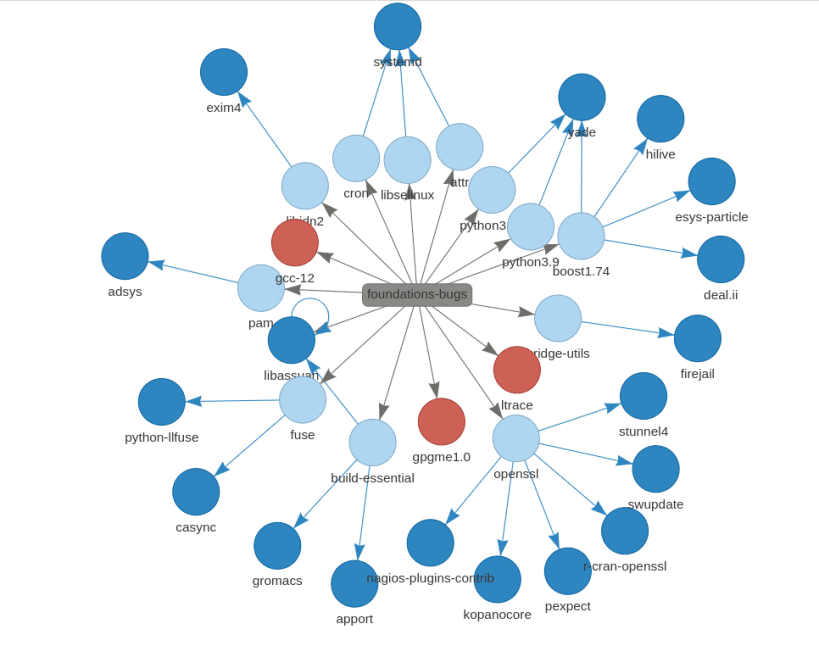
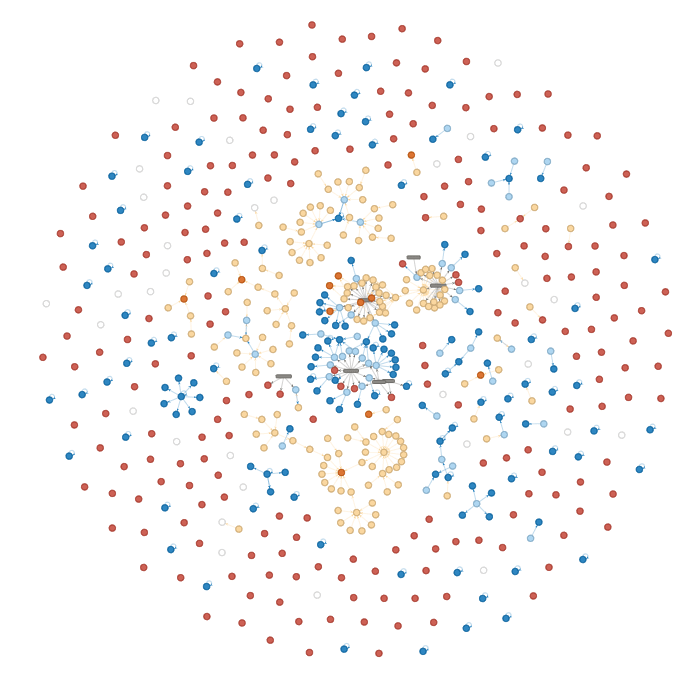
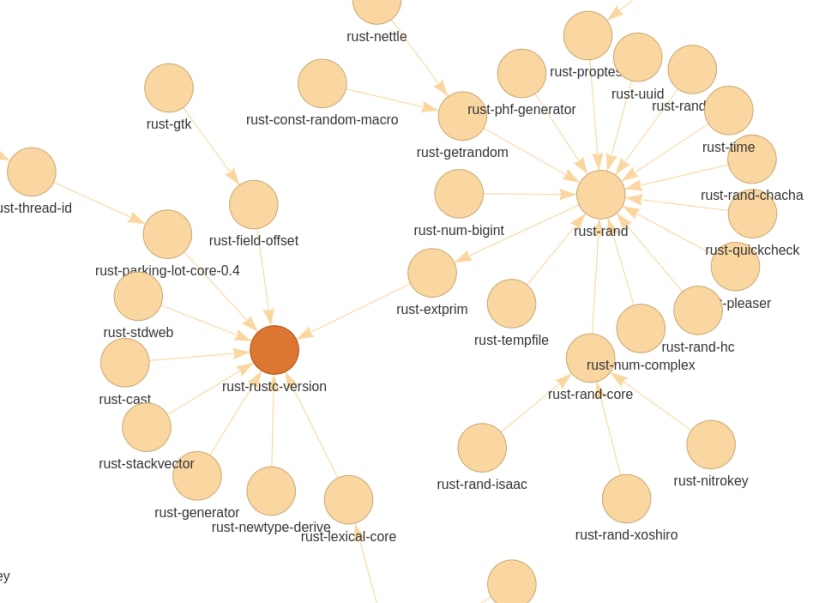
Visual Graph Representation of Ubuntu Archive Proposed Migration Status
Once a package is uploaded to the Ubuntu archive (dput) it triggers a series of tests and rebuilds across multiple packages in the archive. Said package won't be able to migrate until it has build properly and all its dependencies have had successful tests
This is a very simple view but this is what we call package migration.
When a package doesn't migrate, one would wonder why? what is its excuse?
Browsing and looking at https://people.canonical.com/~ubuntu-archive/proposed-migration/update_excuses.html can give excellent insight and help resolve the problem right away but in a lot of case, it could take a long time to find why a package is not migrating due the amount of packages trying to migrate at the same time and blocking each others
Wouldn't it be great to have a visual representation of these excuses?
| Revision | Channel | Version | Build | Commit | Download SBOM |
|---|
The build and commit information is derived from build infrastructure records.
Install visual-excuses on your Linux distribution
Choose your Linux distribution to get detailed installation instructions. If yours is not shown, get more details on the installing snapd documentation.












