

visual-lvm-remote
Install latest/stable of visual-lvm-remote
Ubuntu 16.04 or later?
Make sure snap support is enabled in your Desktop store.
Install using the command line
sudo snap install visual-lvm-remoteDon't have snapd? Get set up for snaps.
Details for visual-lvm-remote
Package name
- visual-lvm-remote
License
- unset
Last updated
- 27 January 2025 - latest/stable
- 14 January 2022 - latest/candidate
Websites
Contact
External link warning
You are about to open
Do you wish to proceed?
Report a Snap Store violation
Report visual-lvm-remote for a Snap Store violation
Snap Store Violation Report submitted successfully
Thank you for your report. Information you provided will help us investigate further.
Error submitting report
There was an error while sending your report. Please try again later.
Share this snap
Generate an embeddable card to be shared on external websites.
Remote GUI LVM manager
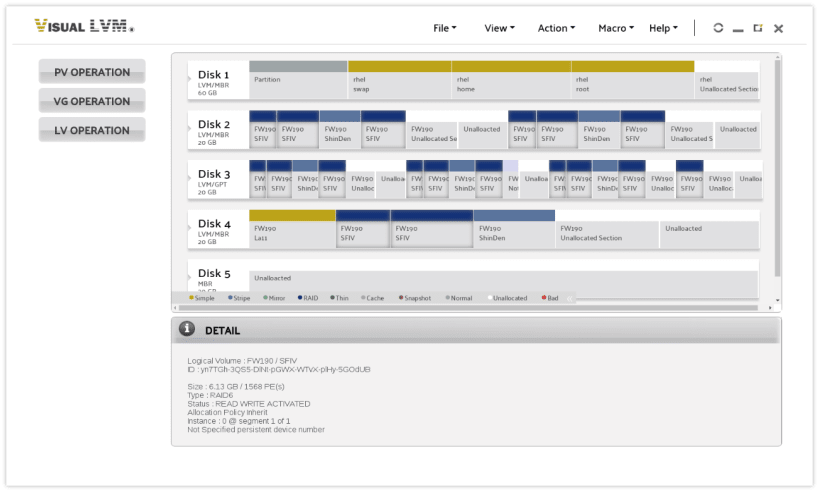
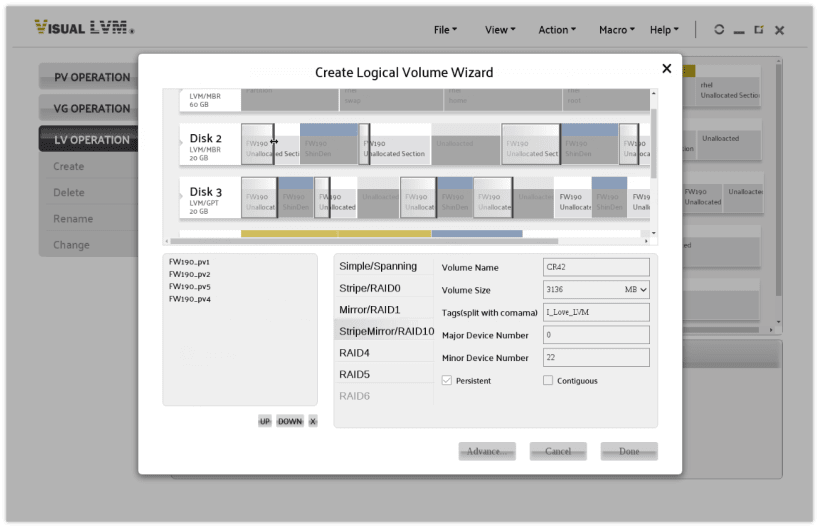
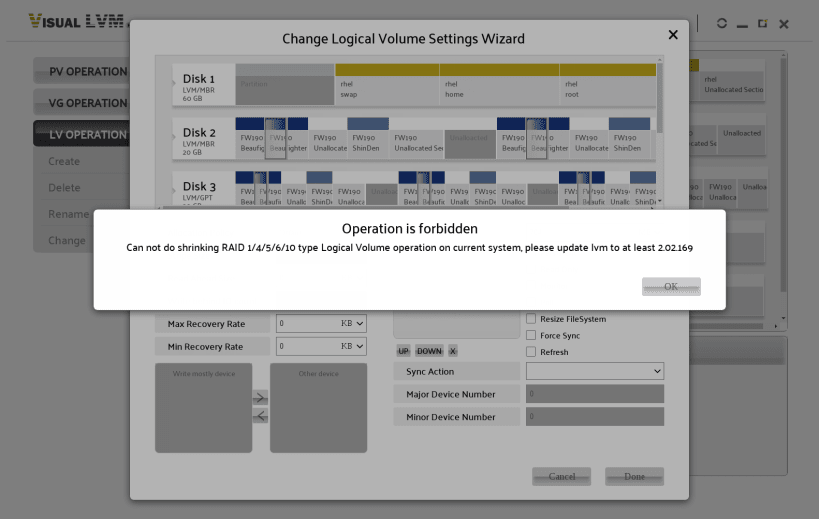
Visual LVM is a GUI based LVM management software developed by weLees., Ltd. It frees storage administrators from endless command line parameters. Visual LVM shows storage layout information based on their location on host physical storage device. At a glance you can see the relationship among the various objects. The vast majority of Visual LVM operations are performed with mouse clicking and dragging. Visual LVM will automatically calculate the available lower and upper limits when entering the dimensions. The wrong value cannot be set at all. For the setting of parameters, For the setting of various parameters, Visual LVM on the one hand describes the meaning of the parameters to the user in natural language.
The full function Visual LVM Remote for SNAP released now! Please connect all requested interfaces before run Visual LVM Remote for SNAP.
| Revision | Channel | Version | Build | Commit | Download SBOM |
|---|
The build and commit information is derived from build infrastructure records.
Install visual-lvm-remote on your Linux distribution
Choose your Linux distribution to get detailed installation instructions. If yours is not shown, get more details on the installing snapd documentation.












