
Install latest/stable of Waiter Restaurant POS Bar Point of Sale
Ubuntu 16.04 or later?
Make sure snap support is enabled in your Desktop store.
Install using the command line
sudo snap install waiterio-restaurant-posDon't have snapd? Get set up for snaps.

You are about to open
Do you wish to proceed?
Thank you for your report. Information you provided will help us investigate further.
There was an error while sending your report. Please try again later.
Generate an embeddable card to be shared on external websites.
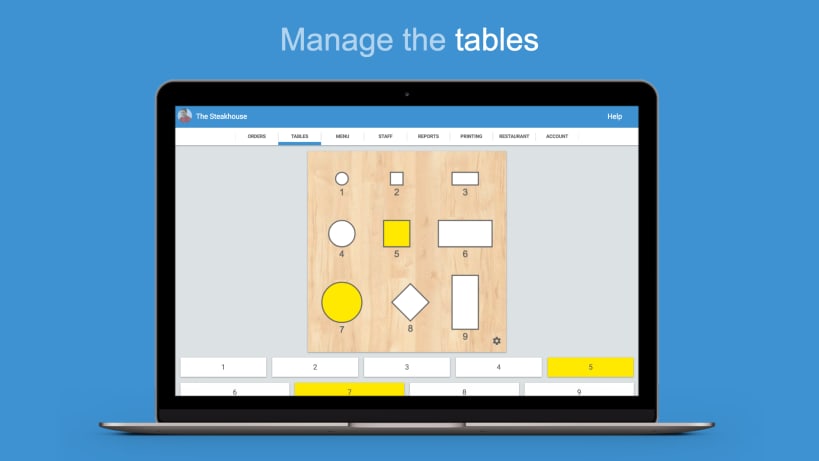
Waiterio Restaurant POS is the fastest way to handle restaurants' orders.
Waiterio makes the life of waiters and cooks easier. Orders of customers can be taken in seconds. The kitchen receive the orders as soon as the waiters take them. The app is recommended for any waiter and cook who doesn't want to fumble around with pen and paper.
Waiterio is an affordable and easy-to-use Point of Sale (POS). It's perfect for every restaurant, bar, coffee shop, pub, pizzeria, Deli, Bistro and other business in the food industry.
Waiterio is the most user friendly restaurant POS app. The app doesn't require any initial long setup. Spend less time configuring the POS and more time making your restaurant and menu charming.
"Very cool. The app works splendidly, really saves you the hassle of writing everything" waiter from Franco's Little Italy restaurant
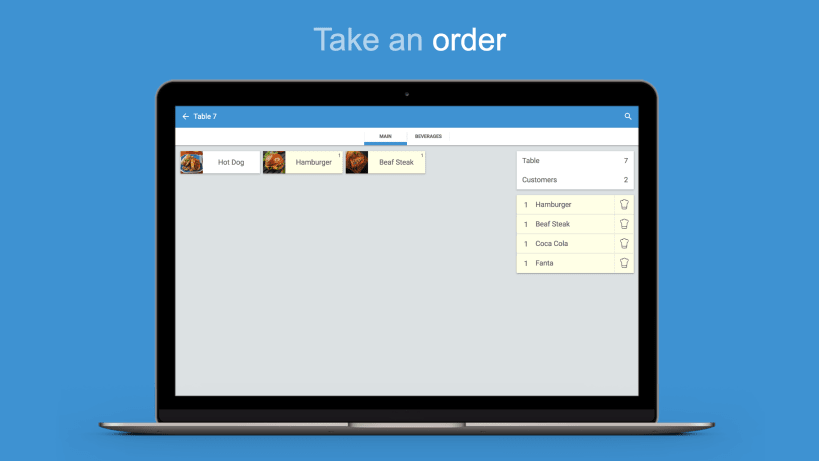
► TAKE ORDERS FASTER A couple of taps and there you go, the customer's order was taken and sent to the kitchen.
► CREATE THE BEST MENU Customize your menu with categories and extra toppings and share it with all the rest of the staff.
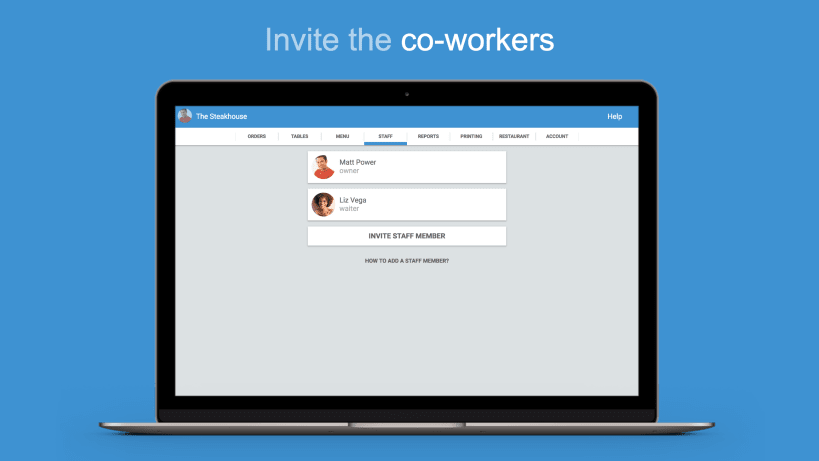
► INVITE YOUR FELLOW CO-WORKERS Invite your colleagues to use Waiterio so orders and menu are automatically shared.
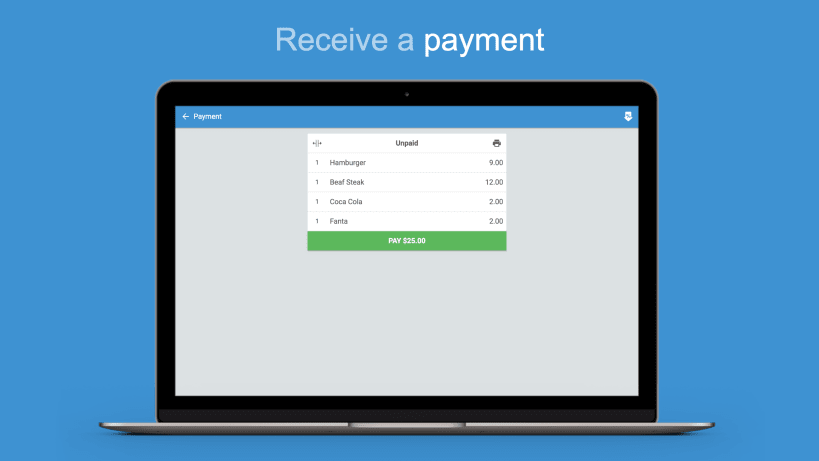
► RECEIVE PAYMENTS Waiterio is a fully functional POS system. Calculate the total for an order and receive the payments by cash or credit card.
► PRINT THE ORDER AND YOU ARE DONE Waiterio can print orders in the kitchen and invoices for customers.
► REPORTS TO REACH PERFECTION Check the revenues of the day/week/month. Discover which dishes are doing great and which ones should be removed from the menu.
► TABLET AT TABLE You can leave a tablet at a customer's table. The customers will be able to read the menu and order their food directly from the tablet.
MORE FEATURES:
WORKS AS:
Waiterio works with all thermal printers that support the ESC POS protocol.
Waiterio is also available for iOS: https://itunes.apple.com/us/app/waiterio/id848943564
Waiterio is also available for PC and Mac: Visit https://www.waiterio.com/downloads/ to download the installer for your OS.
Contact us at any time info@waiterio.com
Follow Waiterio on Facebook https://www.facebook.com/waiterio
| Revision | Channel | Version | Build | Commit |
|---|
The build and commit information is derived from build infrastructure records.
Choose your Linux distribution to get detailed installation instructions. If yours is not shown, get more details on the installing snapd documentation.












